Real Ghost Detector + Radar PC
Tribli Fribli Dev
Download Real Ghost Detector + Radar on PC With GameLoop Emulator
Real Ghost Detector + Radar on PC
Real Ghost Detector + Radar, coming from the developer Tribli Fribli Dev, is running on Android systerm in the past.
Now, You can play Real Ghost Detector + Radar on PC with GameLoop smoothly.
Download it in the GameLoop library or search results. No more eyeing the battery or frustrating calls at the wrong time any more.
Just enjoy Real Ghost Detector + Radar PC on the large screen for free!
Real Ghost Detector + Radar Introduction
🏹 Do you want to hunt or defend against ghosts? This app is for you. 🛡
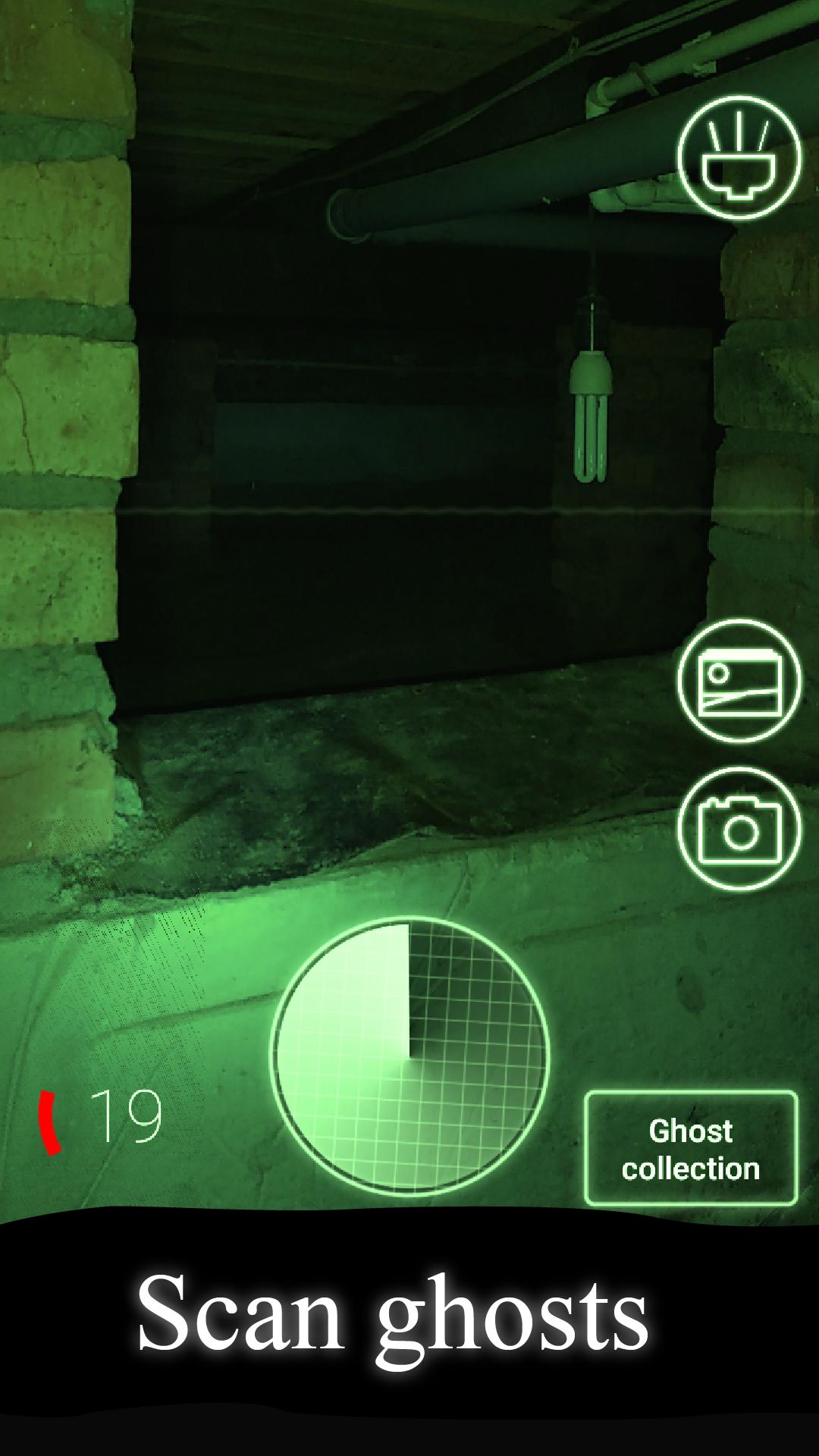
🛠 Ghost detector aka finder is a ghost hunting tool that detects and shows spirits using phone camera. This paranormal app can be used as a ghost communicator.
🕵️♂️ Do you want to find ghosts or spirits in your house, your school, at your work? You just need to go with the phone and rotate the camera to different objects and the ghost detector will show the ghostly power in these objects.
🎧 Likewise this app works as a ghost communicator, because a strong spiritual power can interfere and the image in the camera may turn red or distort, you may even hear the voices of ghosts.
❗ The main thing to remember, do not anger evil forces, you use a ghost detector at your own peril and risk.
🔦 You can turn on the flashlight directly in the application to find ghosts even in the dark.
🔎 Ghost detector is a great replacement for a regular ghost radar, it shows you camera image and spirit power. This app can be used as a ghost tracker. High spirit power means that ghosts are near you. Also ghost camera beeps when spirit power is high, if it is very high you even can hear sounds from afterworld and see some ghosts.
We cannot scientifically prove that this app is looking for real ghosts. This app is made for fun and entertainment purposes only.
Preview

Tags
EntertainmentInformation
Developer
Tribli Fribli Dev
Latest Version
1.81
Last Updated
2025-09-21
Category
Entertainment
Available on
Google Play
Show More
How to play Real Ghost Detector + Radar with GameLoop on PC
1. Download GameLoop from the official website, then run the exe file to install GameLoop
2. Open GameLoop and search for “Real Ghost Detector + Radar” , find Real Ghost Detector + Radar in the search results and click “Install”
3. Enjoy playing Real Ghost Detector + Radar on GameLoop
Minimum requirements
OS
Windows 8.1 64-bit or Windows 10 64-bit
GPU
GTX 1050
CPU
i3-8300
Memory
8GB RAM
Storage
1GB available space
Recommended requirements
OS
Windows 8.1 64-bit or Windows 10 64-bit
GPU
GTX 1050
CPU
i3-9320
Memory
16GB RAM
Storage
1GB available space