Raiyons Java Combat Minecraft PC
Mods MCPE Inc.
Download Raiyons Java Combat Minecraft on PC With GameLoop Emulator
Raiyons Java Combat Minecraft on PC
Raiyons Java Combat Minecraft, coming from the developer Mods MCPE Inc., is running on Android systerm in the past.
Now, You can play Raiyons Java Combat Minecraft on PC with GameLoop smoothly.
Download it in the GameLoop library or search results. No more eyeing the battery or frustrating calls at the wrong time any more.
Just enjoy Raiyons Java Combat Minecraft PC on the large screen for free!
Raiyons Java Combat Minecraft Introduction
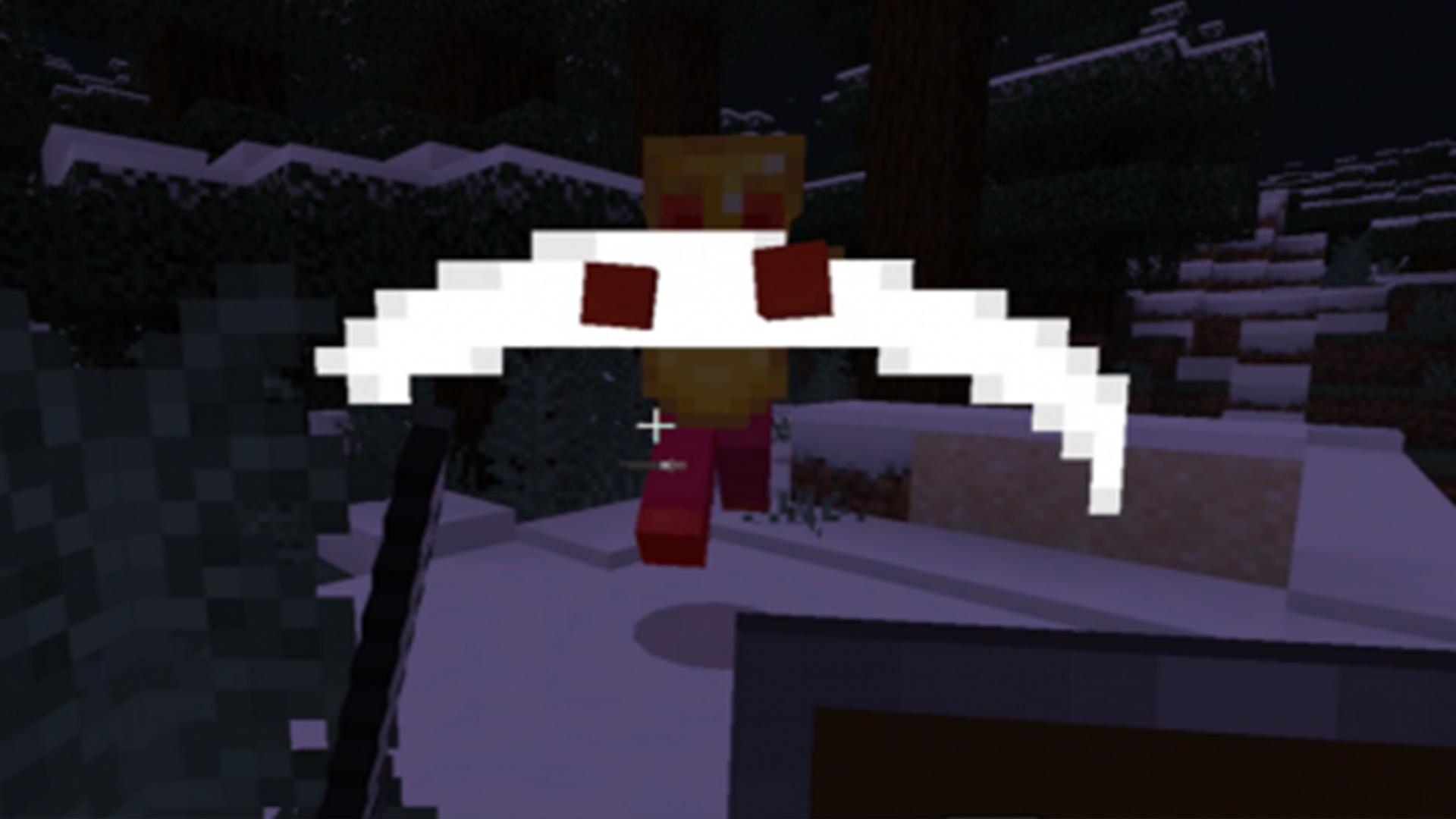
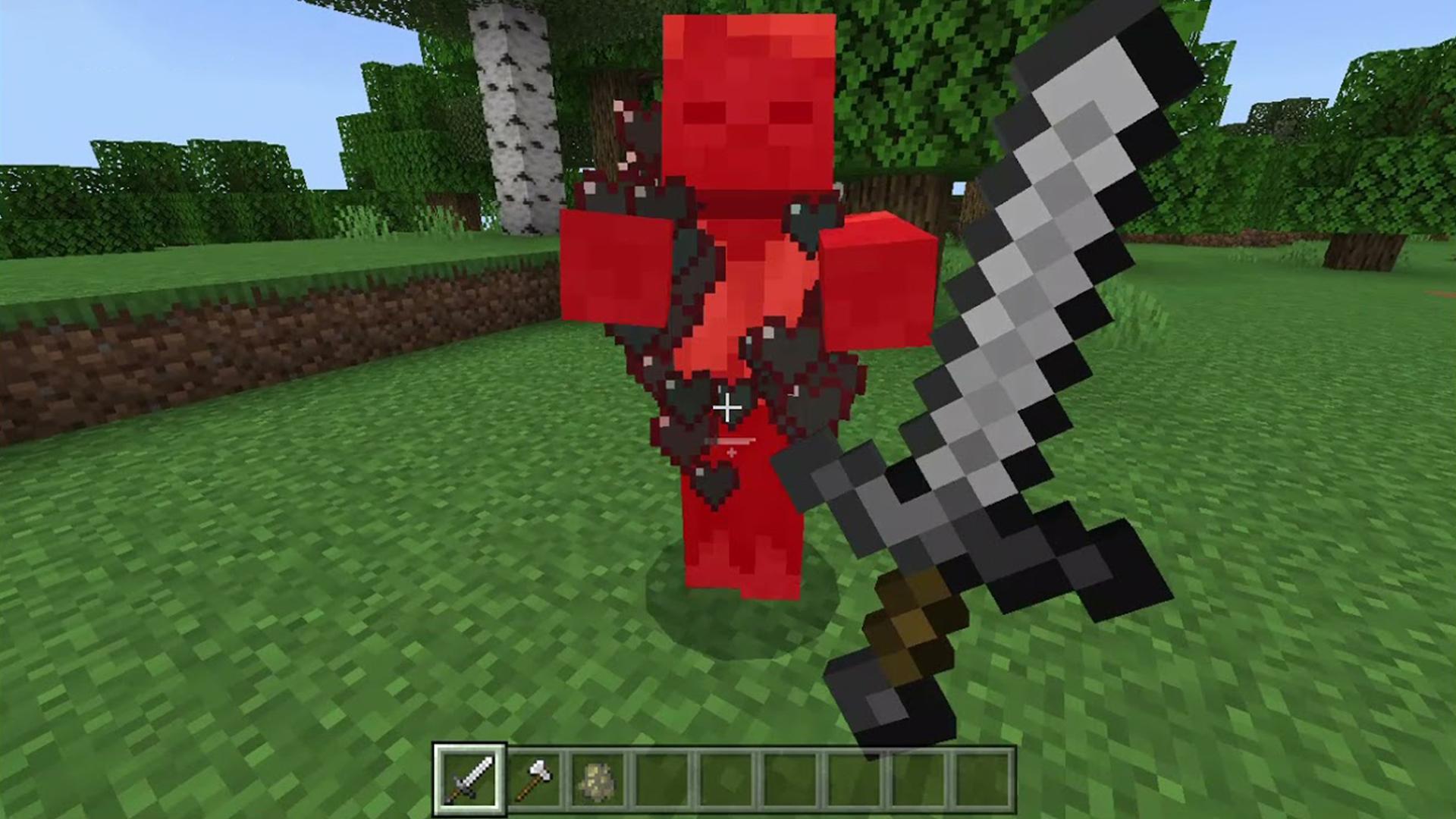
The Raiyons Java Combat Minecraft Mod makes the bedrock version of Minecraft feel more like the Java version. If you want a better combat experience, this addon is for you. It makes the combat system more like the one in Java. In Java combat, there is a certain amount of time you have to wait after using a weapon or tool before you can use it again to do the most damage. This can be seen as a loading bar under the cursor. Using a powerful sword to attack, you can harm all nearby enemies. But it only works if you dont make a really strong hit. This attack helps farms because it makes animals drop items and experience when they die. It also causes 2 points of damage. [Disclamer, this application is not affiliated in any way with Mojang AB. The creators of this application for MCPE are not anyhow associated with Mojang. This product fully complies with the rules set by Mojang at https://account.mojang.com/terms. All rights reserved.]
Preview
Tags
EntertainmentInformation
Developer
Mods MCPE Inc.
Latest Version
1.0.11
Last Updated
2025-02-16
Category
Entertainment
Available on
Google Play
Show More
How to play Raiyons Java Combat Minecraft with GameLoop on PC
1. Download GameLoop from the official website, then run the exe file to install GameLoop
2. Open GameLoop and search for “Raiyons Java Combat Minecraft” , find Raiyons Java Combat Minecraft in the search results and click “Install”
3. Enjoy playing Raiyons Java Combat Minecraft on GameLoop
Minimum requirements
OS
Windows 8.1 64-bit or Windows 10 64-bit
GPU
GTX 1050
CPU
i3-8300
Memory
8GB RAM
Storage
1GB available space
Recommended requirements
OS
Windows 8.1 64-bit or Windows 10 64-bit
GPU
GTX 1050
CPU
i3-9320
Memory
16GB RAM
Storage
1GB available space