
Portable Fan PC
Zacky Walkthrough
Download Portable Fan on PC With GameLoop Emulator
Portable Fan on PC
Portable Fan, coming from the developer Zacky Walkthrough, is running on Android systerm in the past.
Now, You can play Portable Fan on PC with GameLoop smoothly.
Download it in the GameLoop library or search results. No more eyeing the battery or frustrating calls at the wrong time any more.
Just enjoy Portable Fan PC on the large screen for free!
Portable Fan Introduction
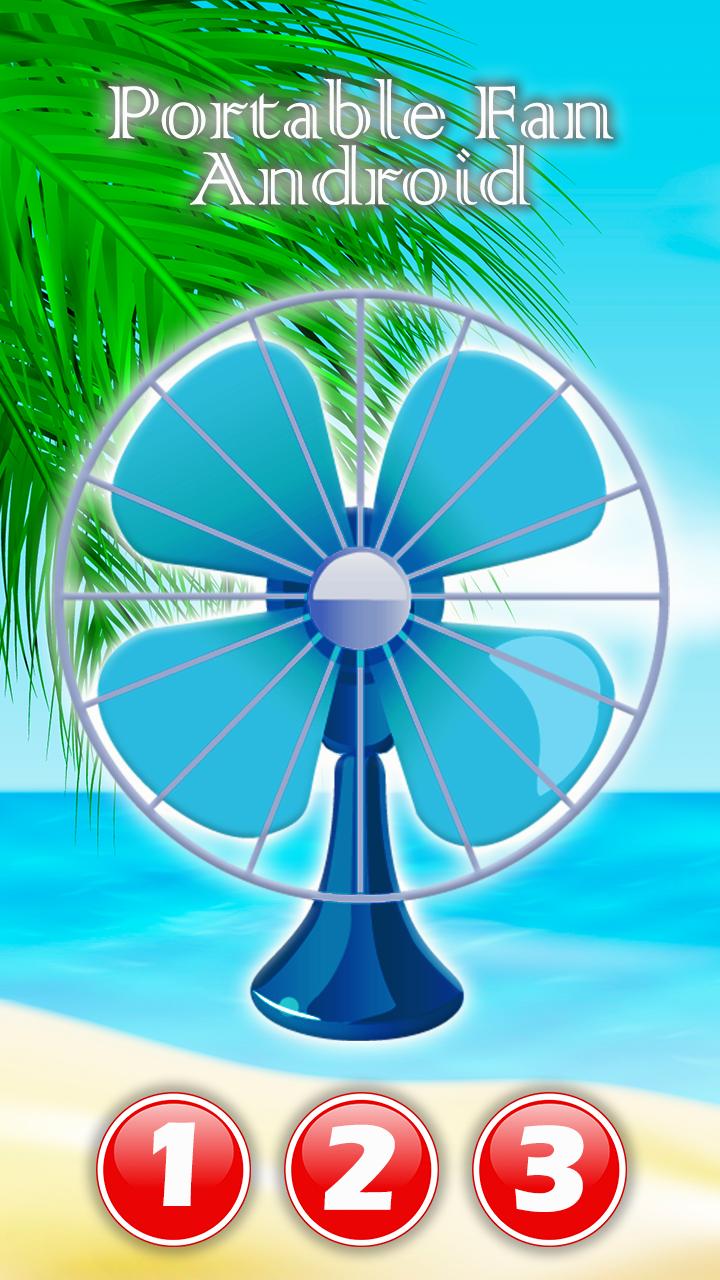
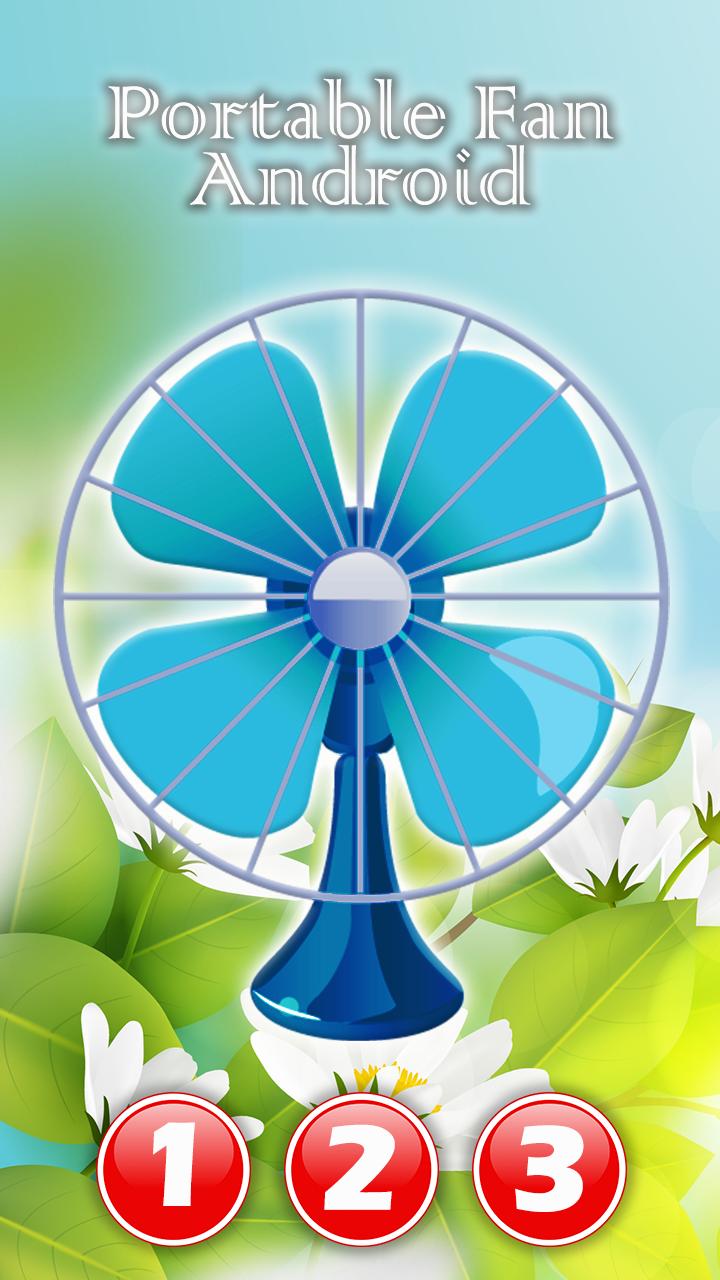
✳ This app is the portable fan sound that is use for provide good sleep with good sound to App user. ✳
✳ We are basically provide you a good sleep with the best sleeping sound in the universe. A nice table fan! ✳
✳ Sleep well and wake up tomorrow well rested, try the fan app for sleep today! Go to sleep listening to sleep fan noises that will help you calm down and fall asleep! The fan free “sleep app” brings you soothing sleep sounds to help you fall asleep easier. Download this new “quality sleep app”, listen to the different “fan sounds” for free sleep, deep sleep and relaxing! ✳
Highest Quality Sleep Fan Noise
√ Highest Quality Fan Noise Sounds / White Noise
√ Fall Asleep Faster
√ 3 Soothing High Quality Fan Sounds
√ Sleep timer with soft fade out
√ White noise fan sound works fast
√ Keeps fan noise running in background
Many people rely on the sound of their fan to help them fall asleep at bedtime...
But the problem is that you can't always bring your fan with you!
...BUT wait, you have your smart phone with you 95% of the time! So if you download this FREE app then you have your bedtime fan sound with you wherever you are!
Great for sleeping, relaxing, taking a nap, focusing, calming your mind, meditation, studying, blocking out background disturbances and providing soothing sound for your baby.
Get a better sleep with Bedtime Fan Noise - White Noise Sounds! Download now for FREE!
Preview
Tags
EntertainmentInformation
Developer
Zacky Walkthrough
Latest Version
2.0.2.0
Last Updated
2020-11-25
Category
Entertainment
Available on
Google Play
Show More
How to play Portable Fan with GameLoop on PC
1. Download GameLoop from the official website, then run the exe file to install GameLoop
2. Open GameLoop and search for “Portable Fan” , find Portable Fan in the search results and click “Install”
3. Enjoy playing Portable Fan on GameLoop
Minimum requirements
OS
Windows 8.1 64-bit or Windows 10 64-bit
GPU
GTX 1050
CPU
i3-8300
Memory
8GB RAM
Storage
1GB available space
Recommended requirements
OS
Windows 8.1 64-bit or Windows 10 64-bit
GPU
GTX 1050
CPU
i3-9320
Memory
16GB RAM
Storage
1GB available space