
ON Stream PC
OnePlay Studios
Download ON Stream on PC With GameLoop Emulator
ON Stream on PC
ON Stream, coming from the developer OnePlay Studios, is running on Android systerm in the past.
Now, You can play ON Stream on PC with GameLoop smoothly.
Download it in the GameLoop library or search results. No more eyeing the battery or frustrating calls at the wrong time any more.
Just enjoy ON Stream PC on the large screen for free!
ON Stream Introduction
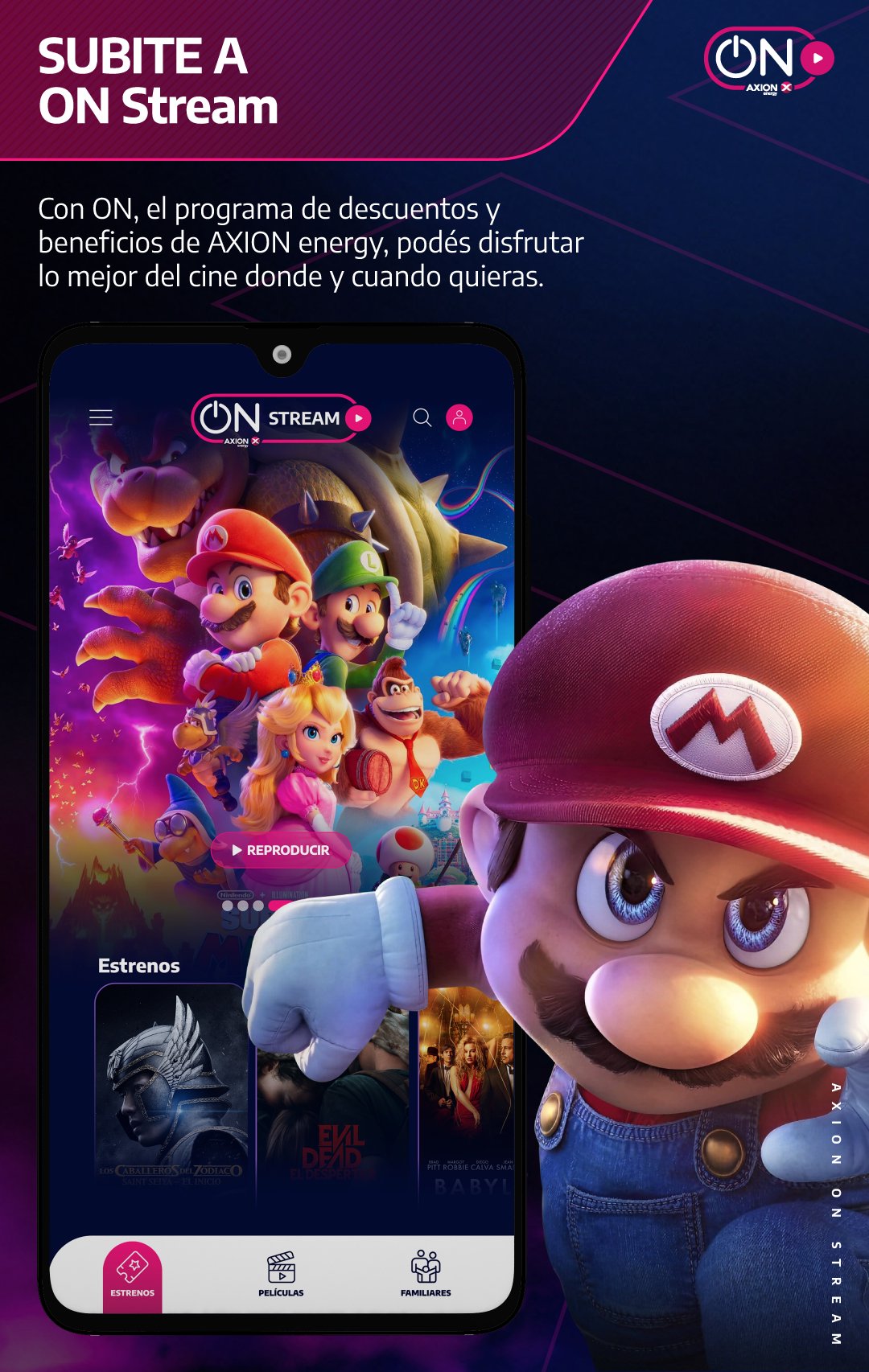
We welcome you to ON Stream, Axion Energy's new entertainment platform that we designed especially for you and from where you can enjoy the best movie premieres.
ON Stream is the perfect complement to our ON rewards program, so now you can redeem your ON coins for amazing movies straight out of theaters.
With ON Stream all Argentines have super easy access to the best premieres.
To see any movie you must have a voucher that you can exchange in any of these three ways: installing the ON app and purchasing it, redeeming it free of charge for your ON coins or visiting any of our AXION service stations throughout the country.
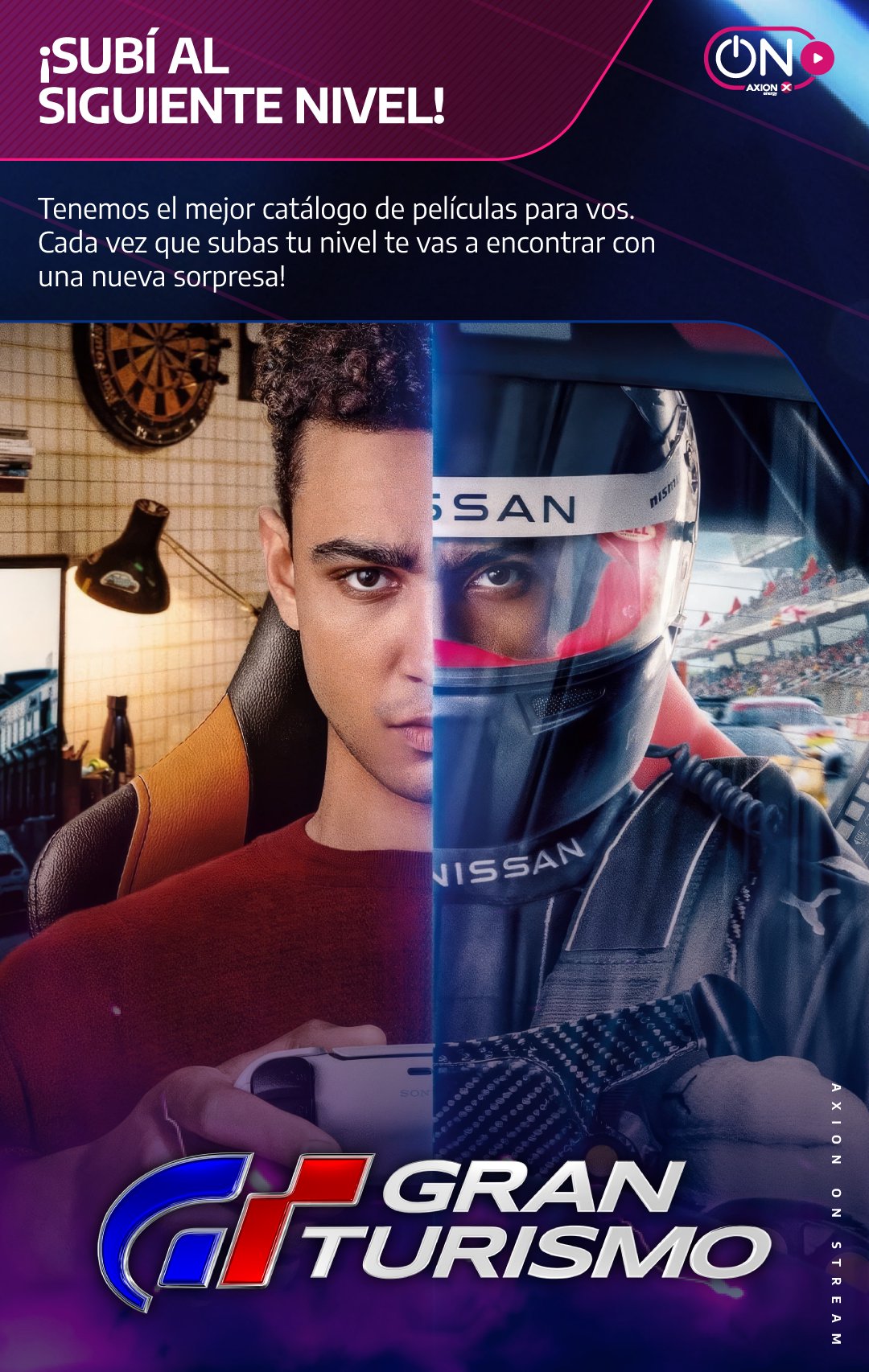
From ON Streams you have access to a huge movie library, where you will find the latest Hollywood releases, but also great classics of all time. The best thing is that every week we bring new titles and many other surprises.
On Stream is designed for you to enjoy, but you can also watch the best movies with your family or friends.
Enjoy our movies from any Android device (mobile phone, tablet or Android TV).
On Stream is not like any other platform, it is unique. That's why you're going to enjoy exclusive movies or much sooner than on other streaming services and without monthly subscriptions.
Get on ON, enjoy the best entertainment whenever and wherever you want.
Preview
Tags
EntertainmentInformation
Developer
OnePlay Studios
Latest Version
1.1
Last Updated
2024-08-20
Category
Entertainment
Available on
Google Play
Show More
How to play ON Stream with GameLoop on PC
1. Download GameLoop from the official website, then run the exe file to install GameLoop
2. Open GameLoop and search for “ON Stream” , find ON Stream in the search results and click “Install”
3. Enjoy playing ON Stream on GameLoop
Minimum requirements
OS
Windows 8.1 64-bit or Windows 10 64-bit
GPU
GTX 1050
CPU
i3-8300
Memory
8GB RAM
Storage
1GB available space
Recommended requirements
OS
Windows 8.1 64-bit or Windows 10 64-bit
GPU
GTX 1050
CPU
i3-9320
Memory
16GB RAM
Storage
1GB available space