Ocarina PC
Leugim Starwind
Download Ocarina on PC With GameLoop Emulator
Ocarina on PC
Ocarina, coming from the developer Leugim Starwind, is running on Android systerm in the past.
Now, You can play Ocarina on PC with GameLoop smoothly.
Download it in the GameLoop library or search results. No more eyeing the battery or frustrating calls at the wrong time any more.
Just enjoy Ocarina PC on the large screen for free!
Ocarina Introduction
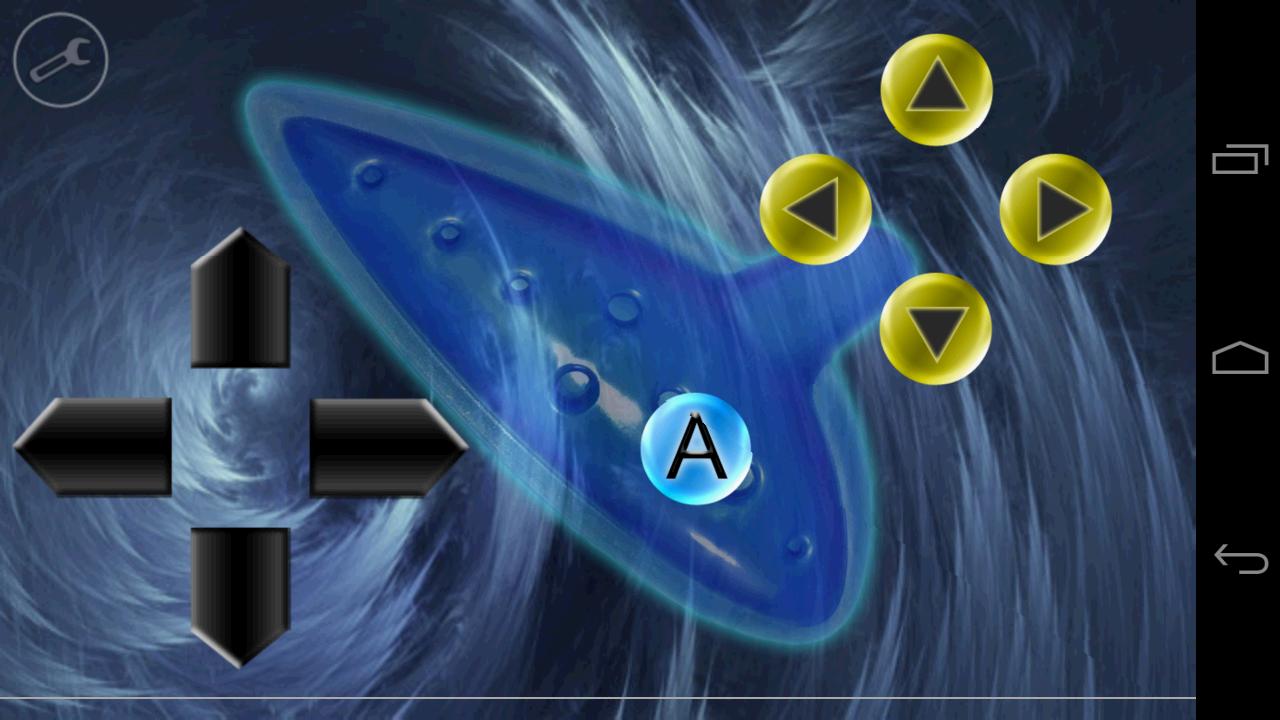
Play the ocarina, drums, guitar or even trumpets with this app. They are all integrated!
The sound system of this app allows you to set the pitch of a note on the go (Android 3.0+).
More features:
• You can enable or disable song recognition (so you can play freely).
• In this app, sounds can be held for about 5 seconds and have a soft decay.
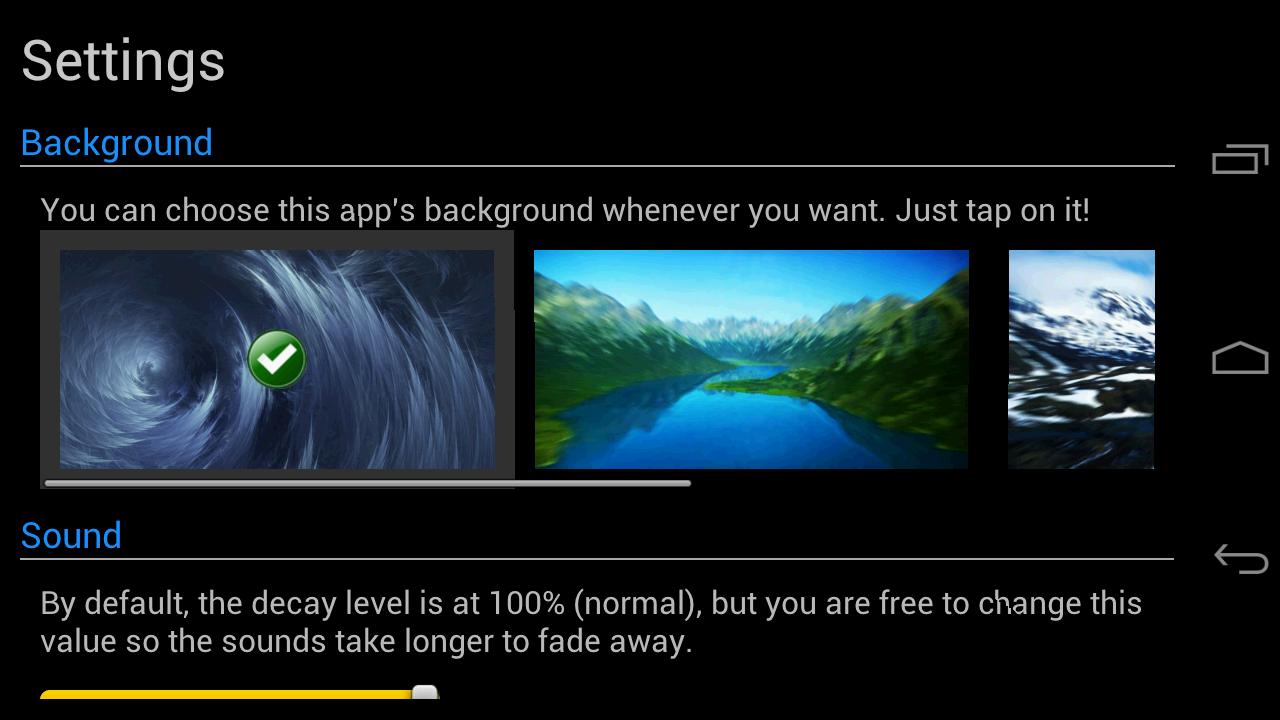
• You can change the background of the app anytime (or choose a custom one!)
• You can set the decay level of the sounds.
• You can keep a note pressed and change its pitch on the go as long as the sound lasts.
• Immersive mode (hiding the navigation bar) available for Android 4.4+ users.
Available instruments:
• Ocarina
• Pipes (trumpets)
• Drums
• Guitar
• Harp (BETA, some songs available).
Languages in the app:
• English
• Spanish
• French (Cynthia Soukhavong)
• Italian (Leonardo Zorzi)
• Japanese (Vincent)
Disclaimer:
As stated before, users with an Android version older than 3.0 may not be able to change the pitch (they can't press 2 buttons at the same time since their devices don't support it), but they will be able to play the common notes of an ocarina.
Also, users who have a device with cheap audio hardware may experiment little sound glitches (nothing I can fix), I can only recommend to lower the volume and not to play notes too fast.
Preview
Tags
EntertainmentInformation
Developer
Leugim Starwind
Latest Version
2.2
Last Updated
2017-06-28
Category
Entertainment
Available on
Google Play
Show More
How to play Ocarina with GameLoop on PC
1. Download GameLoop from the official website, then run the exe file to install GameLoop
2. Open GameLoop and search for “Ocarina” , find Ocarina in the search results and click “Install”
3. Enjoy playing Ocarina on GameLoop
Minimum requirements
OS
Windows 8.1 64-bit or Windows 10 64-bit
GPU
GTX 1050
CPU
i3-8300
Memory
8GB RAM
Storage
1GB available space
Recommended requirements
OS
Windows 8.1 64-bit or Windows 10 64-bit
GPU
GTX 1050
CPU
i3-9320
Memory
16GB RAM
Storage
1GB available space