Night club strobe light flash PC
Softtechvn Co.,Ltd
Download Night club strobe light flash on PC With GameLoop Emulator
Night club strobe light flash on PC
Night club strobe light flash, coming from the developer Softtechvn Co.,Ltd, is running on Android systerm in the past.
Now, You can play Night club strobe light flash on PC with GameLoop smoothly.
Download it in the GameLoop library or search results. No more eyeing the battery or frustrating calls at the wrong time any more.
Just enjoy Night club strobe light flash PC on the large screen for free!
Night club strobe light flash Introduction
**** RUN ON ****
android versions : KitKat (4.4), Lollipop, Marshmallow (23) and above.
**DESCRIPTION**
It provides a FREE handy strobe light to you right in your pocket! It will listen to the music around you and blink the flash on your device, just like a strobe light. Not just that, the phone screen will become a disco light, one might say, strikes at your music beats! That’s NOT all. Swipe your screen and it will give you several majestic hallucinations, sync with your music, of course. This app is just perfect for your party group, large or small, or even for enhancing your personal musical experience. Bring your phones together and parties are just one tap away!
**FEATURES**
- Strobe light syncs with your music
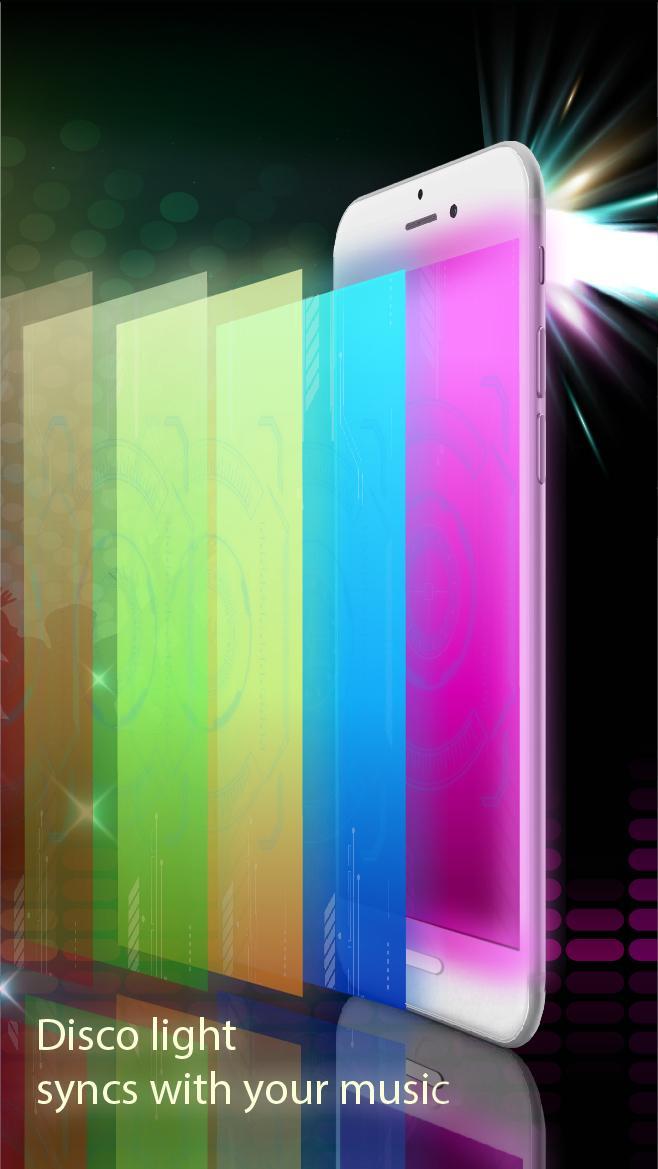
- Disco light syncs with your music
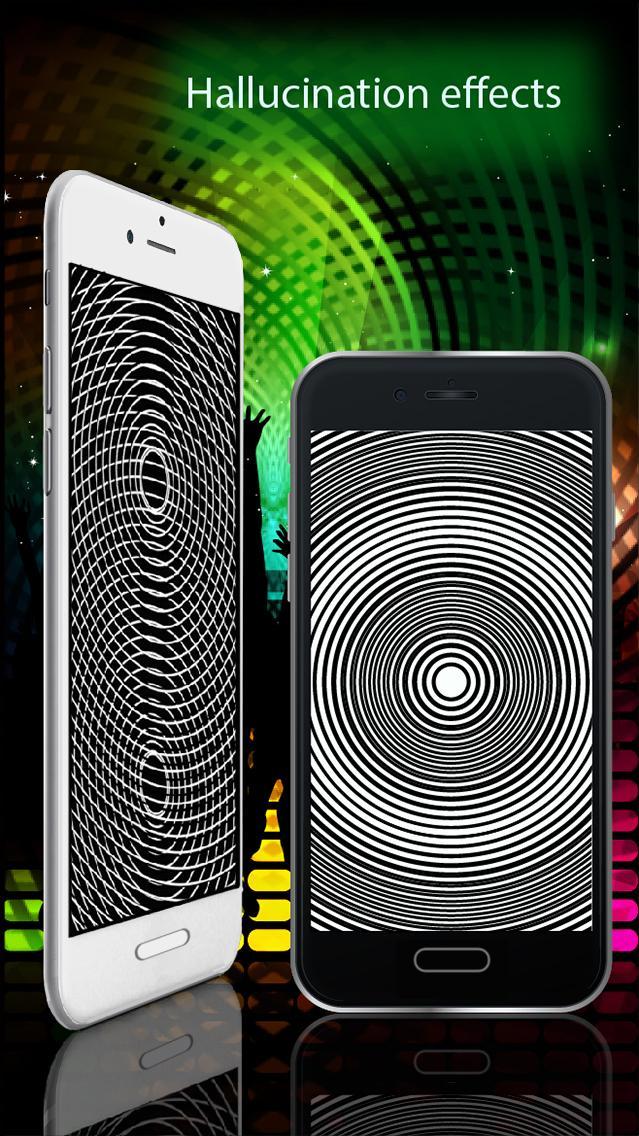
- Hallucination effects, sync with your music
- Sensitivity adjustment by quick or accurate mode, with a good visual presentation.
- Torchlight support, for..ehhm… finding objects you drop on the floor for example.
- Listen to music from around you or right from your phone
- Futuristic design, smooth animation
**HOW TO USE**
- Tap the screen light button (on the left) to activate disco light and screen light effects.
- Tap the strobe light button (on the right) to activate strobe light effect. Tap again to switch to torchlight mode.
- You will see the music reflects on the slider bar in color. Once the color bar exceeds the pointer on the slider, the flashlight will strike. This is how you control sensitivity.
- For quick configuration, just tap on the marks on the slider to adjust the sensitivity. Move your finger on the slider (you don’t have to place your fingertip exactly on the pointer) for more accurate result.
- Swipe left or right to change screen effect and hallucinations.
keywords : flashlight, nightclub strobe light, strobe light flash.
Preview
Information
Developer
Softtechvn Co.,Ltd
Latest Version
1.1.6
Last Updated
2017-06-17
Category
Entertainment
Available on
Google Play
Show More
How to play Night club strobe light flash with GameLoop on PC
1. Download GameLoop from the official website, then run the exe file to install GameLoop
2. Open GameLoop and search for “Night club strobe light flash” , find Night club strobe light flash in the search results and click “Install”
3. Enjoy playing Night club strobe light flash on GameLoop
Minimum requirements
OS
Windows 8.1 64-bit or Windows 10 64-bit
GPU
GTX 1050
CPU
i3-8300
Memory
8GB RAM
Storage
1GB available space
Recommended requirements
OS
Windows 8.1 64-bit or Windows 10 64-bit
GPU
GTX 1050
CPU
i3-9320
Memory
16GB RAM
Storage
1GB available space