Gaming Fancy Name : Nickname PC
SeGaApps
Download Gaming Fancy Name : Nickname on PC With GameLoop Emulator
Gaming Fancy Name : Nickname on PC
Gaming Fancy Name : Nickname, coming from the developer SeGaApps, is running on Android systerm in the past.
Now, You can play Gaming Fancy Name : Nickname on PC with GameLoop smoothly.
Download it in the GameLoop library or search results. No more eyeing the battery or frustrating calls at the wrong time any more.
Just enjoy Gaming Fancy Name : Nickname PC on the large screen for free!
Gaming Fancy Name : Nickname Introduction
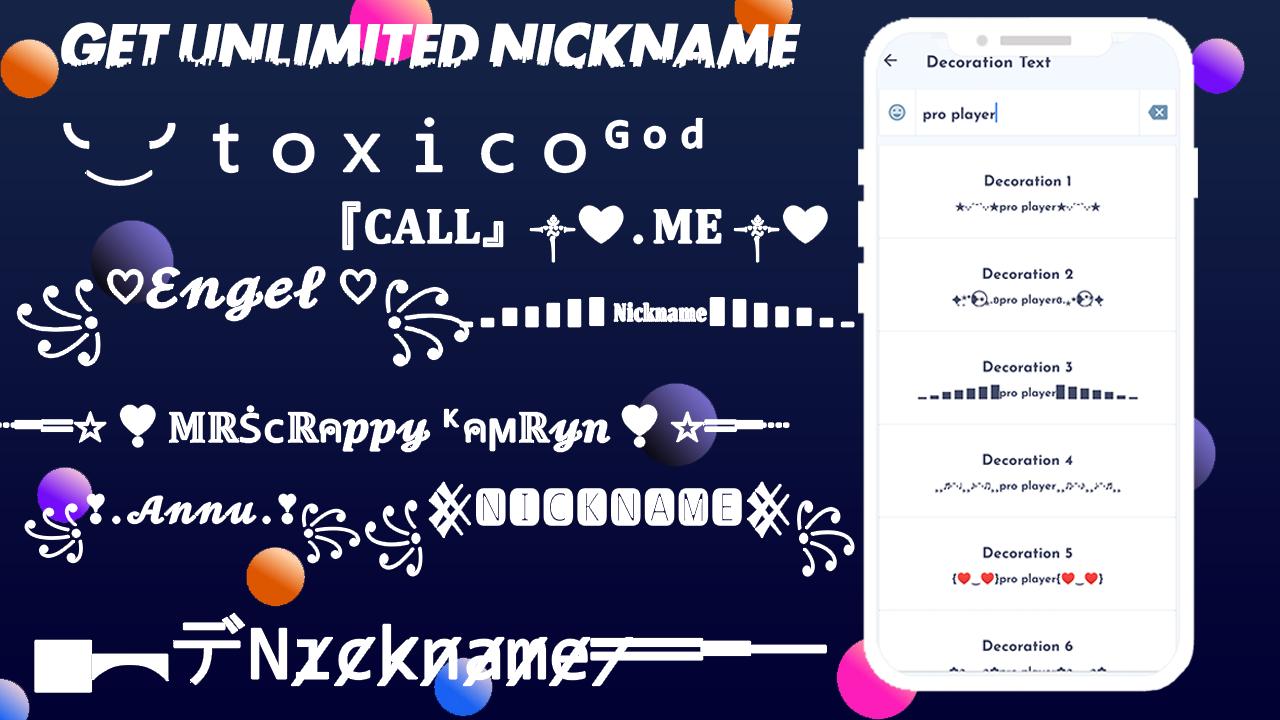
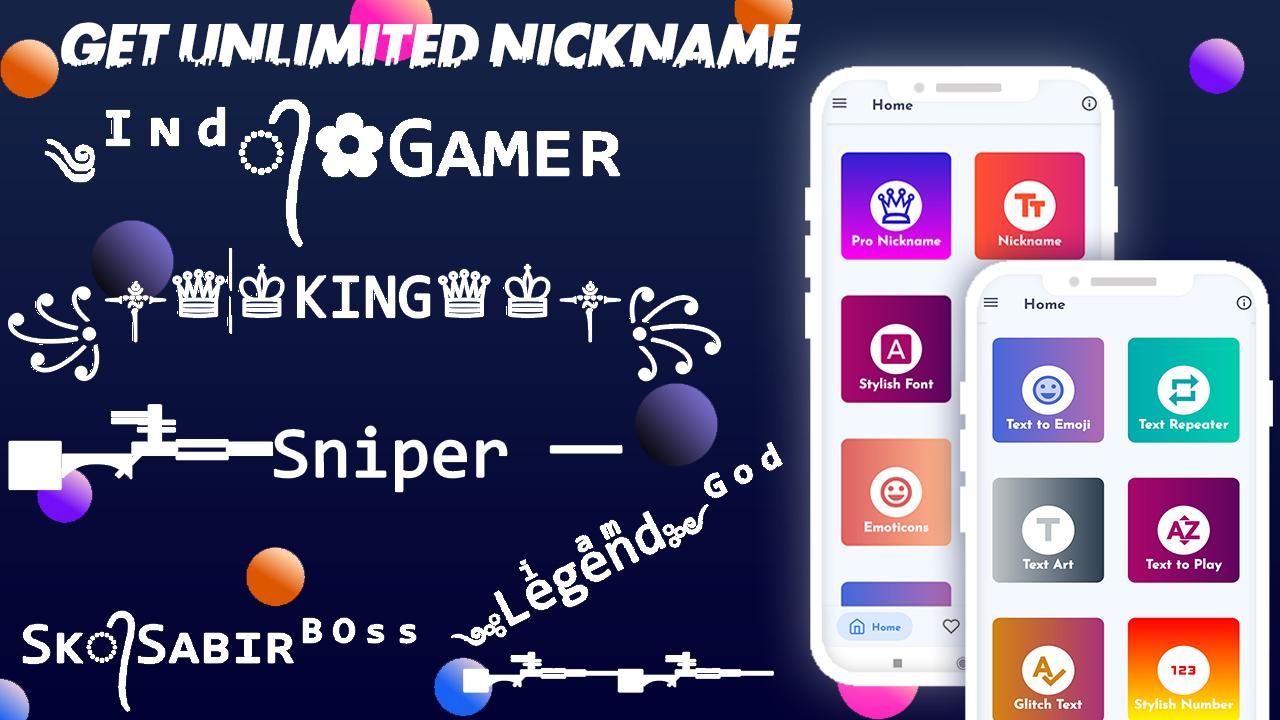
Get your username with Fancy text and emojis for games and social networks.
create your own pro players nickname using this app.
Choose from over 100k+ possible combinations to create an attractive, personalized username that sets you apart from other players and social network users.
used social network yourself from other users by personalizing your nickname so that it is original, unique and draws attention in your publications to get followers.
You can generate a random name and modify it to your liking.
How it works:
This app is an easy to use free name generator. Type in your custom name and automatically generate the nickname with different fonts, letters and symbols.
then simple did you like nickname click copy name.
then paste your favorite game name and social network.
If you want to give it a more personal touch, you can decorate the text with more than 100k+ possibilities with all kinds of symbols and word art.
Thank you...
Preview
Tags
EntertainmentInformation
Developer
SeGaApps
Latest Version
1.2.1
Last Updated
2025-06-04
Category
Entertainment
Available on
Google Play
Show More
How to play Gaming Fancy Name : Nickname with GameLoop on PC
1. Download GameLoop from the official website, then run the exe file to install GameLoop
2. Open GameLoop and search for “Gaming Fancy Name : Nickname” , find Gaming Fancy Name : Nickname in the search results and click “Install”
3. Enjoy playing Gaming Fancy Name : Nickname on GameLoop
Minimum requirements
OS
Windows 8.1 64-bit or Windows 10 64-bit
GPU
GTX 1050
CPU
i3-8300
Memory
8GB RAM
Storage
1GB available space
Recommended requirements
OS
Windows 8.1 64-bit or Windows 10 64-bit
GPU
GTX 1050
CPU
i3-9320
Memory
16GB RAM
Storage
1GB available space