Morph mod n skin for minecraft PC
ben rabio
Download Morph mod n skin for minecraft on PC With GameLoop Emulator
Morph mod n skin for minecraft on PC
Morph mod n skin for minecraft, coming from the developer ben rabio, is running on Android systerm in the past.
Now, You can play Morph mod n skin for minecraft on PC with GameLoop smoothly.
Download it in the GameLoop library or search results. No more eyeing the battery or frustrating calls at the wrong time any more.
Just enjoy Morph mod n skin for minecraft PC on the large screen for free!
Morph mod n skin for minecraft Introduction
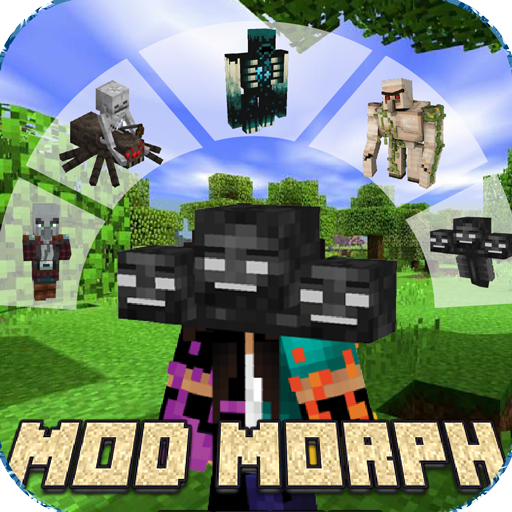
The Morph Mod for Minecraft brings a new and refreshing experience to the game world. With this mod, players can shapeshift and transform into various entities, be they monsters or animals. This unique feature makes the game more fun and provides a new variety in playing. This mod is also easy to use and optimized for smooth game performance. Be a more creative and amazing player with the Morph Mod for Minecraft.
By using this mod, you will be able to transform into a zombie, husk, golem, warden wither, and many more. You can rotate all the mobs that you have, and you can become anything at any time. We also added several mods, popular skins, and maps, as well as another seed for your gaming fun. Just download this app, and everything will be done in seconds.
Disclaimer: Morphing Mod for Minecraft is not affiliated with Mojang. The Name, Brand and Assets are the property of Mojang AB or their respectful owner.
Preview


Tags
EntertainmentInformation
Developer
ben rabio
Latest Version
1.0
Last Updated
2023-02-06
Category
Entertainment
Available on
Google Play
Show More
How to play Morph mod n skin for minecraft with GameLoop on PC
1. Download GameLoop from the official website, then run the exe file to install GameLoop
2. Open GameLoop and search for “Morph mod n skin for minecraft” , find Morph mod n skin for minecraft in the search results and click “Install”
3. Enjoy playing Morph mod n skin for minecraft on GameLoop
Minimum requirements
OS
Windows 8.1 64-bit or Windows 10 64-bit
GPU
GTX 1050
CPU
i3-8300
Memory
8GB RAM
Storage
1GB available space
Recommended requirements
OS
Windows 8.1 64-bit or Windows 10 64-bit
GPU
GTX 1050
CPU
i3-9320
Memory
16GB RAM
Storage
1GB available space