
Mood scanner PC
Sharp Eagle
Download Mood scanner on PC With GameLoop Emulator
Mood scanner on PC
Mood scanner, coming from the developer Sharp Eagle, is running on Android systerm in the past.
Now, You can play Mood scanner on PC with GameLoop smoothly.
Download it in the GameLoop library or search results. No more eyeing the battery or frustrating calls at the wrong time any more.
Just enjoy Mood scanner PC on the large screen for free!
Mood scanner Introduction
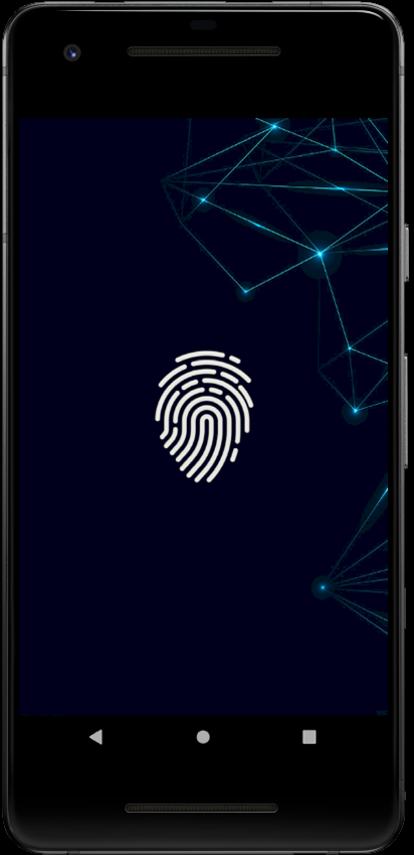
This mood scanner application is an entertaining app that will scan your finger and try to detect your mood via your android device's touch screen.
Just place your finger on the scanner sensor and let this amazing mood detector try tell what emotions your feeling!!This mood scanner application are create just for fun this application are not detect your real mood.This Mood scanner application are feel the digital and mood scanner app are realized futures computer system.
Enjoy the best free mood scanner detector with this great application, trick your friends into thinking you can tell them what moods they’re feeling by using this great fingerprint scanner simulator, how many can you prank?
Just place your finger on the detector and wait for a few seconds!
This mood scanner application's features include 70+ different moods and feelings each with their own descriptions, over 70+ fitting icons
Don't wait and start playing with your friends this mood scanner application. Check, who is in a better mood today !!! Share your mood via social networks straight from Mood Scanner app.
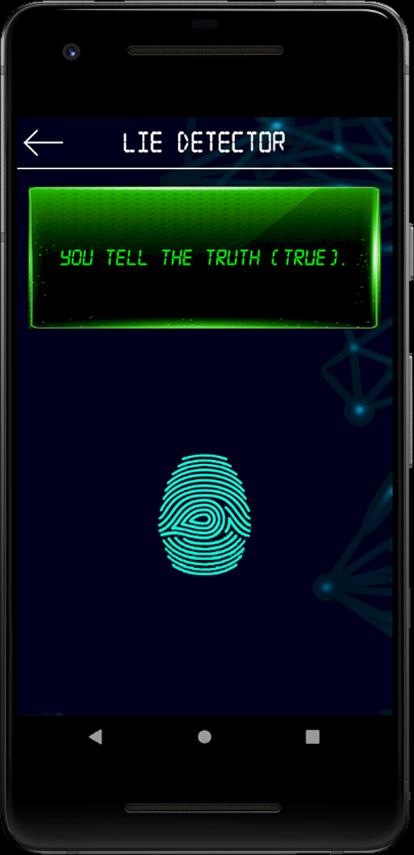
mood scanner application in used lie detector and prank your friend.
mood scanner application in 10+ sound inbiuld sound prank.used mood scanner application and play prank sounds
Features:
- About 70+ different emotions and feelings
- A lot of emoticons for each of your emotions
- Nice looking User Interface
- Professional designed icons
- Lie detector
- check truth and lie via mood scanner
- 10+ diffrent sound prank
Preview
Tags
EntertainmentInformation
Developer
Sharp Eagle
Latest Version
5.1.0
Last Updated
2022-11-13
Category
Entertainment
Available on
Google Play
Show More
How to play Mood scanner with GameLoop on PC
1. Download GameLoop from the official website, then run the exe file to install GameLoop
2. Open GameLoop and search for “Mood scanner” , find Mood scanner in the search results and click “Install”
3. Enjoy playing Mood scanner on GameLoop
Minimum requirements
OS
Windows 8.1 64-bit or Windows 10 64-bit
GPU
GTX 1050
CPU
i3-8300
Memory
8GB RAM
Storage
1GB available space
Recommended requirements
OS
Windows 8.1 64-bit or Windows 10 64-bit
GPU
GTX 1050
CPU
i3-9320
Memory
16GB RAM
Storage
1GB available space