
Mod Realistic Physics for MCPE PC
MultiCraft-Mods/Addons/Map/Skins for Minecraft PE
Download Mod Realistic Physics for MCPE on PC With GameLoop Emulator
Mod Realistic Physics for MCPE on PC
Mod Realistic Physics for MCPE, coming from the developer MultiCraft-Mods/Addons/Map/Skins for Minecraft PE, is running on Android systerm in the past.
Now, You can play Mod Realistic Physics for MCPE on PC with GameLoop smoothly.
Download it in the GameLoop library or search results. No more eyeing the battery or frustrating calls at the wrong time any more.
Just enjoy Mod Realistic Physics for MCPE PC on the large screen for free!
Mod Realistic Physics for MCPE Introduction
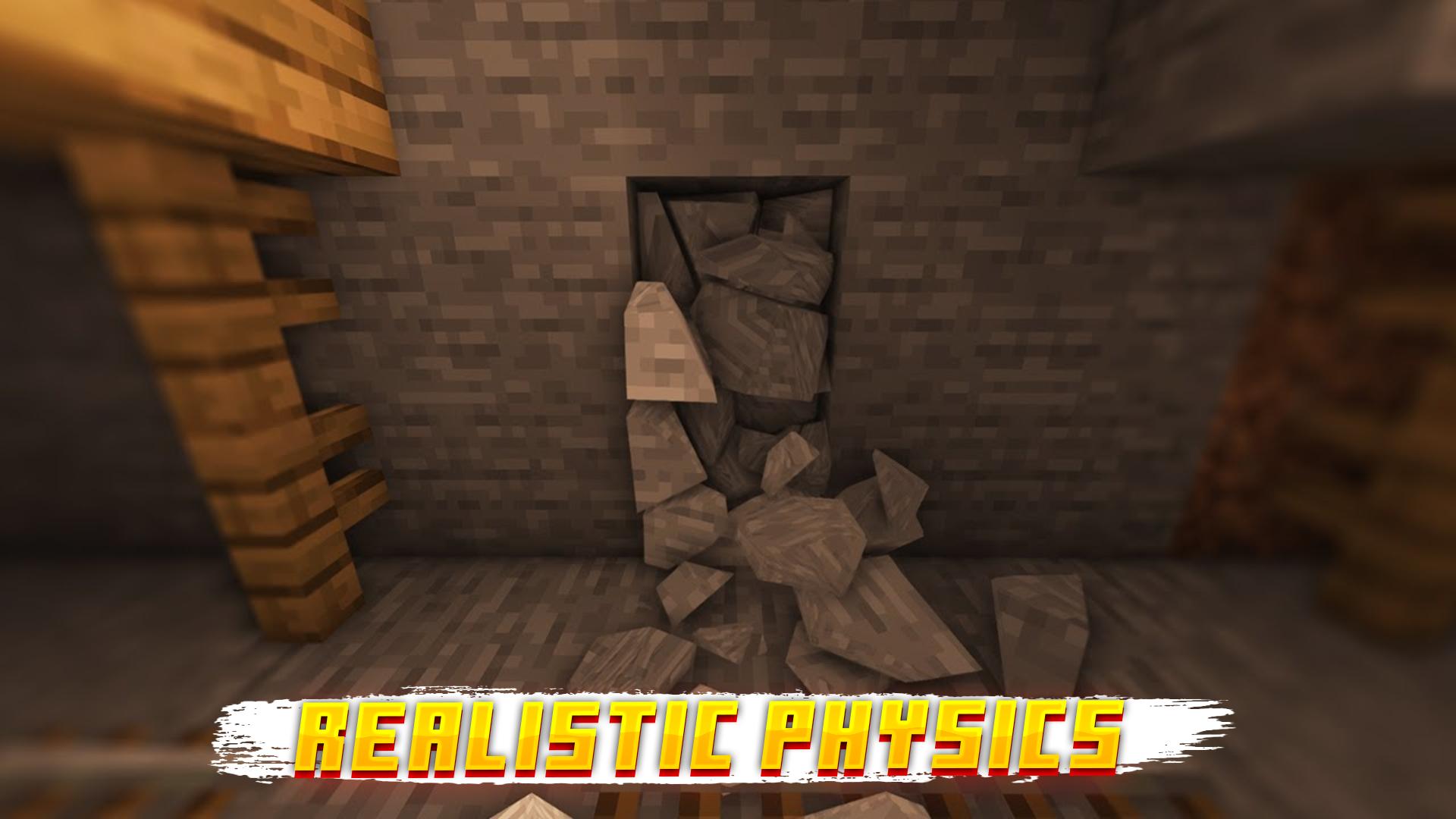
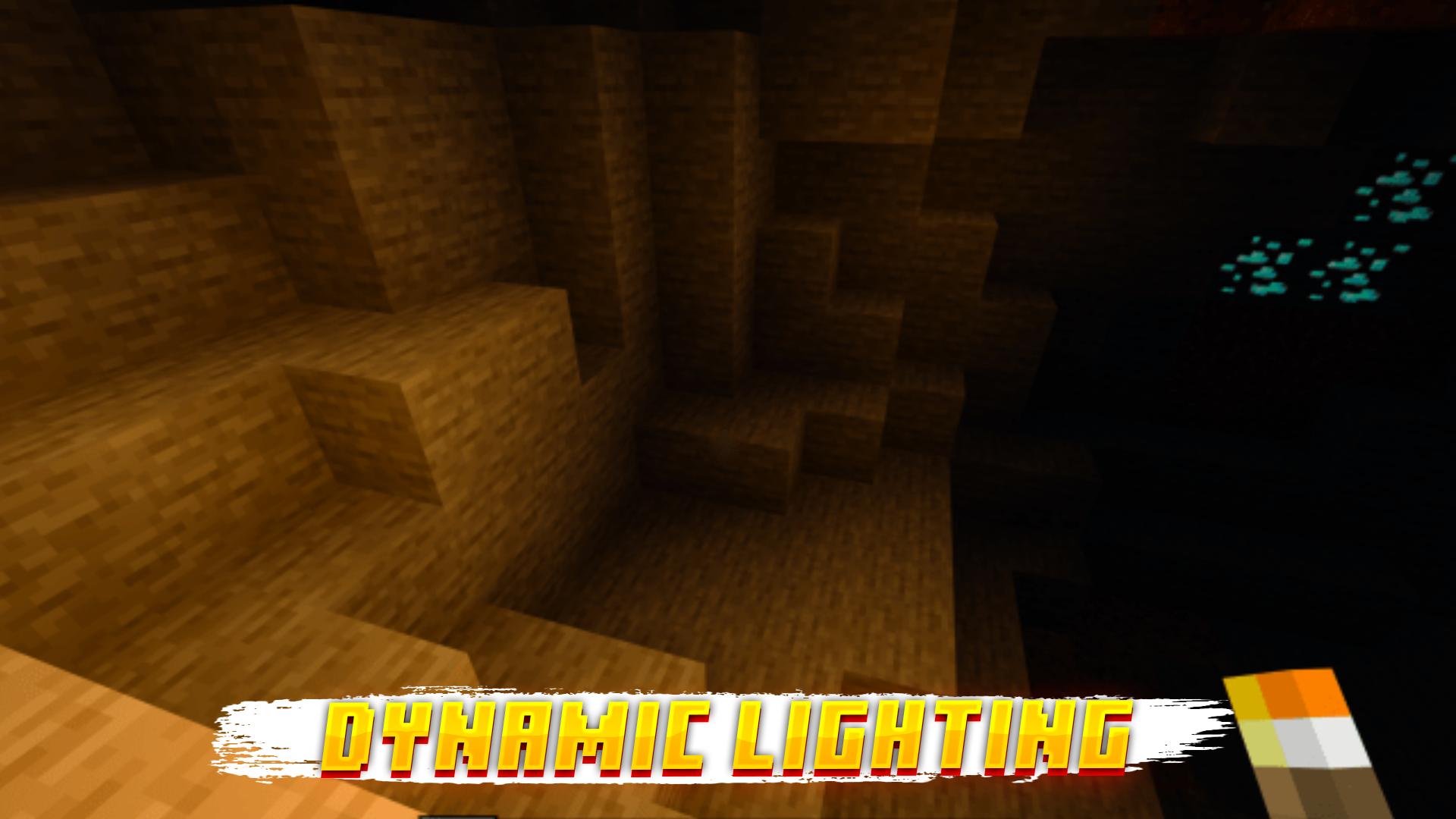
Welcome to Mod Realistic Physics for MCPE! Our application will help to make your Minecraft Pocket Edition more realistic, thanks to such mods as: Realistic Physics, Dynamic Trees, Dynamic Light, RLCraft, Relistic Shader, Realistic Explosion and so on, in general the application contains all the necessary mods and textures to make Realistic Minecraft.
How to use this mod/addon called Mod Realistic Physics for Minecraft. To begin with, go to the application where you will be greeted by an uncomplicated menu that directly contains mods and tutorials, first you need to read the entire manual, which shows all the steps to install Realistic Physics and Relistic Shader for Minecraft and then start installing, but even without the manual in general everything is clear, choose the mod, click install, wait for the download, open MCPE and voila,
Realistic Physics, RLCraft, Relistic Shader for Minecraft on your device, literally in one click! Just imagine, in one click MCPE will become Realistic Minecraft and completely change your gaming experience.
Features Mod Realistic Physics for MCPE:
1) Quick installation of the mod, literally in one click
2) A set of mods, almost like a master mod, which is: RLCraft,Relistic Shader and Realistic Physics
3) Automatic installation of mods
4) Always the newest version of Realistic Physics for Minecraft PE!
5) Fits most versions of Minecraft PE MCPE
6) Turns MCPE into a Realistic Minecraft
Install Realistic Physics for Minecraft PE and get an amazing gaming experience and get the feel of Realistic Minecraft
DISCLAIMER: This is not an official Mojang product and is in no way affiliated with Mojang AB. The Minecraft name, Minecraft trademark, and Minecraft assets are the property of Mojang AB or their respected owner. This application (Mod Realistic Physics for MCPE) follows the appropriate usage guidelines at https://account.mojang.com/documents/brand_guidelines.
Preview
Tags
EntertainmentInformation
Developer
MultiCraft-Mods/Addons/Map/Skins for Minecraft PE
Latest Version
1.0
Last Updated
2022-07-15
Category
Entertainment
Available on
Google Play
Show More
How to play Mod Realistic Physics for MCPE with GameLoop on PC
1. Download GameLoop from the official website, then run the exe file to install GameLoop
2. Open GameLoop and search for “Mod Realistic Physics for MCPE” , find Mod Realistic Physics for MCPE in the search results and click “Install”
3. Enjoy playing Mod Realistic Physics for MCPE on GameLoop
Minimum requirements
OS
Windows 8.1 64-bit or Windows 10 64-bit
GPU
GTX 1050
CPU
i3-8300
Memory
8GB RAM
Storage
1GB available space
Recommended requirements
OS
Windows 8.1 64-bit or Windows 10 64-bit
GPU
GTX 1050
CPU
i3-9320
Memory
16GB RAM
Storage
1GB available space