Minecraft Morph Mod PC
Modena Studio Club
Download Minecraft Morph Mod on PC With GameLoop Emulator
Minecraft Morph Mod on PC
Minecraft Morph Mod, coming from the developer Modena Studio Club, is running on Android systerm in the past.
Now, You can play Minecraft Morph Mod on PC with GameLoop smoothly.
Download it in the GameLoop library or search results. No more eyeing the battery or frustrating calls at the wrong time any more.
Just enjoy Minecraft Morph Mod PC on the large screen for free!
Minecraft Morph Mod Introduction
Minecraft Morph Mod is a cool addition that allows you to transform into other characters. Players can become zombies or skeletons, floating freely like a drowned man. Try this Morph app, it will give you many new emotions!
How the transformation takes place.
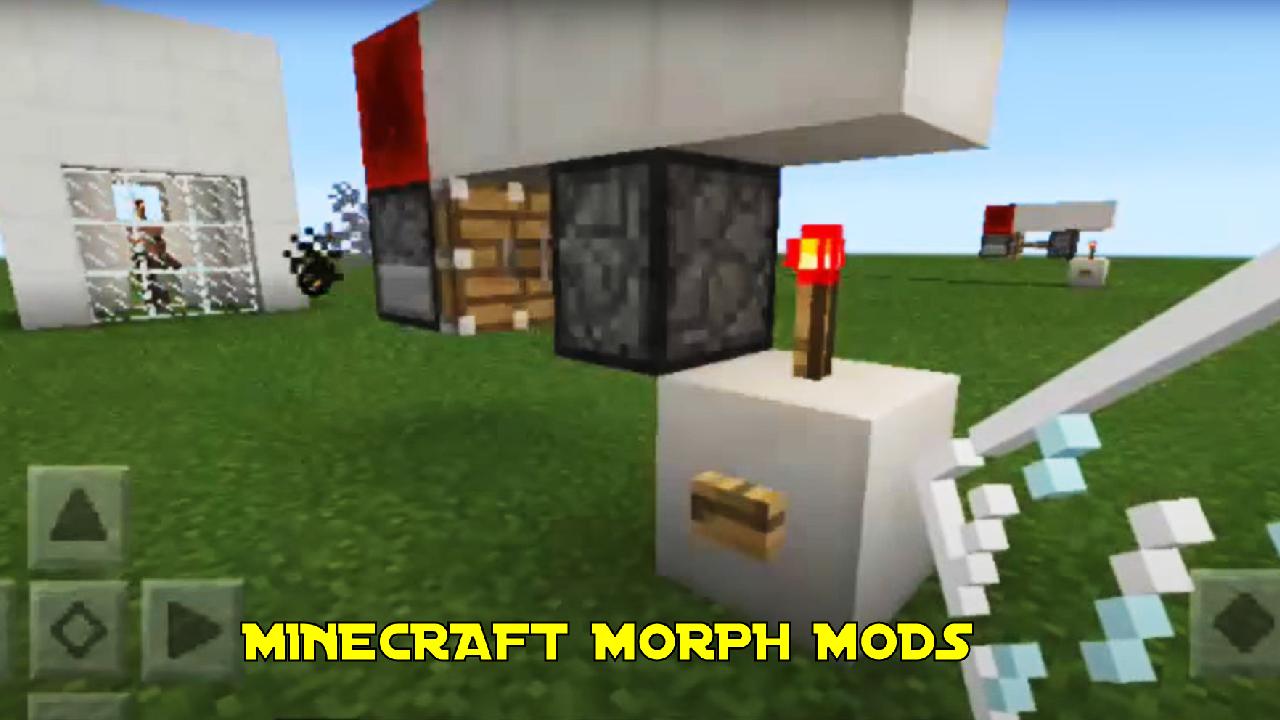
Download three files, in them you will find the Morph Machine and you will be able to create a Morphing Bracelet.
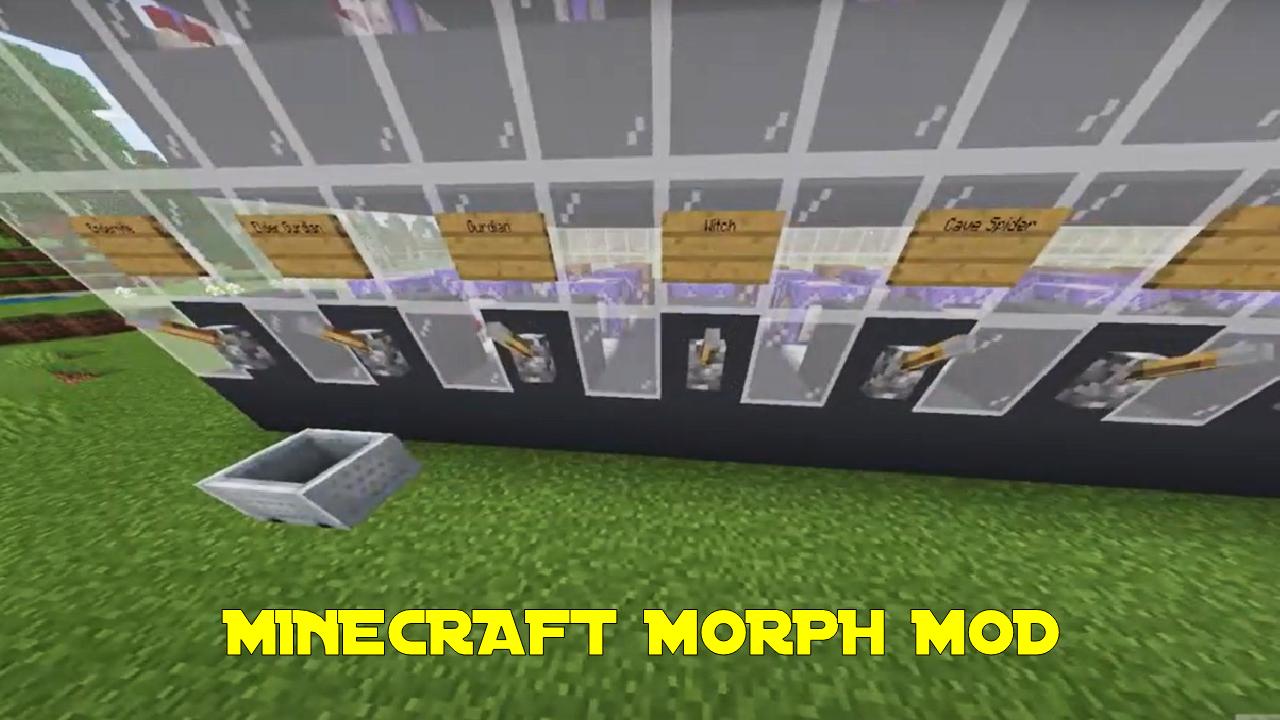
15 mobs are available for transformation: skeletons, pets, witches, robbers and many others.
Players can create their own totem.
The mob gives players character abilities and weaknesses.
This addon is good for online games on phone and tablet.
Excellent graphics of Minecraft Morph Mod, interesting drawing, easy installation, you will like it all!
Players are waiting for exciting adventures in new characters.
Download and play!
The Minecraft Morph Mod app is not an official Minecraft product, endorsed by or affiliated with Mojang.
Preview
Tags
EntertainmentInformation
Developer
Modena Studio Club
Latest Version
1.4
Last Updated
2022-08-17
Category
Entertainment
Available on
Google Play
Show More
How to play Minecraft Morph Mod with GameLoop on PC
1. Download GameLoop from the official website, then run the exe file to install GameLoop
2. Open GameLoop and search for “Minecraft Morph Mod” , find Minecraft Morph Mod in the search results and click “Install”
3. Enjoy playing Minecraft Morph Mod on GameLoop
Minimum requirements
OS
Windows 8.1 64-bit or Windows 10 64-bit
GPU
GTX 1050
CPU
i3-8300
Memory
8GB RAM
Storage
1GB available space
Recommended requirements
OS
Windows 8.1 64-bit or Windows 10 64-bit
GPU
GTX 1050
CPU
i3-9320
Memory
16GB RAM
Storage
1GB available space