
MeMi Video Subtitle Translate PC
Helpers.US
Download MeMi Video Subtitle Translate on PC With GameLoop Emulator
MeMi Video Subtitle Translate on PC
MeMi Video Subtitle Translate, coming from the developer Helpers.US, is running on Android systerm in the past.
Now, You can play MeMi Video Subtitle Translate on PC with GameLoop smoothly.
Download it in the GameLoop library or search results. No more eyeing the battery or frustrating calls at the wrong time any more.
Just enjoy MeMi Video Subtitle Translate PC on the large screen for free!
MeMi Video Subtitle Translate Introduction
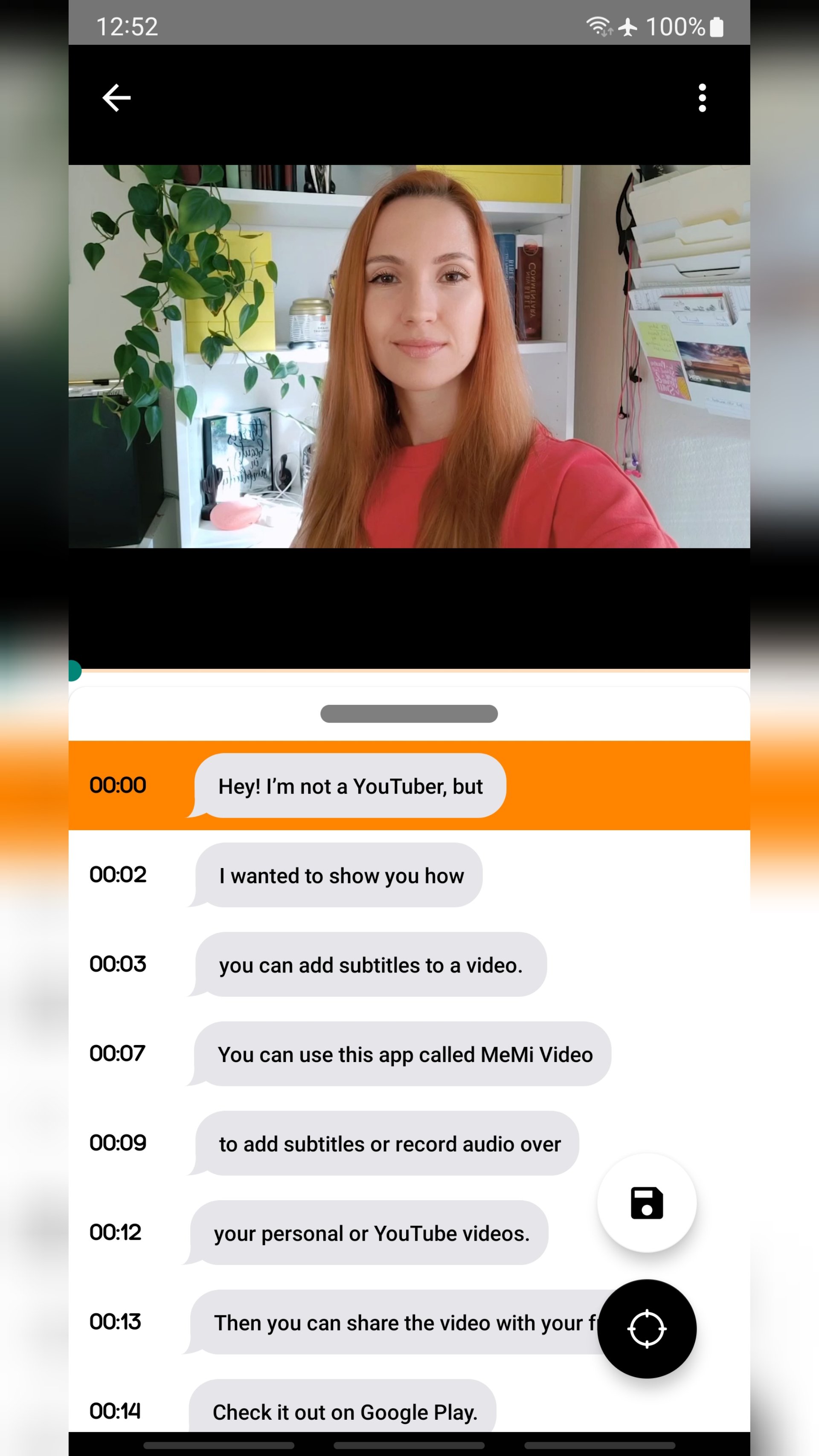
Add Subtitles, Translate Audio, and Record Audio for any Video.
Dub Videos with your own Audio Recording and Custom Audio Effects
Come across a video you would like to explain to your friends? Or do you want to dub or add subtitles from a Spanish telenovela into English?
Join the MeMi community of enthusiasts and learn how to easily turn a regular video into a personalized custom video with your own recorded audio and subtitles.
Generate Subtitle Files
- Save your subtitles into an SRT file.
- Add, Edit, or Reposition subtitles.
- Share or Export subtitles
Transcribe Audio
- Transcribe the audio from your personal videos
- Convert Audio into Text
- Close caption audio from YouTube videos
Record Audio
- Dub audio over video.
- Custom record audio for video
- Listen to both original and created audio
Share with Friends
- Share your generated transcripts.
- Export all files
- Backup videos with custom package
Import
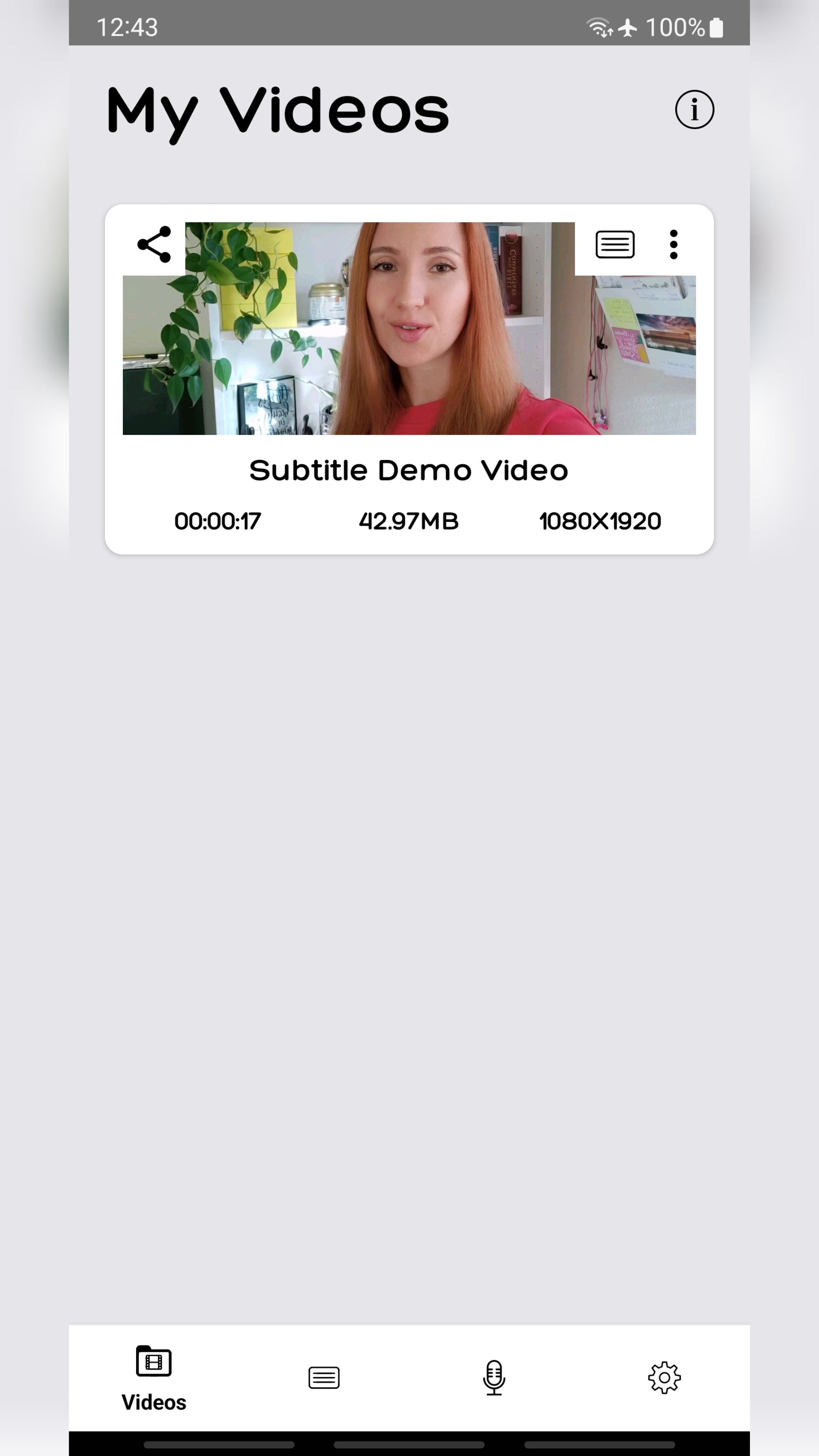
- Import your videos, audios, and links
- Store for future reading or viewing
Well, now that we’ve learned the functionality of MeMi Video, check it out and play with some of these features.
Preview
Tags
EntertainmentInformation
Developer
Helpers.US
Latest Version
2.1.4
Last Updated
2023-02-16
Category
Entertainment
Available on
Google Play
Show More
How to play MeMi Video Subtitle Translate with GameLoop on PC
1. Download GameLoop from the official website, then run the exe file to install GameLoop
2. Open GameLoop and search for “MeMi Video Subtitle Translate” , find MeMi Video Subtitle Translate in the search results and click “Install”
3. Enjoy playing MeMi Video Subtitle Translate on GameLoop
Minimum requirements
OS
Windows 8.1 64-bit or Windows 10 64-bit
GPU
GTX 1050
CPU
i3-8300
Memory
8GB RAM
Storage
1GB available space
Recommended requirements
OS
Windows 8.1 64-bit or Windows 10 64-bit
GPU
GTX 1050
CPU
i3-9320
Memory
16GB RAM
Storage
1GB available space