Find the button for mcpe PC
TaperStudio
Download Find the button for mcpe on PC With GameLoop Emulator
Find the button for mcpe on PC
Find the button for mcpe, coming from the developer TaperStudio, is running on Android systerm in the past.
Now, You can play Find the button for mcpe on PC with GameLoop smoothly.
Download it in the GameLoop library or search results. No more eyeing the battery or frustrating calls at the wrong time any more.
Just enjoy Find the button for mcpe PC on the large screen for free!
Find the button for mcpe Introduction
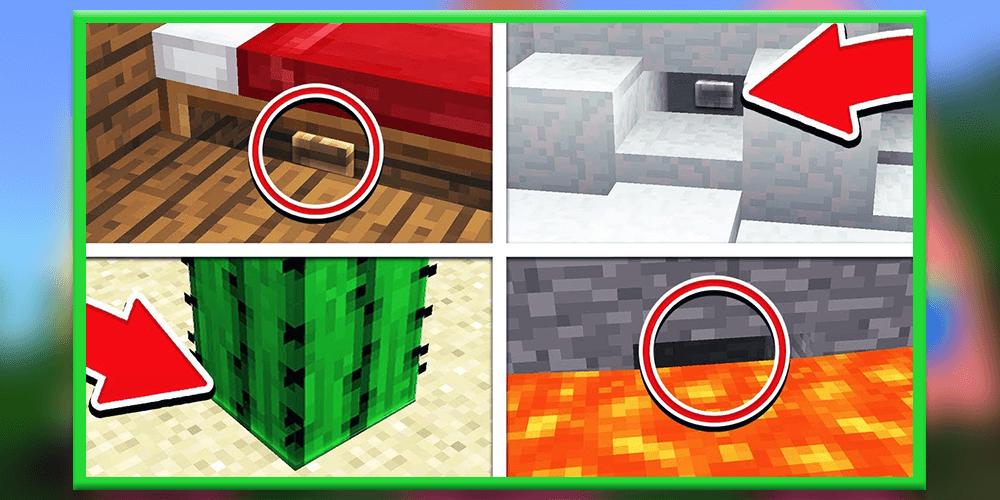
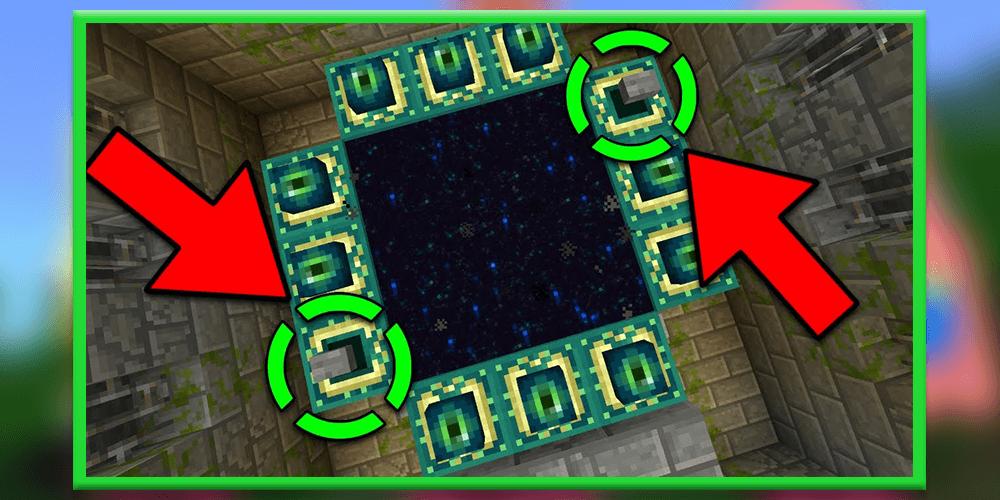
Find The Button [Map] Find The Button is probably the most self-explanatory Map in Minecraft. This map consists of a different levels and in each one there is a button which you need to find. One thing that really makes this particular map stand out is that all of the levels are very well designed. For example, in one level you’ll be at a nice cottage by a lake and in another level you’ll find yourself on the beach. How to play? The main objective is to search for a button which is hidden somewhere unknown in each level and then press the button to teleport to the next level. These challenges will continue until you’ve completed all levels.
Play through a series of challenging levels to find hidden buttons and levers. This minigames is multiplayer compatible but you can also play it alone by yourself. It’s a really simple game where you must search and find something to press or toggle in order to move onto the next level. Each level includes a different building style (e.g. medieval, modern and so on).
How to play?
Find The Button is a type of minigame where you (and your friends) need to find a hidden button or lever. You then need to press or toggle it in order to access the next level.
Disclaimer: Find The Button is not endorsed by or affiliated with Mojang AB, its name, commercial brand and other aspects of the application are registered brands and the property of their respective owners. This application adheres to the conditions set by Mojang. All items, names, places, and other aspects of the game described in this application are trademarks and belong to their respective owners. We do not claim and do not have any rights to any of the above.
Preview
Tags
EntertainmentInformation
Developer
TaperStudio
Latest Version
4.0
Last Updated
2021-02-05
Category
Entertainment
Available on
Google Play
Show More
How to play Find the button for mcpe with GameLoop on PC
1. Download GameLoop from the official website, then run the exe file to install GameLoop
2. Open GameLoop and search for “Find the button for mcpe” , find Find the button for mcpe in the search results and click “Install”
3. Enjoy playing Find the button for mcpe on GameLoop
Minimum requirements
OS
Windows 8.1 64-bit or Windows 10 64-bit
GPU
GTX 1050
CPU
i3-8300
Memory
8GB RAM
Storage
1GB available space
Recommended requirements
OS
Windows 8.1 64-bit or Windows 10 64-bit
GPU
GTX 1050
CPU
i3-9320
Memory
16GB RAM
Storage
1GB available space