Logo Color by Number - Logo Ga PC
Fun Casual Games Studio
Download Logo Color by Number - Logo Ga on PC With GameLoop Emulator
Logo Color by Number - Logo Ga on PC
Logo Color by Number - Logo Ga, coming from the developer Fun Casual Games Studio, is running on Android systerm in the past.
Now, You can play Logo Color by Number - Logo Ga on PC with GameLoop smoothly.
Download it in the GameLoop library or search results. No more eyeing the battery or frustrating calls at the wrong time any more.
Just enjoy Logo Color by Number - Logo Ga PC on the large screen for free!
Logo Color by Number - Logo Ga Introduction
Color by numbers in this new addictive game. Coloring has never been this easy!
Welcome to the coloring world of many logo brands in Logo Color by Number - Logo Game Pixel Art for adults & kids!
The game includes a lot of beautiful images of famous logo brands, including McDonalds, Pepsi and KFC. Logo Pixel Art is a cool game for real fans with awesome coloring pages. With Logo Brands Coloring Book, enter in the awesome coloring world.
While you color your favorite Logo images enjoy in some good electronic music!
Logo Color by Number - Logo Game Pixel Art for FREE.
Logo Brand Coloring Book is free coloring game for adults and kids. Turn these color by number pages into lovely pixel art images that will draw everybody's attention. Relieve stress and feel better with this Logos Coloring Book. Color dozens of cool images by numbers, from a BMW logo to a Instagram logo. Color by numbers develops your concentration, color matching skills, accuracy and precision which provides a wide range of fascinating pictures and color the ones you like to create your own artworks allowing you to impress your friends, family and the whole world with masterpieces! These unique Coloring Books are just for you to color pictures marked by numbers, each number is another color. So, open your color by number book, select the picture you want to paint by number and let your stress go away.
You will find so many free and fascinating pictures in these Logo Game Pixel Art, like Superman logo, Snapchat logo and Google Chrome logo which suit for both adults and kids.
You can choose any color from the basic palette or choose your favorite color and color the pictures to your taste!
Features:
1. Add a photo from your Gallery and START coloring
2. Hold a pixel long enough to slide across multiple color fields
3. Vibration if you pick the wrong pixel color
4. Save all your work in the app’s gallery
5. Turn music, vibration and key sounds on/off
6. Share when done
7. Easy to color - color pages according to numbers and the highlighted area
How to Play:
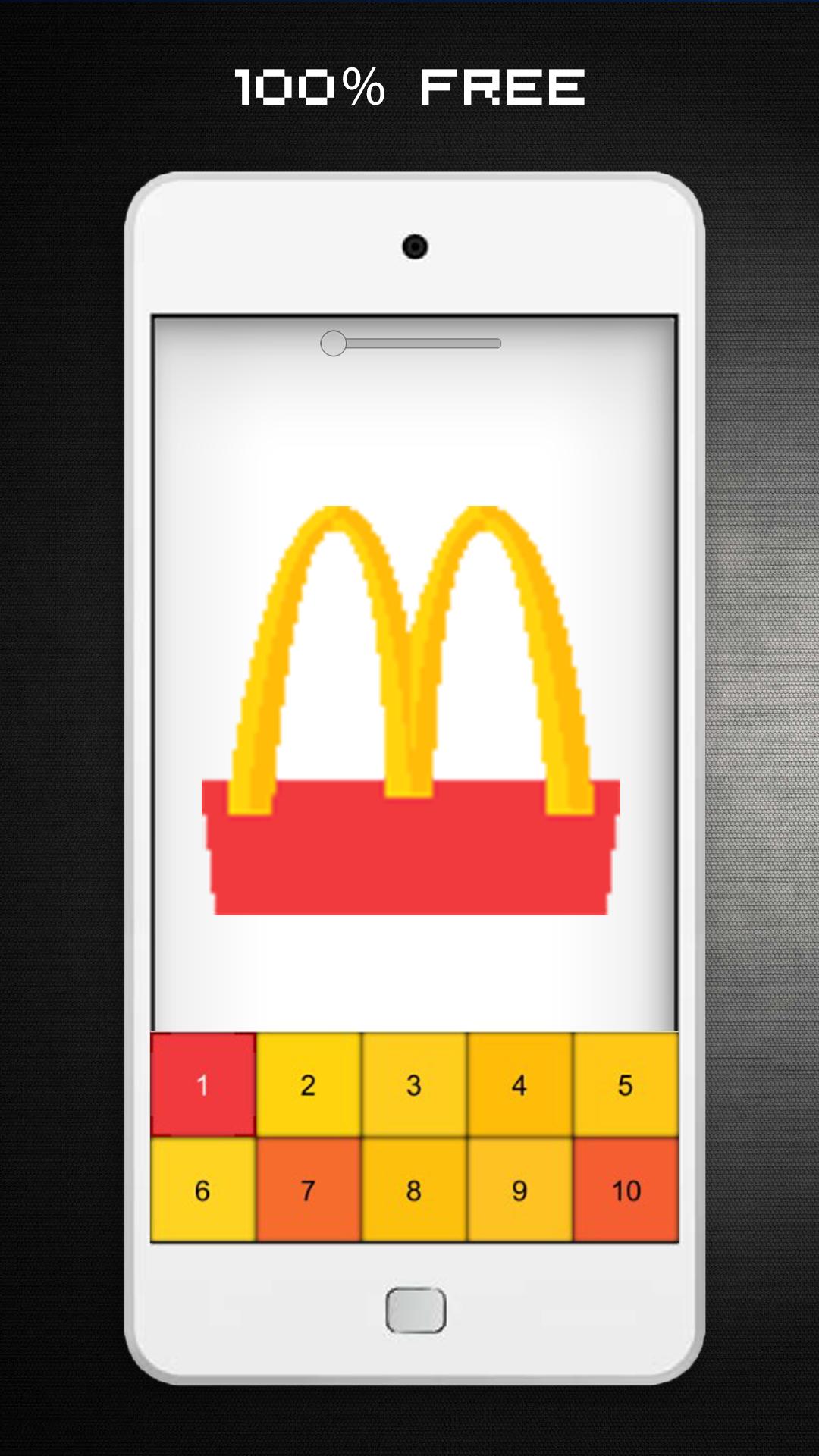
- Choose your image.
- Zoom a pixel image with two fingers till boxes with numbers appear.
- Pick colors in the palette and color boxes with matching number.
Logo Game Pixel Art is the perfect game for everyone who loves coloring games, logo games, games for kids, coloring book for kids, coloring book for adults, logo coloring book, brands games, kids coloring book and famous logos!
Logo Game Color by Numbers game is a free app for all ages.
Pixel Art is a great way to relax, develop your coloring skills and to release your inner artist. So let your inner artist of drawing come out and start coloring the awesome app and relax. All the pictures 100% Free!
Relieve stress and feel better with this Logo Color by Number - Logo Game Pixel Art!
Download for FREE and Happy Coloring!
Enjoy!
=====================
All logos shown or represented in this game are copyright and/or trademark of their respective corporations. The use of low resolution images in this color by number app for use of identification in a informational context qualify as fair use under copyright law.
Preview
Tags
EntertainmentInformation
Developer
Fun Casual Games Studio
Latest Version
1.5
Last Updated
2020-08-06
Category
Entertainment
Available on
Google Play
Show More
How to play Logo Color by Number - Logo Ga with GameLoop on PC
1. Download GameLoop from the official website, then run the exe file to install GameLoop
2. Open GameLoop and search for “Logo Color by Number - Logo Ga” , find Logo Color by Number - Logo Ga in the search results and click “Install”
3. Enjoy playing Logo Color by Number - Logo Ga on GameLoop
Minimum requirements
OS
Windows 8.1 64-bit or Windows 10 64-bit
GPU
GTX 1050
CPU
i3-8300
Memory
8GB RAM
Storage
1GB available space
Recommended requirements
OS
Windows 8.1 64-bit or Windows 10 64-bit
GPU
GTX 1050
CPU
i3-9320
Memory
16GB RAM
Storage
1GB available space