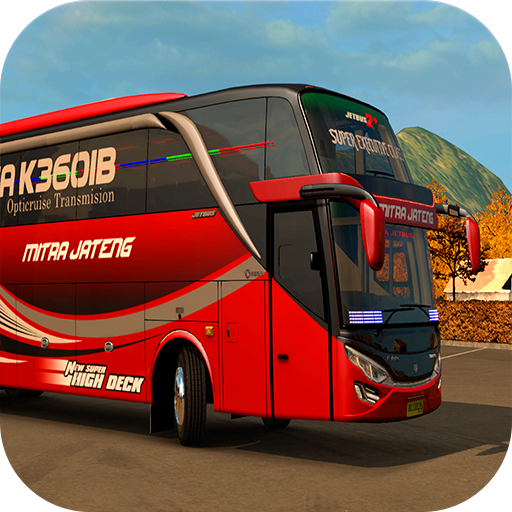
Livery kotor Bus Simulator Indonesia PC
Wakanda Studio
Download Livery kotor Bus Simulator Indonesia on PC With GameLoop Emulator
Livery kotor Bus Simulator Indonesia on PC
Livery kotor Bus Simulator Indonesia, coming from the developer Wakanda Studio, is running on Android systerm in the past.
Now, You can play Livery kotor Bus Simulator Indonesia on PC with GameLoop smoothly.
Download it in the GameLoop library or search results. No more eyeing the battery or frustrating calls at the wrong time any more.
Just enjoy Livery kotor Bus Simulator Indonesia PC on the large screen for free!
Livery kotor Bus Simulator Indonesia Introduction
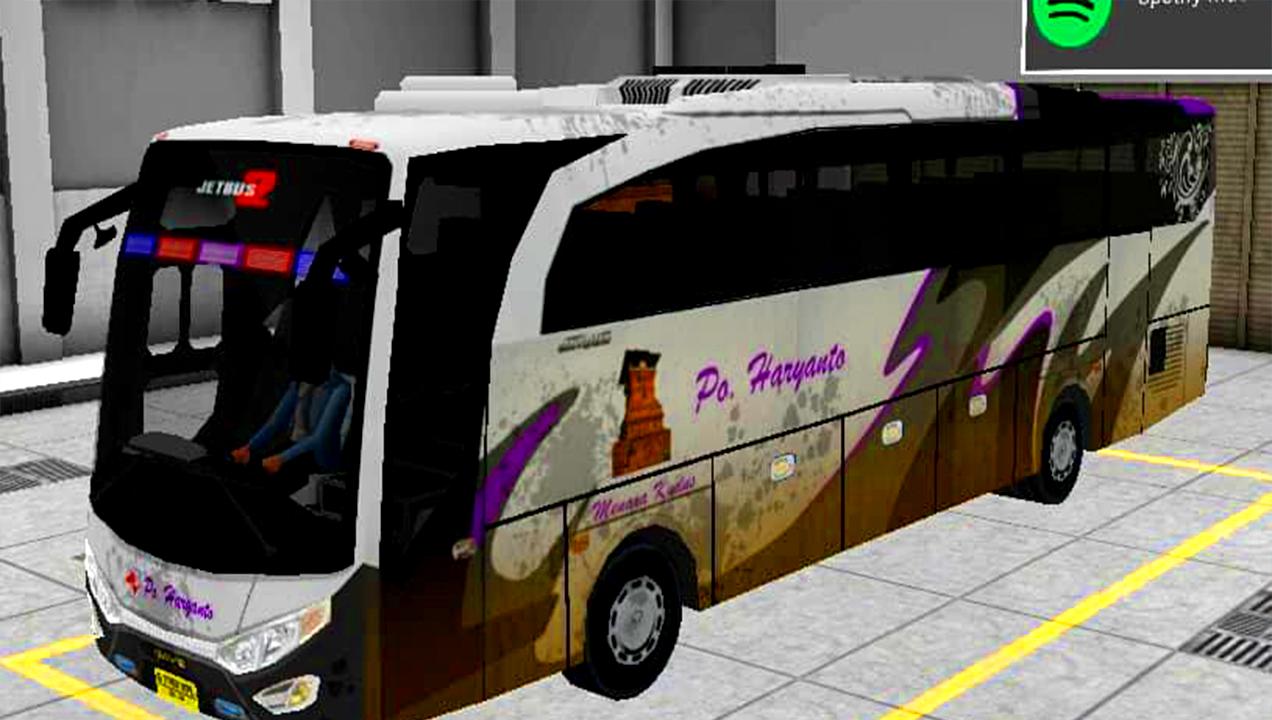
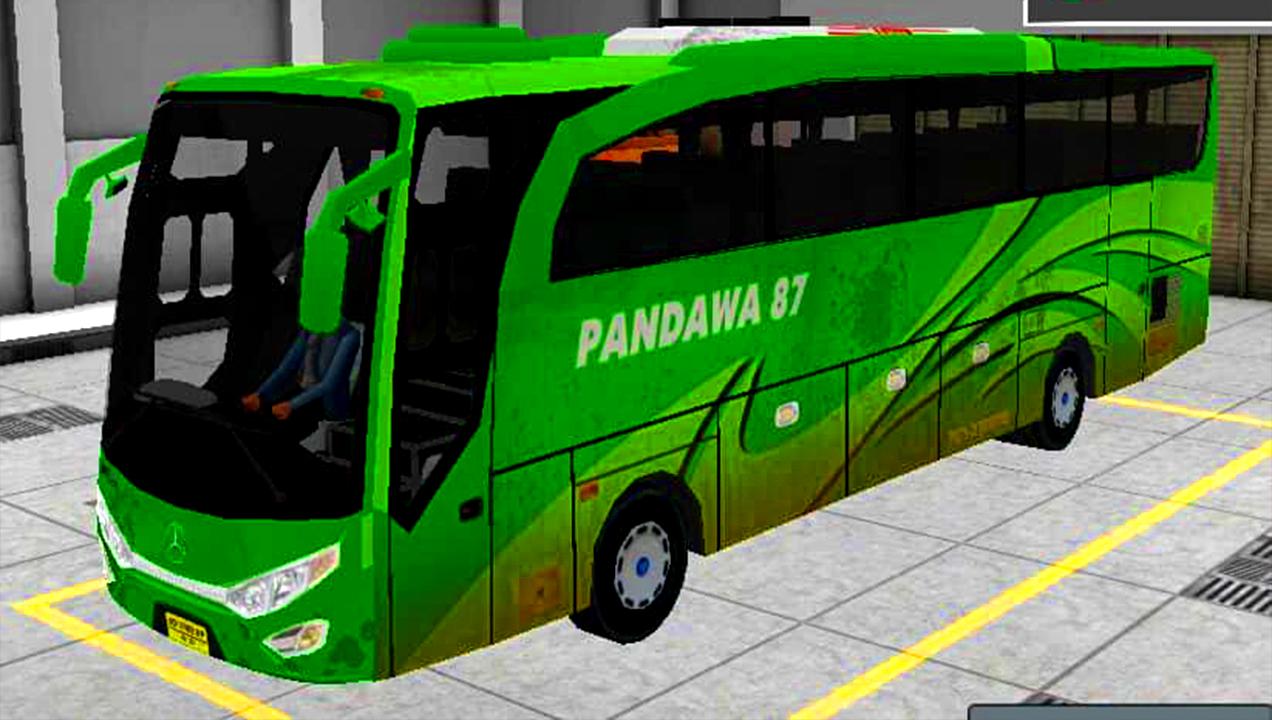
Bagi anda yang menyukai game Bussid mungkin tidak heran lagi dengan skin dan livery yang sudah banyak muncul saat ini kini WAKANDA studio akan meluncurkan Livery Kotor Bussid pertamanya ini akan menjadi livery indo terbaik untuk tipe skin bussid, biar anda tidak bosan dengan banyak livery yang sudah ada ini untuk game skin simulator bus indonesia Bus Telolet
Aplikasi ini akan livery update setiap sebulan sekali dan memiliki kualitas gambar yang livery jernih untuk anda bisa nikmati!!
Tutorial Cara ganti livery bussid:
1.Masuk Game Bus Simulator Indonesia
2.Menu Garage di sebelah kiri
3. Pilih Browse Livery
4.Pilih Gambar Skin Livery yang sudah di download
Preview
Information
Developer
Wakanda Studio
Latest Version
1.2
Last Updated
2018-04-15
Category
Entertainment
Available on
Google Play
Show More
How to play Livery kotor Bus Simulator Indonesia with GameLoop on PC
1. Download GameLoop from the official website, then run the exe file to install GameLoop
2. Open GameLoop and search for “Livery kotor Bus Simulator Indonesia” , find Livery kotor Bus Simulator Indonesia in the search results and click “Install”
3. Enjoy playing Livery kotor Bus Simulator Indonesia on GameLoop
Minimum requirements
OS
Windows 8.1 64-bit or Windows 10 64-bit
GPU
GTX 1050
CPU
i3-8300
Memory
8GB RAM
Storage
1GB available space
Recommended requirements
OS
Windows 8.1 64-bit or Windows 10 64-bit
GPU
GTX 1050
CPU
i3-9320
Memory
16GB RAM
Storage
1GB available space