Smart TV Remote, Works with LG PC
PHA Inc
Download Smart TV Remote, Works with LG on PC With GameLoop Emulator
Smart TV Remote, Works with LG on PC
Smart TV Remote, Works with LG, coming from the developer PHA Inc, is running on Android systerm in the past.
Now, You can play Smart TV Remote, Works with LG on PC with GameLoop smoothly.
Download it in the GameLoop library or search results. No more eyeing the battery or frustrating calls at the wrong time any more.
Just enjoy Smart TV Remote, Works with LG PC on the large screen for free!
Smart TV Remote, Works with LG Introduction
📺 Smart remote – Works with LG WebOS & Netcast TVs
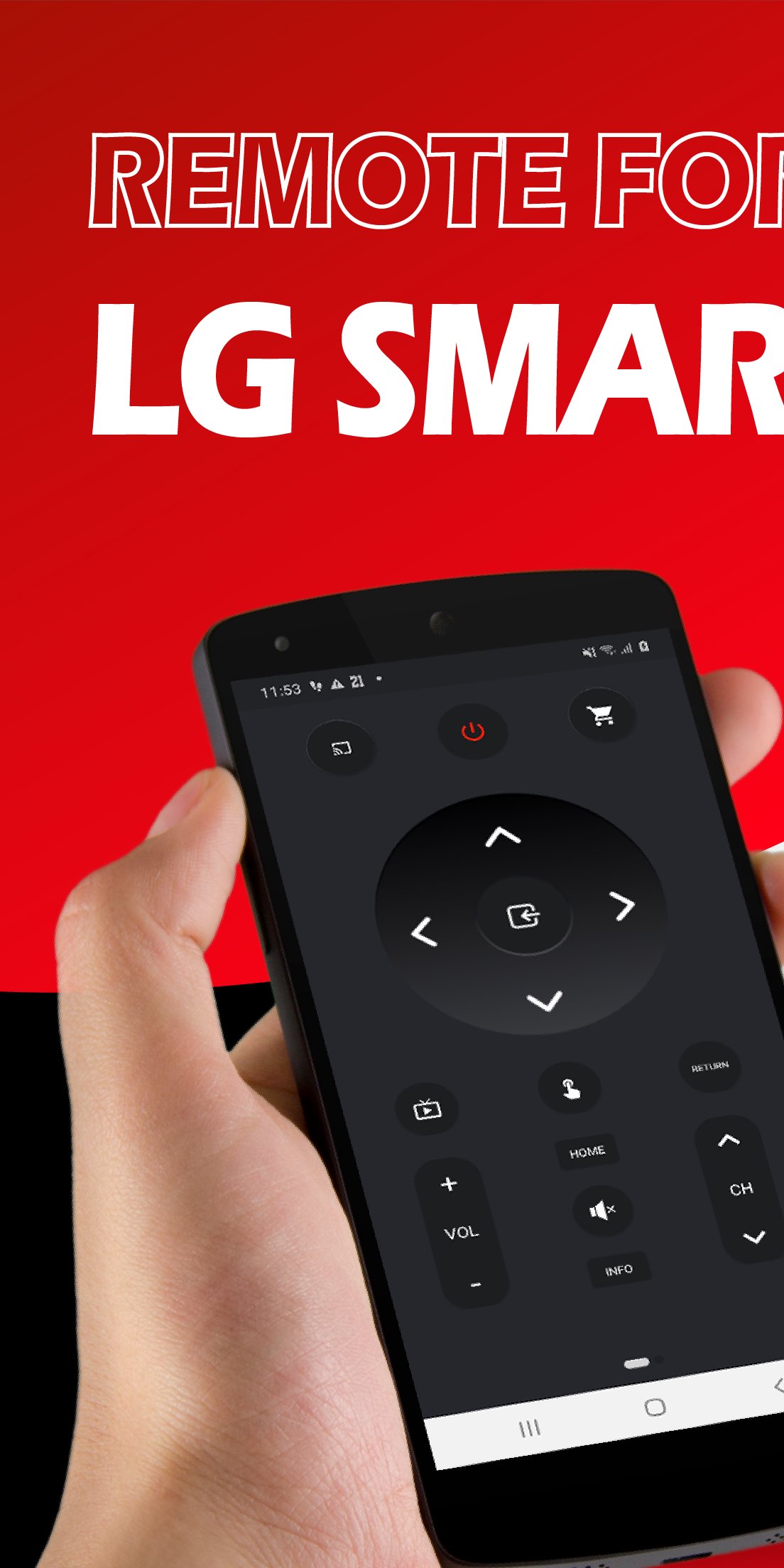
Transform your Android device into a powerful remote control for your Smart TV Remote — supporting both WebOS and Netcast models. Easily manage multiple TVs over WiFi, without the hassle of traditional remotes. Control your TV like never before!
Just connect your smartphone and LG TV to the same Wi-Fi network and complete a quick pairing process. No additional hardware needed.
🌟 Key Features
📱 Universal Remote Control – Manage multiple LG Smart TVs from one app
🔢 Quick Channel Access – Jump directly to any channel without scrolling
📺 Launch TV Apps Instantly – Open installed TV apps straight from your phone
📌 Create Shortcuts – Add favorite channels or TV apps like Netflix to your phone's home screen
🔇 Mute on Call – Automatically mute TV sound when you receive a phone call
⌨️ Easy Keyboard Input – Type into supported apps using your mobile keyboard
🖱️ Touchpad Navigation – Control your TV with intuitive gestures
✅ Compatibility
Supports:
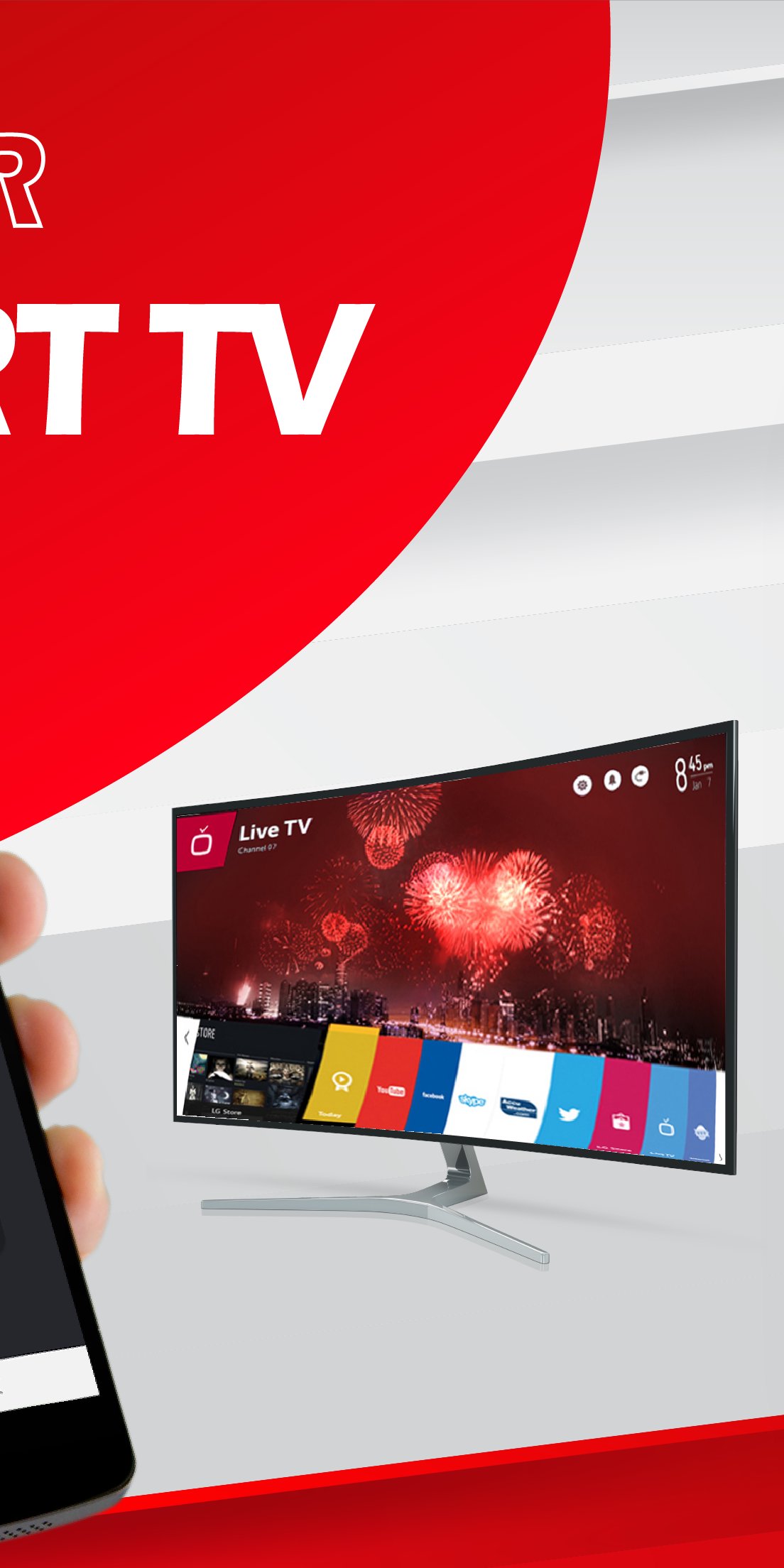
LG Smart TV with WebOS
LG Netcast models from 2012 and newer
📌 Disclaimer
This is an independent app developed to work with LG Smart TVs.
It is not an official LG product and is not affiliated with LG Electronics.
🛠️ Say goodbye to lost remotes — download Smart TV Remote for LG today and take full control of your entertainment experience!
Preview
Tags
EntertainmentInformation
Developer
PHA Inc
Latest Version
4.2
Last Updated
2025-11-18
Category
Entertainment
Available on
Google Play
Show More
How to play Smart TV Remote, Works with LG with GameLoop on PC
1. Download GameLoop from the official website, then run the exe file to install GameLoop
2. Open GameLoop and search for “Smart TV Remote, Works with LG” , find Smart TV Remote, Works with LG in the search results and click “Install”
3. Enjoy playing Smart TV Remote, Works with LG on GameLoop
Minimum requirements
OS
Windows 8.1 64-bit or Windows 10 64-bit
GPU
GTX 1050
CPU
i3-8300
Memory
8GB RAM
Storage
1GB available space
Recommended requirements
OS
Windows 8.1 64-bit or Windows 10 64-bit
GPU
GTX 1050
CPU
i3-9320
Memory
16GB RAM
Storage
1GB available space