
Khmer eCard PC
DirexPlay Co., Ltd.
Download Khmer eCard on PC With GameLoop Emulator
Khmer eCard on PC
Khmer eCard, coming from the developer DirexPlay Co., Ltd., is running on Android systerm in the past.
Now, You can play Khmer eCard on PC with GameLoop smoothly.
Download it in the GameLoop library or search results. No more eyeing the battery or frustrating calls at the wrong time any more.
Just enjoy Khmer eCard PC on the large screen for free!
Khmer eCard Introduction
***NEW***
To celebrate Christmas and New Year 2019, Khmer eCard is now updated with 2 new Animated cards:
- Christmas Dance
- Building 2019 with Family
***************************
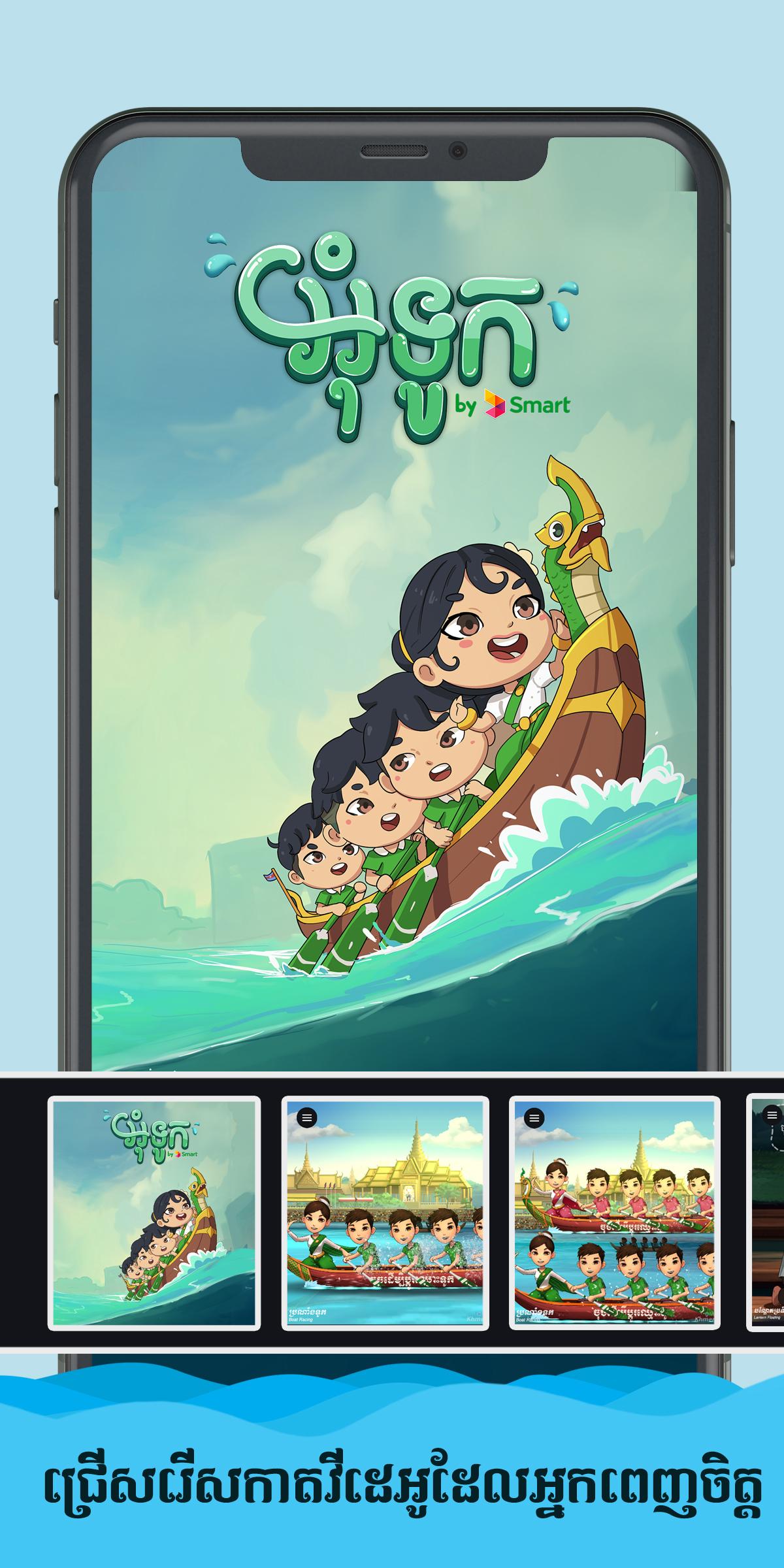
To celebrate Water Festival (Bon Om Touk), Khmer eCard is now updated with 4 new Animated cards:
- 2 Boats Racing
- 1 Boat Racing
- Lantern Floating
- Washing Bowl Racing
Celebrate Khmer New Year 2018 with special animated eCards that you will love to put yourself in and feel the new year season.
Swap your face with funny, and cute Khmer cartoon characters faces in different scenes:
- Cambodian Trot Dance
- Pailin Peacock Dance
- Chayam Dance
- Riding Bicycle to Pagoda
However the cards are not limited to Khmer New Year event, it's for anyone, anytime.
Neither a GIF nor a Video clip, but It's a real-time animated eCard App that deliver high quality result of the content.
Khmer eCard is a 2D Animated eCard that allow you to express yourself in a different way by swapping your and your friend's face with the cartoon character faces, and see the wonderful animation happen.
The application comes with real-time animation of the whole scene, it is neither a rendered video clip nor an animated GIF .
Change your face by just pressing on character's face, and select your picture or capture a new one, then you can add decoration to animated scene and export that eCard as the high quality video clip and save to your device storage.
We use lower-level encoding technique to encode your Animated eCard, that's why Khmer eCard can archive high quality eCard video clip export.
• FEATURES •
- Support Both Khmer and English Language
- Easily create your account with device ID
- Take a selfie or select picture from device storage
- Change Background, Particle Effect and Title Text
- Add custom Text
- Unlimited eCard Video Export.
- High Resolution video clip
- Share the way you want, via social media and more
- No download or upload video from/to our server
- All generated videos are stored in your devices (We don't collect or store your created eCard)
• GOT FEEDBACK? •
Got any cool idea? or Tell us about what to improve?
Email us anytime: support@direxplay.com
website: http://kb.direxplay.com
*Internet Connection is required in order to use the Application, because we use cloud save and cross-device sync, so each time you launch the application, a connection is needed to verify.
Preview
Tags
EntertainmentInformation
Developer
DirexPlay Co., Ltd.
Latest Version
1.6
Last Updated
2020-12-05
Category
Entertainment
Available on
Google Play
Show More
How to play Khmer eCard with GameLoop on PC
1. Download GameLoop from the official website, then run the exe file to install GameLoop
2. Open GameLoop and search for “Khmer eCard” , find Khmer eCard in the search results and click “Install”
3. Enjoy playing Khmer eCard on GameLoop
Minimum requirements
OS
Windows 8.1 64-bit or Windows 10 64-bit
GPU
GTX 1050
CPU
i3-8300
Memory
8GB RAM
Storage
1GB available space
Recommended requirements
OS
Windows 8.1 64-bit or Windows 10 64-bit
GPU
GTX 1050
CPU
i3-9320
Memory
16GB RAM
Storage
1GB available space