
how to draw goku PC
Alya S.A
Download how to draw goku on PC With GameLoop Emulator
how to draw goku on PC
how to draw goku, coming from the developer Alya S.A, is running on Android systerm in the past.
Now, You can play how to draw goku on PC with GameLoop smoothly.
Download it in the GameLoop library or search results. No more eyeing the battery or frustrating calls at the wrong time any more.
Just enjoy how to draw goku PC on the large screen for free!
how to draw goku Introduction
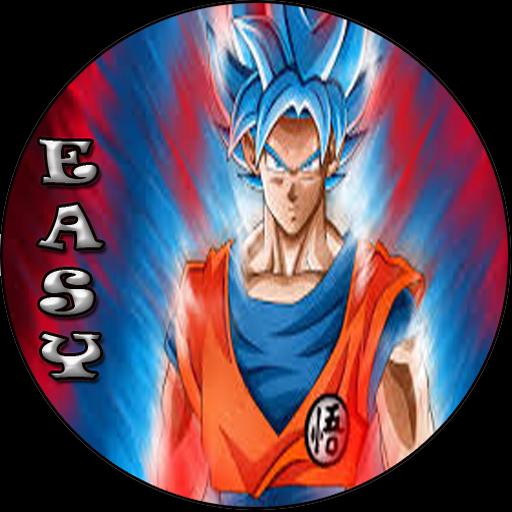
Please note that this app is not an official application from the goku maker, this app is only for those of you who want to learn or who want to know how to draw goku blue in an easy way.
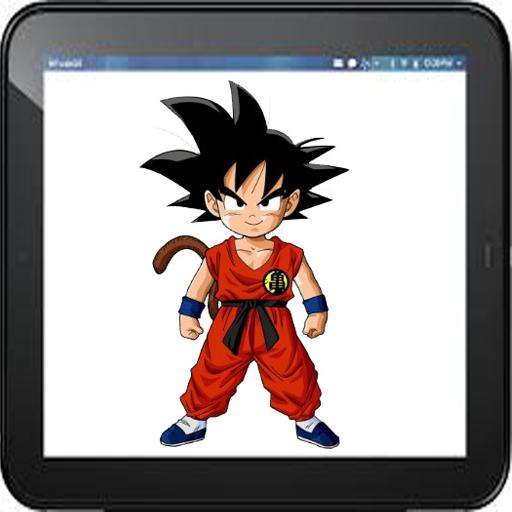
Use the application (how to draw goku blue) and step-by-step drawing instructions below to learn how to draw Goku Blue from Dragon Ball super. A new drawing tutorial is uploaded.
To be start with this app, just grap a paper and a pencil, choose your favorite Goku Blue characters you would like to draw, and follow our step by step drawing instructions. Yes with this application you can draw Goku super saiyan blue or god , SSB Vegeta, Vegeta Blue and Many more up to 16 characters
*Note & *Disclaimer
This app is for fans only and does not intend to impersonate any brands.
All content in this app is collected from the internet which is public content either from googling or other applications. So all content of this application beong to the right owner, if you feel you have the rights to the content in this application can contact us via e-mail or write a comment below, we will follow up soon.
If you enjoy this FREE app, be sure to rate me 5 stars. Thanks ^-^
Preview
Information
Developer
Alya S.A
Latest Version
1.3
Last Updated
2018-06-14
Category
Entertainment
Available on
Google Play
Show More
How to play how to draw goku with GameLoop on PC
1. Download GameLoop from the official website, then run the exe file to install GameLoop
2. Open GameLoop and search for “how to draw goku” , find how to draw goku in the search results and click “Install”
3. Enjoy playing how to draw goku on GameLoop
Minimum requirements
OS
Windows 8.1 64-bit or Windows 10 64-bit
GPU
GTX 1050
CPU
i3-8300
Memory
8GB RAM
Storage
1GB available space
Recommended requirements
OS
Windows 8.1 64-bit or Windows 10 64-bit
GPU
GTX 1050
CPU
i3-9320
Memory
16GB RAM
Storage
1GB available space