
Gratta e Vinci Plus: Verifica PC
CD Team
Download Gratta e Vinci Plus: Verifica on PC With GameLoop Emulator
Gratta e Vinci Plus: Verifica on PC
Gratta e Vinci Plus: Verifica, coming from the developer CD Team, is running on Android systerm in the past.
Now, You can play Gratta e Vinci Plus: Verifica on PC with GameLoop smoothly.
Download it in the GameLoop library or search results. No more eyeing the battery or frustrating calls at the wrong time any more.
Just enjoy Gratta e Vinci Plus: Verifica PC on the large screen for free!
Gratta e Vinci Plus: Verifica Introduction
This is the app that was missing for all Scratch and Win fans.
Did you know that hundreds of winning tickets never get cashed?
This is because at that moment you may be distracted and not notice the win!
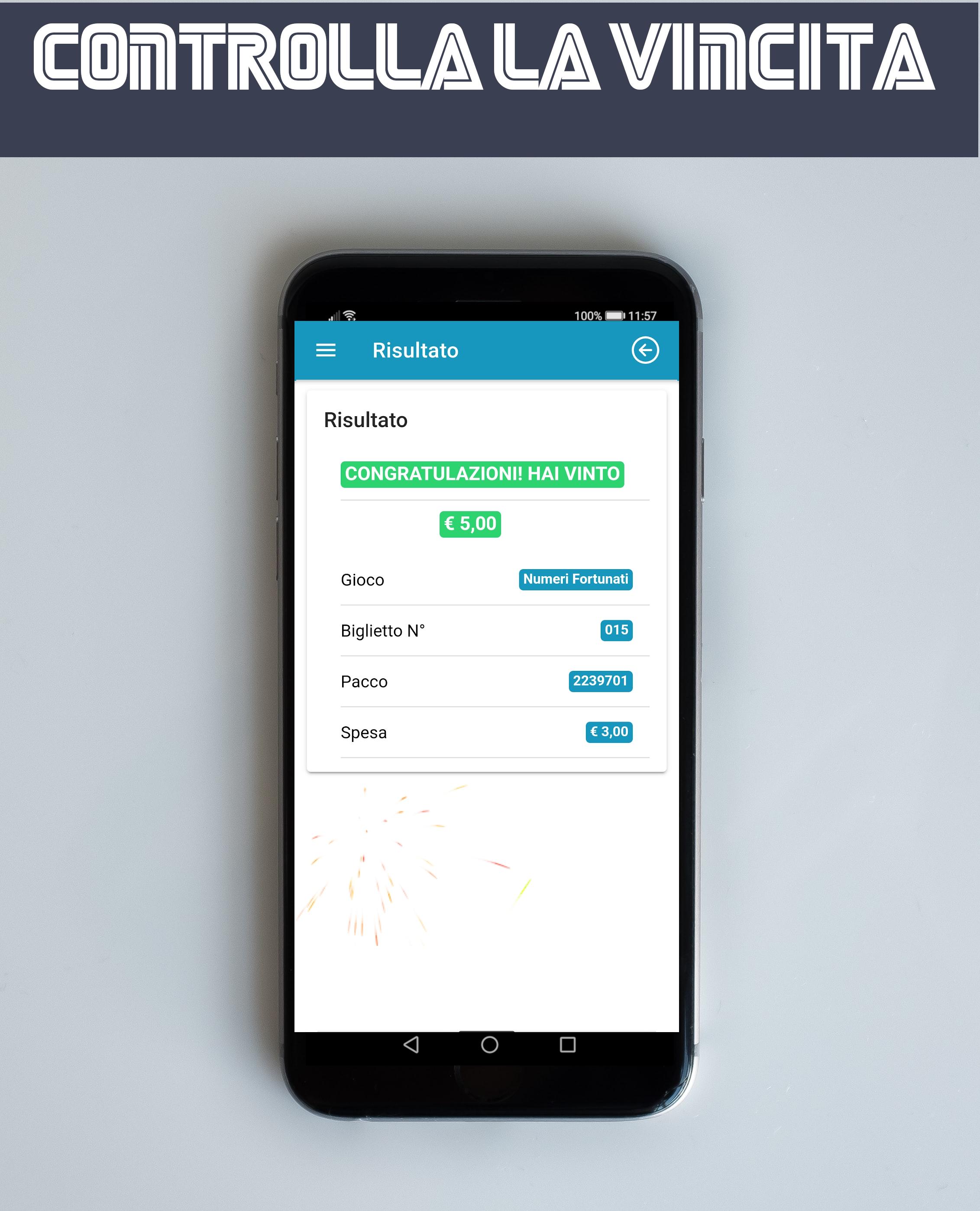
With this app, you no longer run this risk. You can check directly on your phone if your ticket is a winner.
Not only!
You can archive all your plays and analyze the results to figure out which ticket is the luckiest for you and much more ....
* The app requires access to the location only to save the place where you verify the win in the database. No tracking, data is not sent to anyone
Disclaimer
The information contained in this app is provided without any guarantee of completeness, correctness, or any other kind, implicit or explicit, and therefore users are invited to check them at the retailers.
Users of this app agree to access its content at their own risk.
The owner of the app will not be liable for any damage suffered in relation to this app.
Preview

Tags
EntertainmentInformation
Developer
CD Team
Latest Version
1.19
Last Updated
2023-03-04
Category
Entertainment
Available on
Google Play
Show More
How to play Gratta e Vinci Plus: Verifica with GameLoop on PC
1. Download GameLoop from the official website, then run the exe file to install GameLoop
2. Open GameLoop and search for “Gratta e Vinci Plus: Verifica” , find Gratta e Vinci Plus: Verifica in the search results and click “Install”
3. Enjoy playing Gratta e Vinci Plus: Verifica on GameLoop
Minimum requirements
OS
Windows 8.1 64-bit or Windows 10 64-bit
GPU
GTX 1050
CPU
i3-8300
Memory
8GB RAM
Storage
1GB available space
Recommended requirements
OS
Windows 8.1 64-bit or Windows 10 64-bit
GPU
GTX 1050
CPU
i3-9320
Memory
16GB RAM
Storage
1GB available space