
Fede Vigevani Videos PC
Sunlight Studio App
Download Fede Vigevani Videos on PC With GameLoop Emulator
Fede Vigevani Videos on PC
Fede Vigevani Videos, coming from the developer Sunlight Studio App, is running on Android systerm in the past.
Now, You can play Fede Vigevani Videos on PC with GameLoop smoothly.
Download it in the GameLoop library or search results. No more eyeing the battery or frustrating calls at the wrong time any more.
Just enjoy Fede Vigevani Videos PC on the large screen for free!
Fede Vigevani Videos Introduction
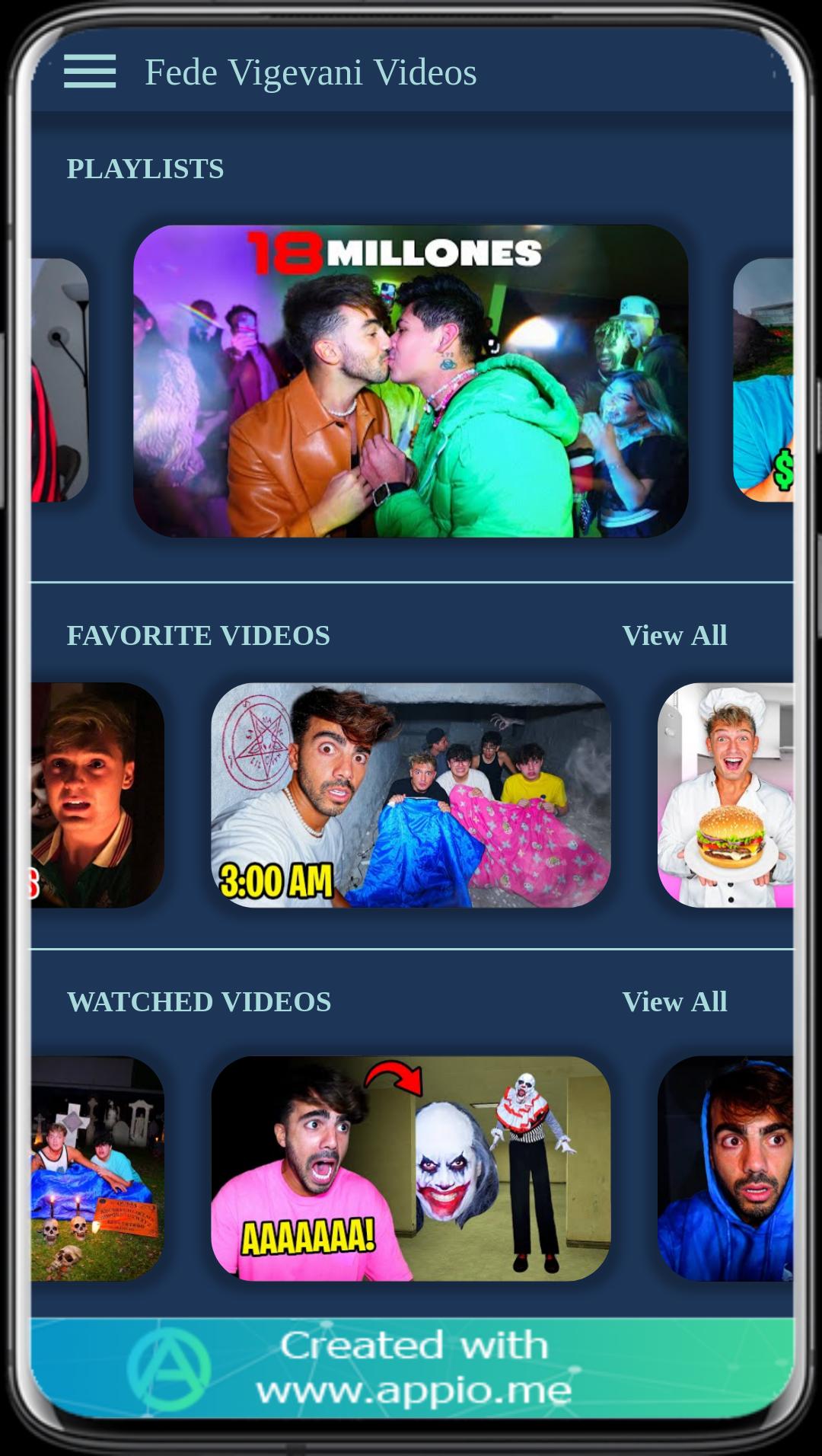
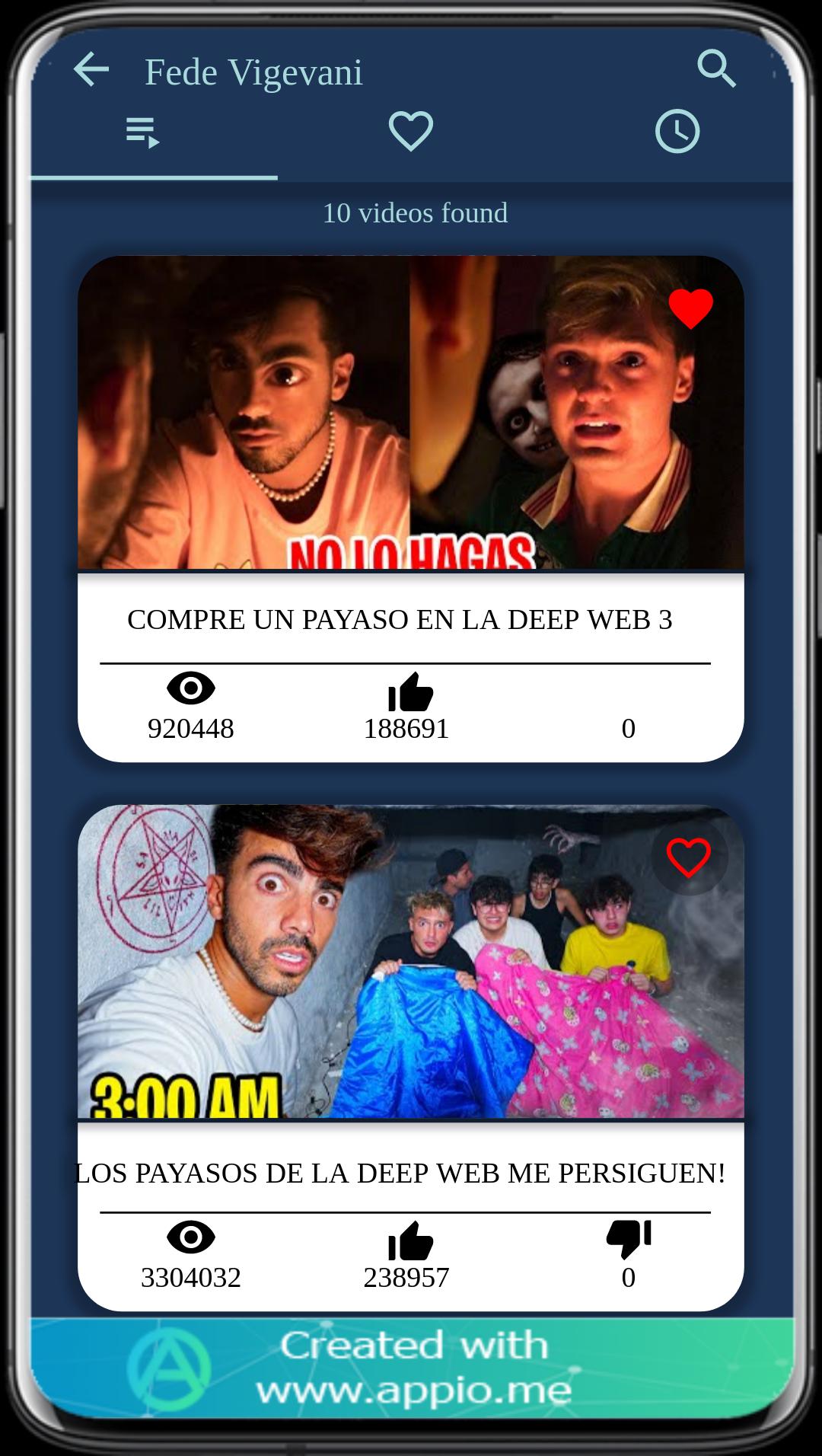
Fede Vigevani Videos is the perfect app to watch great videos created by renowned Italian YouTuber, Fede Vigevani. You can dive into a vast library of premium content, including challenges, exclusive interviews, and much more.
From cooking challenges and makeup tutorials to inspiring stories and exclusive interviews, Fede Vigevani Videos offers an unlimited selection of high-quality content. With an easy-to-use interface, intuitive navigation, and polished visuals, users can discover and explore multiple video topics. Uploads are regularly updated, so you'll always find something new.
Easily add videos to your favorites list, share content with friends and family, and get notified whenever new tips and tricks are released. You can even watch videos while offline by downloading them to your device. Fede Vigevani Videos ensures you'll never miss out on the best content.
Experience the world of Fede Vigevani with Fede Vigevani Videos! Download it now and enjoy fresh content anytime, anywhere. this video is not official it is about entertainment purpose,
Preview
Tags
EntertainmentInformation
Developer
Sunlight Studio App
Latest Version
7.1.0
Last Updated
2023-04-06
Category
Entertainment
Available on
Google Play
Show More
How to play Fede Vigevani Videos with GameLoop on PC
1. Download GameLoop from the official website, then run the exe file to install GameLoop
2. Open GameLoop and search for “Fede Vigevani Videos” , find Fede Vigevani Videos in the search results and click “Install”
3. Enjoy playing Fede Vigevani Videos on GameLoop
Minimum requirements
OS
Windows 8.1 64-bit or Windows 10 64-bit
GPU
GTX 1050
CPU
i3-8300
Memory
8GB RAM
Storage
1GB available space
Recommended requirements
OS
Windows 8.1 64-bit or Windows 10 64-bit
GPU
GTX 1050
CPU
i3-9320
Memory
16GB RAM
Storage
1GB available space