
Fake Call with BTS Suga PC
MURID DEVELOPER
Download Fake Call with BTS Suga on PC With GameLoop Emulator
Fake Call with BTS Suga on PC
Fake Call with BTS Suga, coming from the developer MURID DEVELOPER, is running on Android systerm in the past.
Now, You can play Fake Call with BTS Suga on PC with GameLoop smoothly.
Download it in the GameLoop library or search results. No more eyeing the battery or frustrating calls at the wrong time any more.
Just enjoy Fake Call with BTS Suga PC on the large screen for free!
Fake Call with BTS Suga Introduction
Investigate her, her unique name was chosen because of her sweet smile like sugar. He is a graduate of Apujeong High School. Although thick with his sweet and cute face, apparently Suga is in the rapper position.
His skill in delivering meaningful rap lyrics is beyond doubt. In addition, Suga is also talented in producing songs until he releases an album containing his own songs.
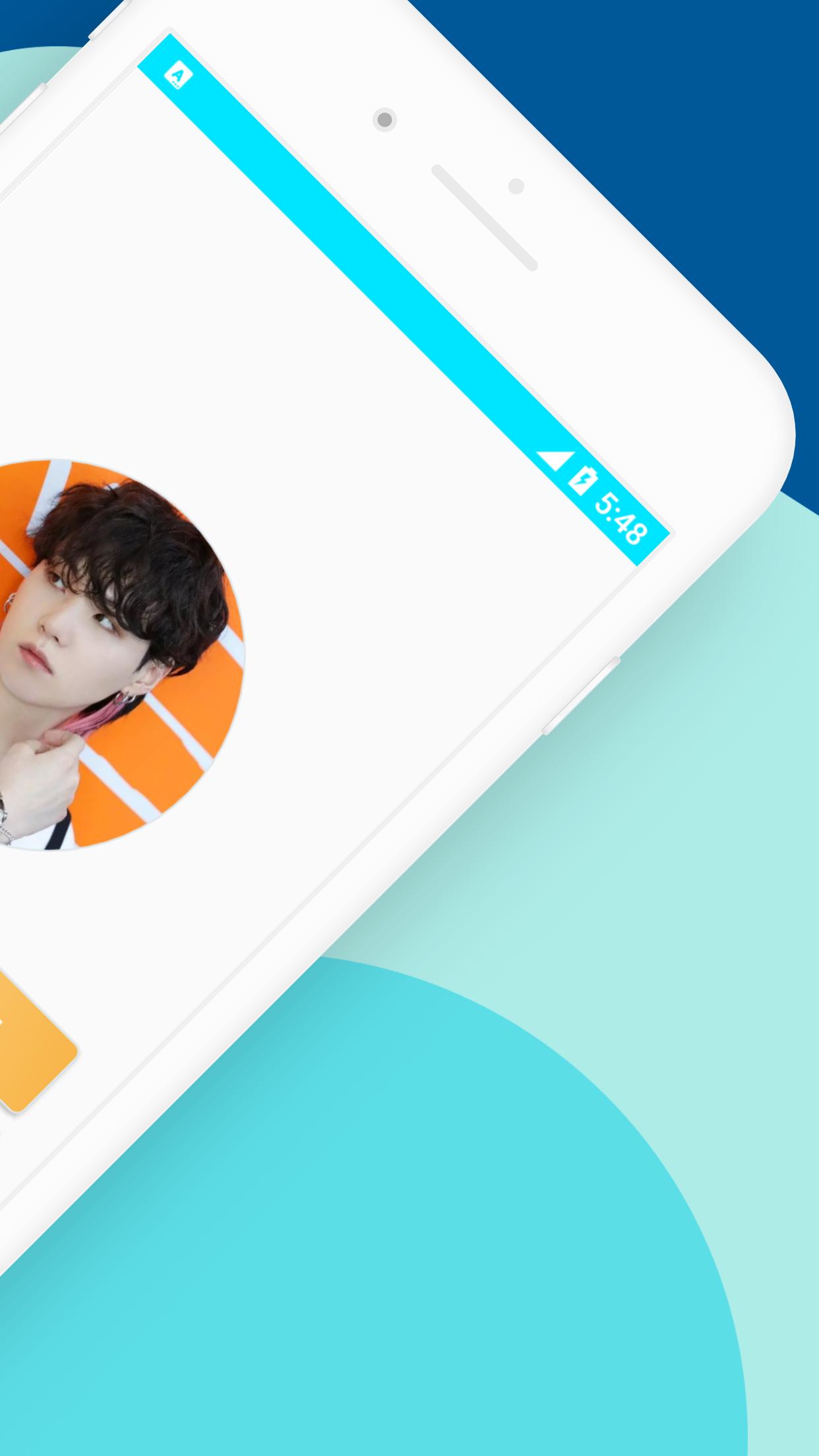
FakeCall is an application for making fake video and voice calls with your favorite artists. For Xiaomi smartphones, first set the application permissions on Xiaomi, click the top right menu on this application.
How to use this application are:
1. Select your favorite artist photo
2. Select Video or Voice Call
3. Select whatsapp or facebook video call display
4. select the time to run (select now - recommendation)
5. Start Fake
6. Wait 2 seconds then the fake call will run.
With this application you can prank your friends as if you were on the phone of your favorite artist, BTS Suga. You can also show off with your friends by taking screenshots during a video call and then sharing them on your social media such as Facebook, Instagram, WhatsApp, Twitter and others.
How ? Cool, right ?
This application is made with a theme similar to Instagram so that it looks cooler, easier to use, and there are 2 video and voice call themes, namely the WhatsApp and Facebook themes.
Preview

Tags
EntertainmentInformation
Developer
MURID DEVELOPER
Latest Version
5.1.0
Last Updated
2022-08-18
Category
Entertainment
Available on
Google Play
Show More
How to play Fake Call with BTS Suga with GameLoop on PC
1. Download GameLoop from the official website, then run the exe file to install GameLoop
2. Open GameLoop and search for “Fake Call with BTS Suga” , find Fake Call with BTS Suga in the search results and click “Install”
3. Enjoy playing Fake Call with BTS Suga on GameLoop
Minimum requirements
OS
Windows 8.1 64-bit or Windows 10 64-bit
GPU
GTX 1050
CPU
i3-8300
Memory
8GB RAM
Storage
1GB available space
Recommended requirements
OS
Windows 8.1 64-bit or Windows 10 64-bit
GPU
GTX 1050
CPU
i3-9320
Memory
16GB RAM
Storage
1GB available space