Echo Voice Recorder Reverb PC
PRAYER AZAN NAMAZ TIME APPS
Download Echo Voice Recorder Reverb on PC With GameLoop Emulator
Echo Voice Recorder Reverb on PC
Echo Voice Recorder Reverb, coming from the developer PRAYER AZAN NAMAZ TIME APPS, is running on Android systerm in the past.
Now, You can play Echo Voice Recorder Reverb on PC with GameLoop smoothly.
Download it in the GameLoop library or search results. No more eyeing the battery or frustrating calls at the wrong time any more.
Just enjoy Echo Voice Recorder Reverb PC on the large screen for free!
Echo Voice Recorder Reverb Introduction
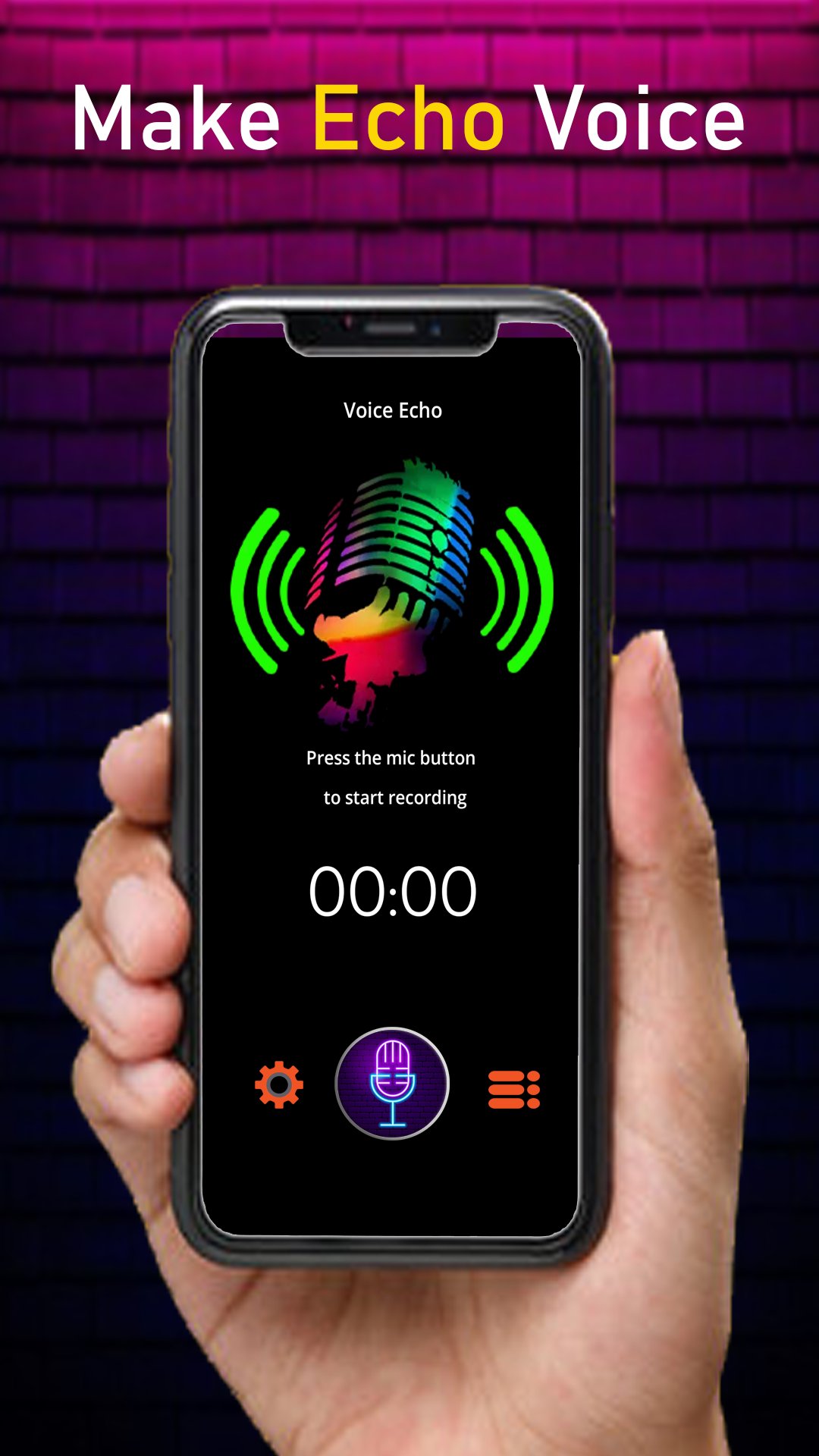
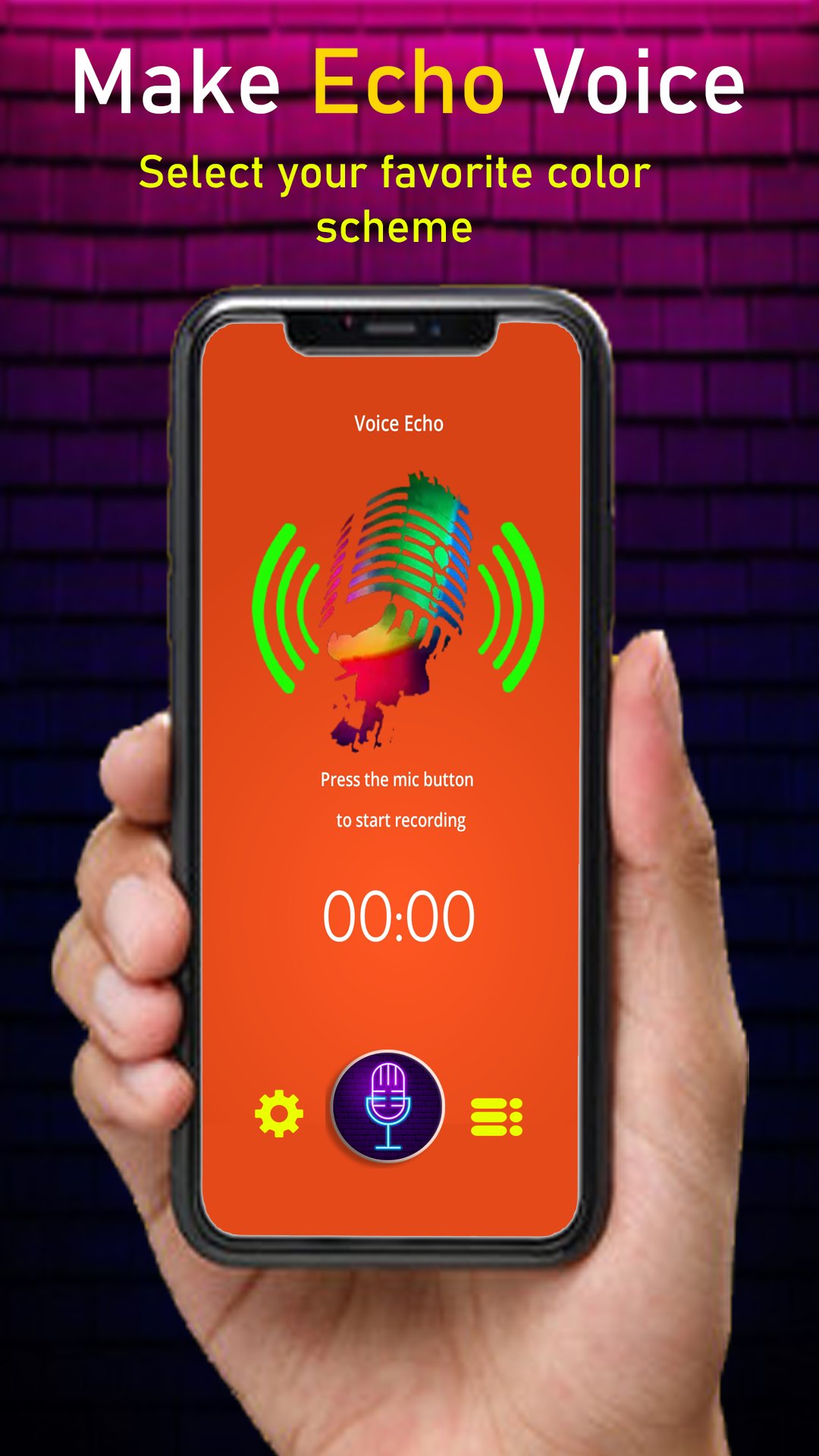
The Echo Voice Recorder is a user-friendly audio tool with seamless playback and an optional voice effect. With its recording capabilities, simply hold the record button while capturing audio, then release it to play it back.
Once a recording is created, you can listen to the audio effect as frequently as desired. By pressing the replay button while a recording is already playing, you can overlay the audio effect for an intensified experience. Enjoy the flexibility to both play and record simultaneously, allowing for sonic creativity.
Designed to be the quickest and easiest method for self-audio exploration, the Echo Voice Recorder is not just for amusement. Utilize it as a sound mirror to practice foreign languages, voice exercises, play music, deliver speeches, or simply indulge in the joy of recording.
Recordings are stored as uncompressed audio files, ensuring exceptional sound quality while resulting in larger file sizes. Technically speaking, the Echo Voice Recorder captures audio in 16-bit, 44.1 kHz PCM mono format, utilizing approximately 5.29 MB per minute of audio.
Furthermore, you have the capability to share externally saved files by attaching them to emails, messaging applications, and more."
Preview
Tags
EntertainmentInformation
Developer
PRAYER AZAN NAMAZ TIME APPS
Latest Version
1.0.7
Last Updated
2025-11-27
Category
Entertainment
Available on
Google Play
Show More
How to play Echo Voice Recorder Reverb with GameLoop on PC
1. Download GameLoop from the official website, then run the exe file to install GameLoop
2. Open GameLoop and search for “Echo Voice Recorder Reverb” , find Echo Voice Recorder Reverb in the search results and click “Install”
3. Enjoy playing Echo Voice Recorder Reverb on GameLoop
Minimum requirements
OS
Windows 8.1 64-bit or Windows 10 64-bit
GPU
GTX 1050
CPU
i3-8300
Memory
8GB RAM
Storage
1GB available space
Recommended requirements
OS
Windows 8.1 64-bit or Windows 10 64-bit
GPU
GTX 1050
CPU
i3-9320
Memory
16GB RAM
Storage
1GB available space