
myDishHome PC
Dish Media Network Ltd
Download myDishHome on PC With GameLoop Emulator
myDishHome on PC
myDishHome, coming from the developer Dish Media Network Ltd, is running on Android systerm in the past.
Now, You can play myDishHome on PC with GameLoop smoothly.
Download it in the GameLoop library or search results. No more eyeing the battery or frustrating calls at the wrong time any more.
Just enjoy myDishHome PC on the large screen for free!
myDishHome Introduction
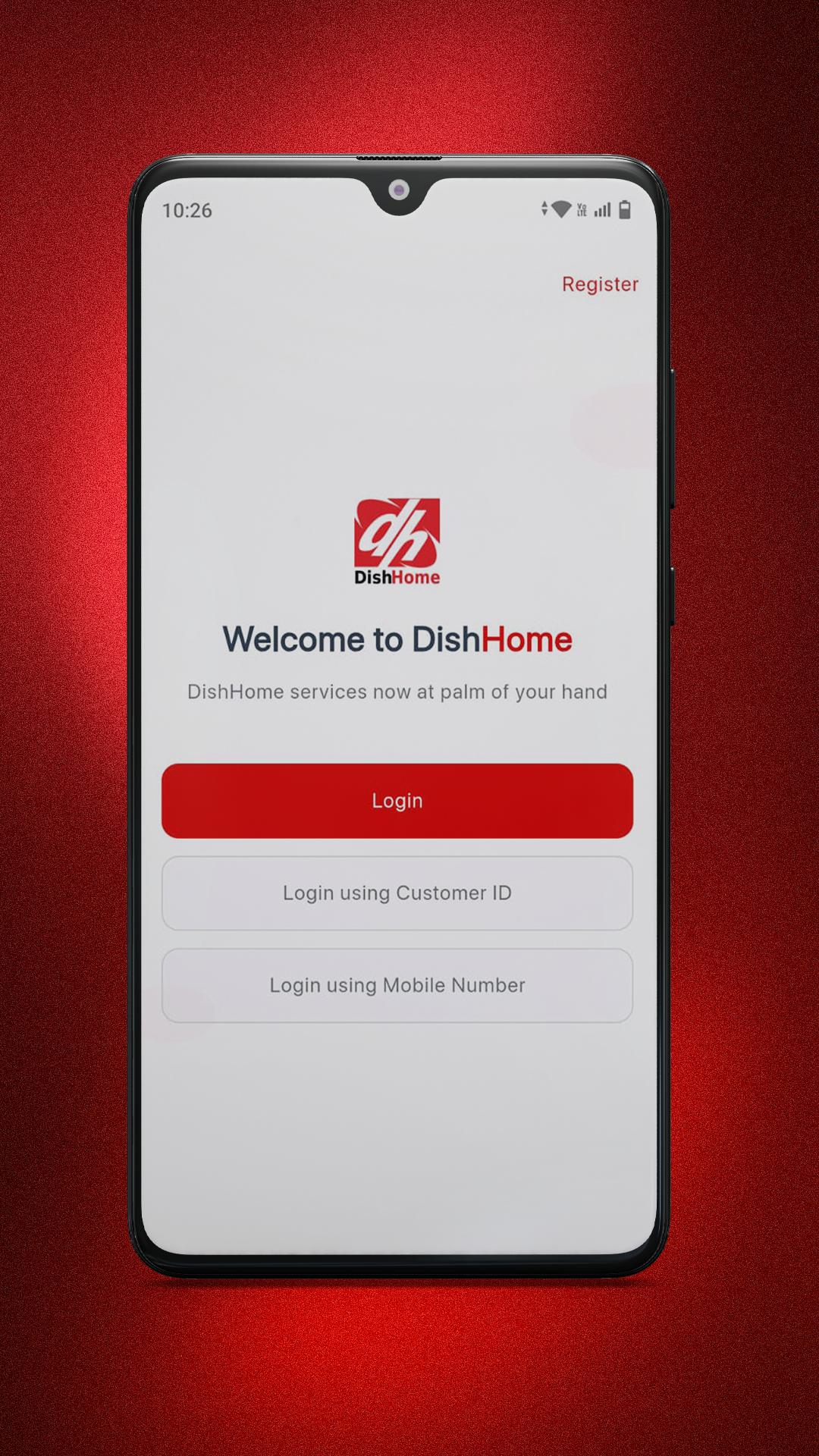
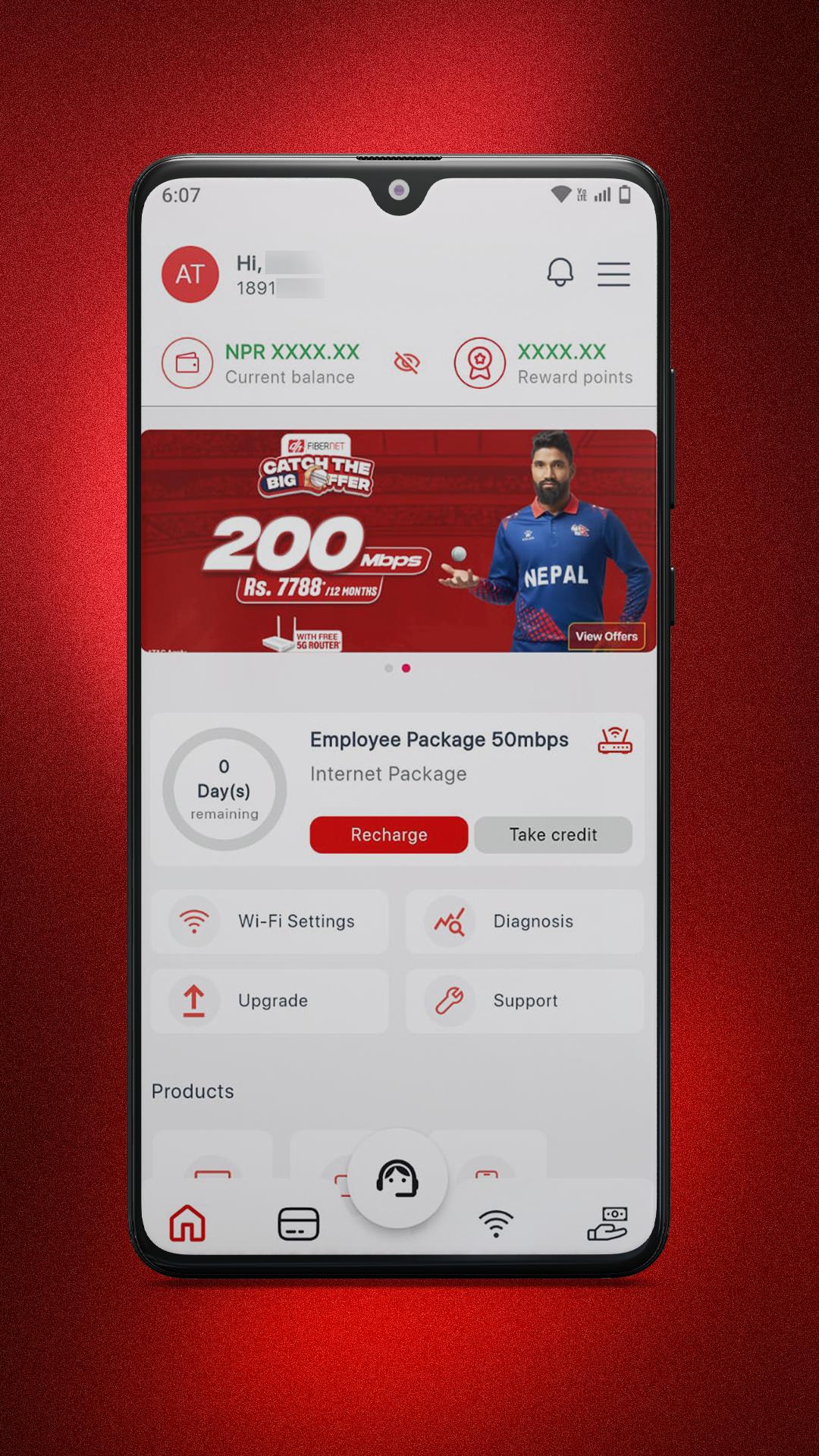
The myDishHome App is a dedicated self-service application created exclusively for DishHome customers. It allows you to easily manage all your services. Once you start using myDishHome, you'll wonder how you ever managed without it.
EASY BILLING
• Access your latest and past bills with detailed breakdowns.
• Make instant and secure online bill payments.
• Review your billing history.
SUPPORT AT YOUR FINGER TIPS
• Open and track your support tickets from anywhere.
MANAGE YOUR ACCOUNT SETTINGS
• Update your contact information.
• Check remaining days/subscription details for Internet, iTV, and DTH services.
• Temporarily extend expired accounts.
CONTROL YOUR SERVICES
• Change your Wi-Fi password.
• Monitor and manage connected devices.
DEVICE COMPATIBILITY
• The myDishHome App is compatible with Android 5.0 and above.
HELP & SUPPORT
• Help yourself with FAQs.
• Hotline number: 9801544000
• Support: helpdesk@dishhome.com.np
• Website: http://dishhome.com.np
• Facebook: https://www.facebook.com/dhfibernet.np
Preview
Tags
EntertainmentInformation
Developer
Dish Media Network Ltd
Latest Version
5.4.1
Last Updated
2025-06-18
Category
Entertainment
Available on
Google Play
Show More
How to play myDishHome with GameLoop on PC
1. Download GameLoop from the official website, then run the exe file to install GameLoop
2. Open GameLoop and search for “myDishHome” , find myDishHome in the search results and click “Install”
3. Enjoy playing myDishHome on GameLoop
Minimum requirements
OS
Windows 8.1 64-bit or Windows 10 64-bit
GPU
GTX 1050
CPU
i3-8300
Memory
8GB RAM
Storage
1GB available space
Recommended requirements
OS
Windows 8.1 64-bit or Windows 10 64-bit
GPU
GTX 1050
CPU
i3-9320
Memory
16GB RAM
Storage
1GB available space