
Face Swap Video App : MorphMe PC
AI Photo Editor Workspace
Download Face Swap Video App : MorphMe on PC With GameLoop Emulator
Face Swap Video App : MorphMe on PC
Face Swap Video App : MorphMe, coming from the developer AI Photo Editor Workspace, is running on Android systerm in the past.
Now, You can play Face Swap Video App : MorphMe on PC with GameLoop smoothly.
Download it in the GameLoop library or search results. No more eyeing the battery or frustrating calls at the wrong time any more.
Just enjoy Face Swap Video App : MorphMe PC on the large screen for free!
Face Swap Video App : MorphMe Introduction
MorphMe – Face Swap Video App is one of the most trending face apps and AI video generators that lets you create viral, funny, and customized content in seconds. 🚀
🎭 Use our powerful AI face swap, photo enhancer, and avatar maker tools to transform your selfies, photos, or videos into hilarious face filters, realistic AI hairstyles, or trending after effects-style scenes — no editing skills needed.
🎬 Whether you want a photo editor, a video editor with music, or a free AI video maker, MorphMe brings all-in-one face editing and body editor features in one app. ✨ From dreamface looks to funny face filters, MorphMe lets you explore your creativity. 🎨
🚀AI Video – Turn Your Selfie into a Viral Video
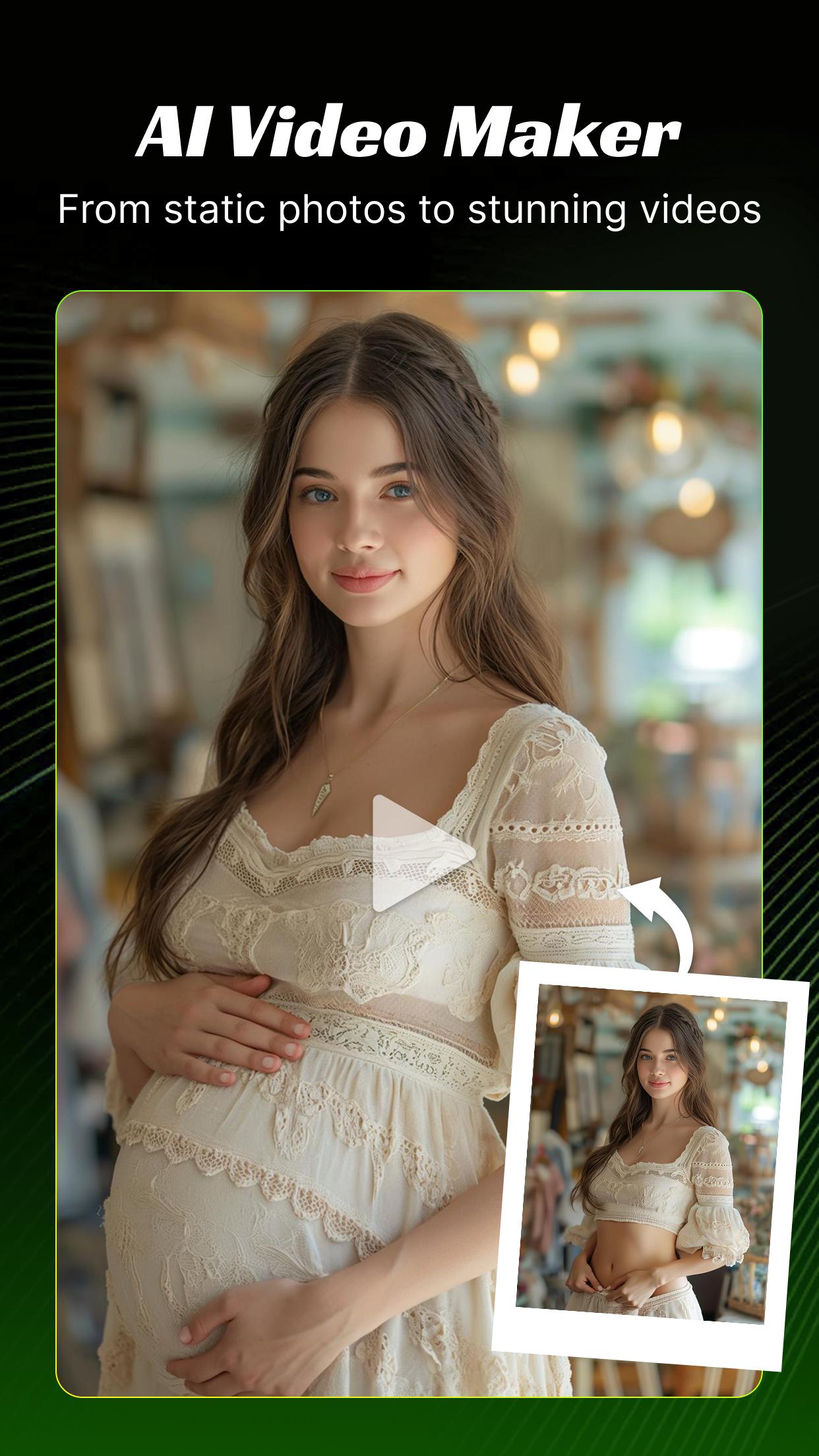
Turn your selfie into a stunning AI video with just one tap. 📸
Upload a photo and explore trending templates powered by AI to create cinematic edits, funny face filters, dramatic transformations, and animated scenes — instantly. 🎬✨
Whether you're using it as a selfie editor, face swap video maker, or photo-to-video tool, this app combines the power of an AI photo generator, free video editing, and avatar creation. No filming skills needed—just pure creativity. Perfect for making viral clips, AI reels, and short videos with music, effects, and enhanced face filters.
🎬Create Funny Videos, GIFs and Memes
Easily create funny videos, memes, and animated GIFs with MorphMe’s smart AI video editor and GIF maker. ✨Choose from dozens of funny face filters, meme templates, and special effects to turn your selfies or clips into viral content. 🚀Generate personalized GIFs from photos or videos and decorate them with captions, stickers, and funny filters. 📸
🎨Explore Diverse AI Video Styles & Effects
Choose from a vast selection of artistic styles including popular anime, realistic 3D avatars, cinematic video effects, fantasy worlds, and more. 🌌👾MorphMe’s powerful AI lets you easily create stunning videos and photos with professional-quality avatar making, creative filters, and dynamic video effects that bring your imagination to life. 🎬🚀
✨Unlock the Magic of AI Face Swapping
With MorphMe’s advanced AI face changer, effortlessly reface any character in photos or videos with stunning realism. 🎭Whether it’s a gender swap, baby swap, or series swap, our seamless face swap technology ensures natural and flawless results every time. ✅Unleash your creativity to make captivating videos, memes, and photos that will amaze your friends and followers. 🎉📸
🌟Experience Different Lives
Transform yourself into a Kpop idol, film star, or celebrity on the red carpet with MorphMe’s powerful AI face swap feature. 💃🕺Upload your photo or video and instantly create stunning, viral-ready content that lets you experience glamorous lives and fascinating scenes. 🚀✨
🔥Be Popular on Social Media Platform
Worried about your body, singing, or dancing skills? No need! 🙅♀️💃
With MorphMe’s powerful AI face swap and video editor, you can easily place your face onto popular video clips and become the next viral star on social media. 🚀
👯Double Face Swap: Create Fun Two-Player Videos
Create hilarious and memorable videos with friends or family using MorphMe’s two-player face swap feature.
Simply upload your video, swap faces with ease, and export your masterpiece in just three quick steps.
Contact Us
We appreciate the feedback from you, as it not only allows us to see the value of our work, but also motivates us to solve problems.
Email: MorphMeapp@outlook.com
Preview

Tags
EntertainmentInformation
Developer
AI Photo Editor Workspace
Latest Version
1.13.75
Last Updated
2025-07-15
Category
Entertainment
Available on
Google Play
Show More
How to play Face Swap Video App : MorphMe with GameLoop on PC
1. Download GameLoop from the official website, then run the exe file to install GameLoop
2. Open GameLoop and search for “Face Swap Video App : MorphMe” , find Face Swap Video App : MorphMe in the search results and click “Install”
3. Enjoy playing Face Swap Video App : MorphMe on GameLoop
Minimum requirements
OS
Windows 8.1 64-bit or Windows 10 64-bit
GPU
GTX 1050
CPU
i3-8300
Memory
8GB RAM
Storage
1GB available space
Recommended requirements
OS
Windows 8.1 64-bit or Windows 10 64-bit
GPU
GTX 1050
CPU
i3-9320
Memory
16GB RAM
Storage
1GB available space