
DD Sports Live PC
DD National TV
Download DD Sports Live on PC With GameLoop Emulator
DD Sports Live on PC
DD Sports Live, coming from the developer DD National TV, is running on Android systerm in the past.
Now, You can play DD Sports Live on PC with GameLoop smoothly.
Download it in the GameLoop library or search results. No more eyeing the battery or frustrating calls at the wrong time any more.
Just enjoy DD Sports Live PC on the large screen for free!
DD Sports Live Introduction
DD Sports was launched on 18 March 1998. In the beginning, it broadcast sports programmes for six hours a day, which was increased to 12 hours in 1999. From 1 June 2000, DD Sports became a "round-the-clock" satellite channel. It was an encrypted pay channel between 2000 and 2003, and on 15 July 2003, it became the only free-to-air sports channel in the country.[1][2]
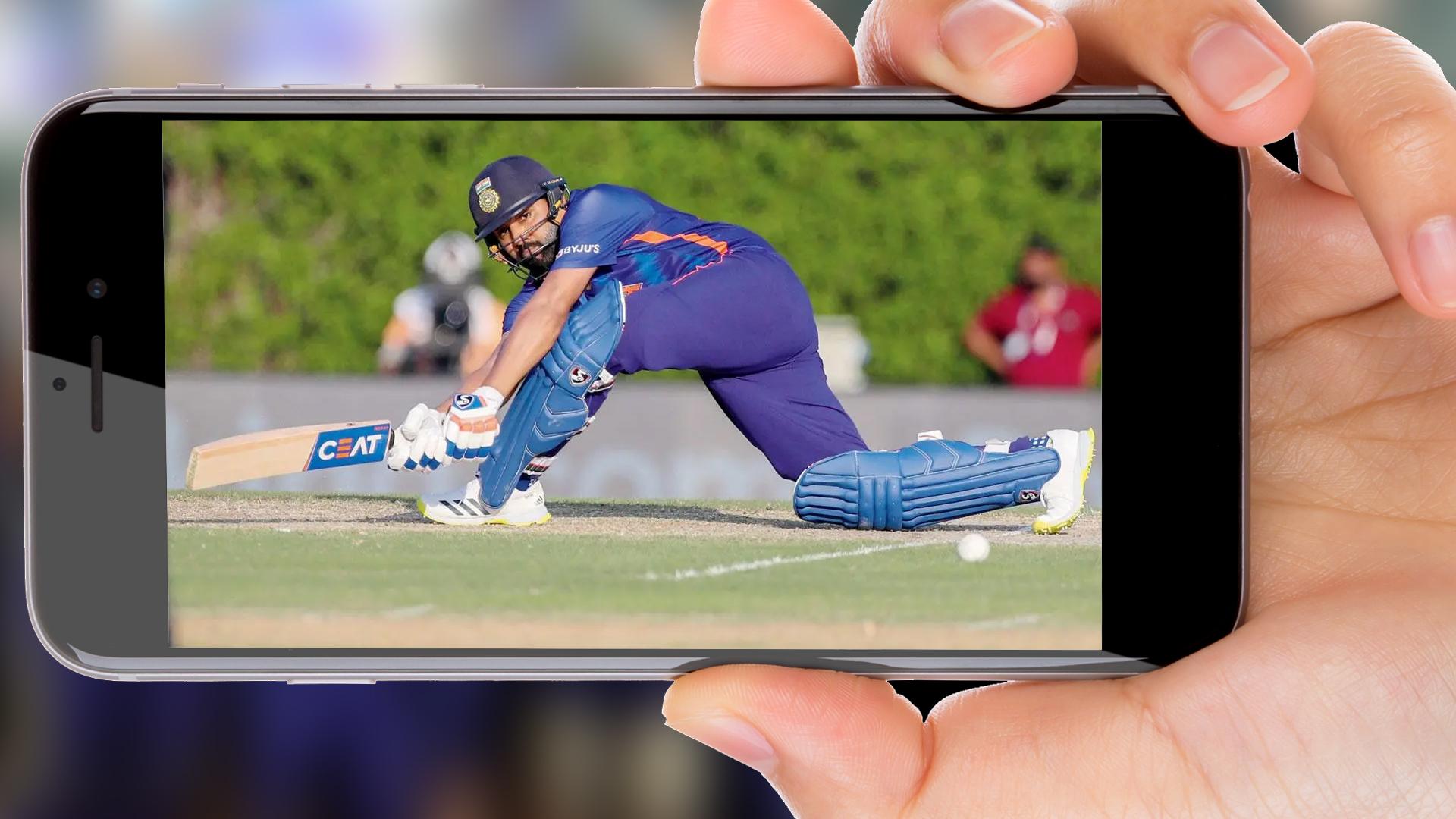
Besides showing live sporting events like cricket, football, and tennis, DD Sports showcases Indian sports including kabaddi and kho-kho. In addition to international sporting events, important national tournaments of hockey, football, athletics, cricket, swimming, tennis, badminton, archery, and wrestling are also telecast. The DD Sports channel also telecasts news-based programmes, sports quizzes, and personality-oriented shows.[3]
DD Sports telecast all Test, ODI & Twenty20 International cricket matches played by India Men and women Cricket Team and this Live telecast "only" available on DD Free Dish DTH and on DD Terrestrial network, this live feed is not available on private dth and cable operator lines[ci
✪ App Features:
- Listen Live Broadcast of more than 150 Radio Channels of All India Radio.
- Get Latest News and Current Affairs via International, National as well as Regional News Channels.
- Watch Live Telecast and Latest Programs of All DD Channels across India.
✪ Other Features:
- Favorites
- Dark Mode
✪List of DD Channels:
★ National Channel :
★DD1
★DD News
★DD Bharati
★ DD Sports
★ DD Urdu.
✪Regional Language Satellite Channel :
★DD North-East
★DD Bengali
★DD Gujarati
★DD Kannada
★DD Kashmir
★Dd Malayalam
★Dd Sahyadri
★DD Oriya
★DD Punjabi
★DD Podhigai
★DD Saptagiri.
- Regional State Network :
★DD Bihar
★DD Jharkhand
★DD Chhattisgarh
★DD Madhya Pradesh
★DD Uttar Pradesh
★DD Haryana
★DD Uttarakhand
★DD Himachal Pradesh
★DD Rajasthan
★DD Mizoram
★DD Tripura.
- International Channel :
★ DD India.
✪ Recommended TV Programmers with Timings:
- Intermediate (DD Yadagiri) Channel from 8 am to 10.30 am and 3 pm to 6 pm
- School DD Yadagiri Channel from 10.30 am to 1.00 pm
- Mahabharat (DD National) - 12 pm and 7 pm
- Ramayan (DD National) - 9 am and 9 pm
- Circus (DD National) - 8 pm
- Byomkesh Bakthi (DD National) - 11 am
- Shaktimaan (DD National) - 1 pm
- Chanakya (DD Bharti) - Afternoon slot
- Hum Hain Na (DD National) - 10 pm
- Tu Tota Main Maina (DD National) - 10:30 pm
- Shriman Shrimati (DD National) - 2 pm
- Upanishad Ganga (DD Bharti) - Afternoon slot
- Krishna Kali (DD National) - 8:30 pm
DD Sports Live available here:
The Department of School Education released a schedule for the conduct of online classes with details of the lessons to be taught for the first 14 days, their timing and channels to be aired. DD-Yadagiri, T-SAT Nipuna channel, Vidya channel will telecast Class wise and subject wise digital classes.
All Rights reserved and all links are government approved and available in YouTube India public access.
Preview
Tags
EntertainmentInformation
Developer
DD National TV
Latest Version
1.1
Last Updated
2023-02-13
Category
Entertainment
Available on
Google Play
Show More
How to play DD Sports Live with GameLoop on PC
1. Download GameLoop from the official website, then run the exe file to install GameLoop
2. Open GameLoop and search for “DD Sports Live” , find DD Sports Live in the search results and click “Install”
3. Enjoy playing DD Sports Live on GameLoop
Minimum requirements
OS
Windows 8.1 64-bit or Windows 10 64-bit
GPU
GTX 1050
CPU
i3-8300
Memory
8GB RAM
Storage
1GB available space
Recommended requirements
OS
Windows 8.1 64-bit or Windows 10 64-bit
GPU
GTX 1050
CPU
i3-9320
Memory
16GB RAM
Storage
1GB available space