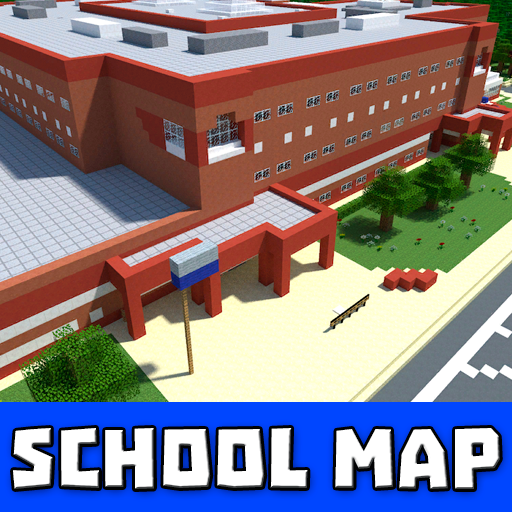
School maps for MCPE PC
Slav App
Download School maps for MCPE on PC With GameLoop Emulator
School maps for MCPE on PC
School maps for MCPE, coming from the developer Slav App, is running on Android systerm in the past.
Now, You can play School maps for MCPE on PC with GameLoop smoothly.
Download it in the GameLoop library or search results. No more eyeing the battery or frustrating calls at the wrong time any more.
Just enjoy School maps for MCPE PC on the large screen for free!
School maps for MCPE Introduction
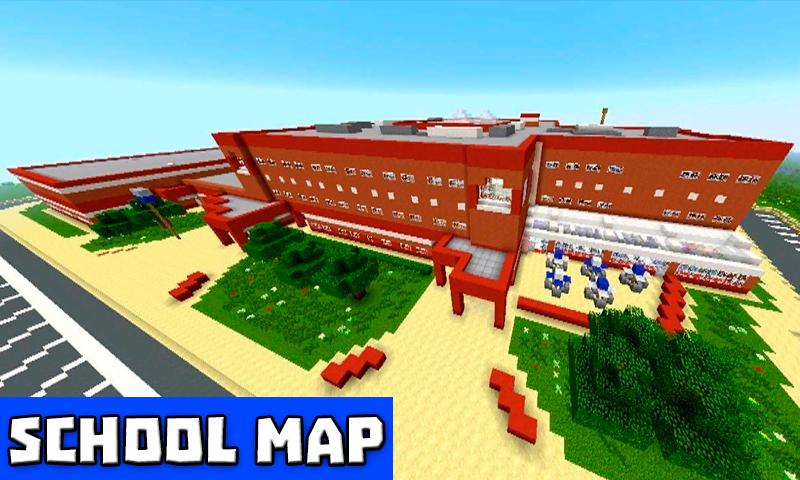
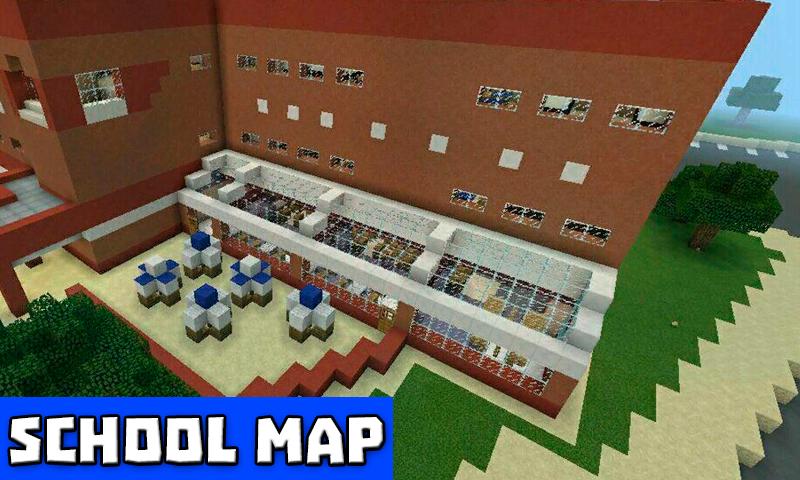
Do you want to make your own Minecraft maps? Or create your own Minecraft PE school maps with distinctive structures, a large metropolis, or just a residential area? Don't overwork yourself! Simply download the School and Neighborhood map for Minecraft PE and enjoy this unique school map with a variety of buildings. A school, a theater, a residential neighborhood, and other fascinating buildings may all be found among them. You may definitely learn how to have a wonderful time once you download school for mcpe.
School maps for Minecraft include a high-quality, well-designed interior that will surely impress your buddies who have decided to join the Minecraft school map exploration.
You may either build or destroy your own city in Minecraft! It's entirely up to you.
This is a lovely mcpe high school map that may be used for role-playing games like minecraft's hide and seek. You can try to expand the area of mcpe maps by adding more structures, effectively converting the region into a city map.
Disclaimer. Mods and maps created by us are unofficial apps. These apps are not associated with Mojang AB in any way. All intellectual property rights are reserved. In keeping with the brand's criteria.
Preview
Tags
EntertainmentInformation
Developer
Slav App
Latest Version
3.2
Last Updated
2022-08-01
Category
Entertainment
Available on
Google Play
Show More
How to play School maps for MCPE with GameLoop on PC
1. Download GameLoop from the official website, then run the exe file to install GameLoop
2. Open GameLoop and search for “School maps for MCPE” , find School maps for MCPE in the search results and click “Install”
3. Enjoy playing School maps for MCPE on GameLoop
Minimum requirements
OS
Windows 8.1 64-bit or Windows 10 64-bit
GPU
GTX 1050
CPU
i3-8300
Memory
8GB RAM
Storage
1GB available space
Recommended requirements
OS
Windows 8.1 64-bit or Windows 10 64-bit
GPU
GTX 1050
CPU
i3-9320
Memory
16GB RAM
Storage
1GB available space