
Vplus PC
Nuevatel PCS de Bolivia S.A.
Download Vplus on PC With GameLoop Emulator
Vplus on PC
Vplus, coming from the developer Nuevatel PCS de Bolivia S.A., is running on Android systerm in the past.
Now, You can play Vplus on PC with GameLoop smoothly.
Download it in the GameLoop library or search results. No more eyeing the battery or frustrating calls at the wrong time any more.
Just enjoy Vplus PC on the large screen for free!
Vplus Introduction
With V+ enjoy more content and the best of entertainment. Access your favorite shows and live sporting events plus enjoy watching movies, series and documentaries on demand whenever you want, wherever you want, however you want.
Access TV and content on demand from any device. Watch, pause, and rewatch all your live shows and events. Enjoy hours of video content with a catalog of movies, series and documentaries at your fingertips.
Feature highlights:
- Free access to the app with live signals for all VIVA users.
- Grid of live television channels with all the signals in HD
- Includes up to 6,000 contents of Movies and Series.
- Option to mark favorite channels and contents.
- Restart or pause to watch a live content that has already started.
- Go back up to 24 hours to see your already broadcast programs.
- Use the broadcast of content from mobile to TV through Google Chromecast.
- Continue watching content from where you left off.
- Use simultaneous sessions in different created profiles.
- Parental Control with PIN lock access to content that you do not want the little ones to see.
Note that:
- To access the APP with free service, you must have the active service.
- The grid of channels and content assigned depends on the streaming plan contracted
- Not available for rooted devices, with modified and non-approved firmwares.
Preview
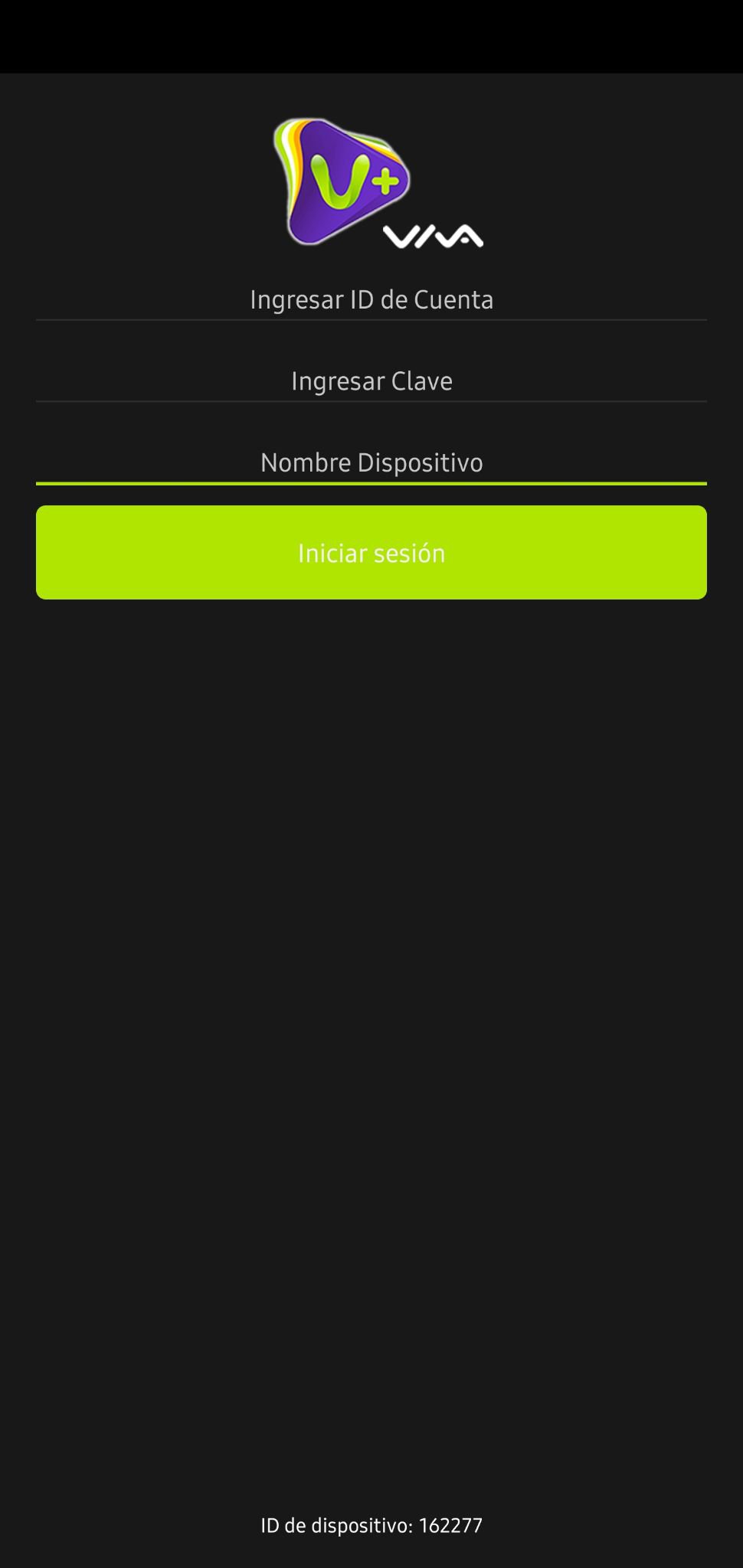
Tags
EntertainmentInformation
Developer
Nuevatel PCS de Bolivia S.A.
Latest Version
2.10.2-14924_6a7875dc88
Last Updated
2023-08-15
Category
Entertainment
Available on
Google Play
Show More
How to play Vplus with GameLoop on PC
1. Download GameLoop from the official website, then run the exe file to install GameLoop
2. Open GameLoop and search for “Vplus” , find Vplus in the search results and click “Install”
3. Enjoy playing Vplus on GameLoop
Minimum requirements
OS
Windows 8.1 64-bit or Windows 10 64-bit
GPU
GTX 1050
CPU
i3-8300
Memory
8GB RAM
Storage
1GB available space
Recommended requirements
OS
Windows 8.1 64-bit or Windows 10 64-bit
GPU
GTX 1050
CPU
i3-9320
Memory
16GB RAM
Storage
1GB available space