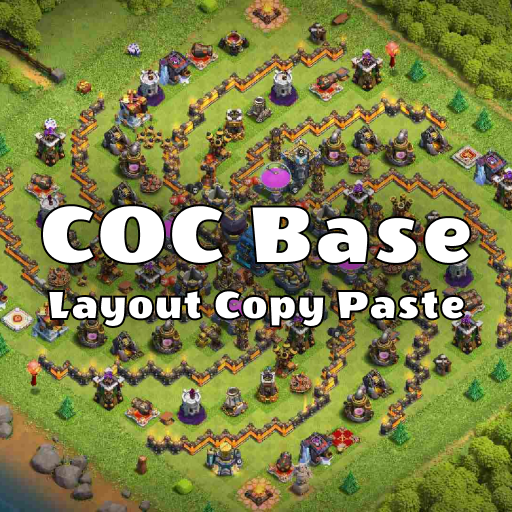
COC base layout copy paste PC
Aladin Tech
Download COC base layout copy paste on PC With GameLoop Emulator
COC base layout copy paste on PC
COC base layout copy paste, coming from the developer Aladin Tech, is running on Android systerm in the past.
Now, You can play COC base layout copy paste on PC with GameLoop smoothly.
Download it in the GameLoop library or search results. No more eyeing the battery or frustrating calls at the wrong time any more.
Just enjoy COC base layout copy paste PC on the large screen for free!
COC base layout copy paste Introduction
The COC base layout copy paste: COC Layouts app is the ultimate solution for finding the perfect layout for your Clash of Clans village. With just one click, you can copy the base and share it with your friends to help them progress in the game. Not only that, you can share the Clash of Clans base designs with your clan mates to help them during wars, and to help them acquire trophies, coins, and elixir.
How can this app help you?
The COC base layout copy paste app offers a variety of base options including war bases, farm bases, troll bases, CWL bases, Hybrid bases, legend league bases, ring bases, and more.
Get the best clash of clans base layouts for your village with COC base layout copy paste app! Our app offers hundreds of bases to choose from so you can set the perfect clash of clan's map that meets your needs. Whether you're looking for a farming, trophy, or war base, we have one of the best base designs with copy link that can be set in just one click.
All our new clash of clans base designs are made with the help of pro players to ensure high quality and efficiency. We offer bases for most of the town hall base as well as builder hall base, including Town hall 6 base, Town hall 7 base, Town hall 8 base, Town hall 9 base, Town hall 10 base, Town hall 11 base, Town hall 12 base, Town hall 13 base, and Town Hall 14 base.
Protect your trophies with our th7 defence base design with copy link. Looking for a farming base to protect your loot from goblins and other clashers? We have you covered with farming base layouts with copy link.
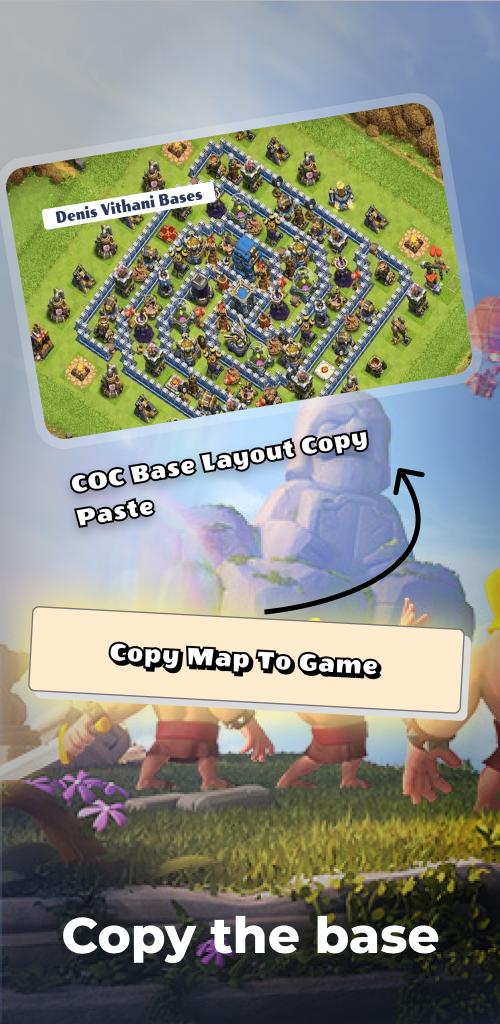
Copy the base in just one click and share the clash of clans base designs with your friends to help them grind too. Share the clash of clans base layout with your clan mates to help them in war and gain trophies, coins, and elixir.
Our app is easy to use with a user-friendly interface, and every base comes with a copy link. We update our base designs every day or so and you will receive a notification when new bases are available. Trust our unique and trusted bases, which are not a clash of clans hack or related to any such hack.
Features of the COC base layout copy paste app:
Thousands of bases to choose from.
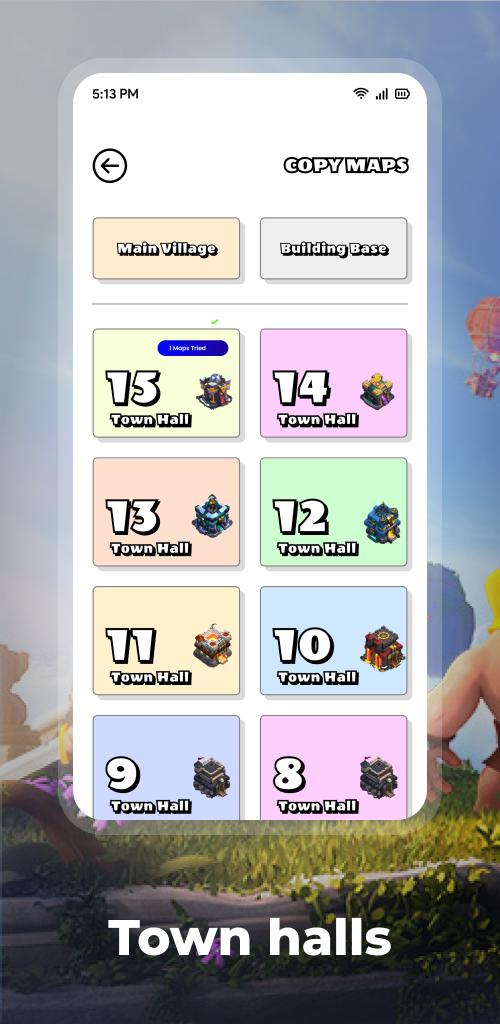
Town hall maps from 3 to 15 (TH5, Th6, Th7, Th8, Th9, Th10, Th11, Th12, Th13, TH14, TH15).
Builder Hall layouts from 4 to 9 (Bh4, Bh5, Bh6, Bh7, Bh8, Bh9).
Save bases with copy links to your favorites list.
Every base comes with a copy link.
New bases added daily.
Notifications when new bases are available.
Unique and trusted bases.
Troll base maps.
Funny base maps.
Defense bases.
Easy-to-use and user-friendly interface.
Disclaimer:
Please note that this app is not endorsed or sponsored by Supercell in any way and is a fan-made application. Use of Supercell trademark and other intellectual property is subject to the Supercell Fan Kit agreement. For more information, visit their website: www.supercell.com/fan-content-policy.
Preview
Tags
EntertainmentInformation
Developer
Aladin Tech
Latest Version
1.0.3
Last Updated
2023-05-06
Category
Entertainment
Available on
Google Play
Show More
How to play COC base layout copy paste with GameLoop on PC
1. Download GameLoop from the official website, then run the exe file to install GameLoop
2. Open GameLoop and search for “COC base layout copy paste” , find COC base layout copy paste in the search results and click “Install”
3. Enjoy playing COC base layout copy paste on GameLoop
Minimum requirements
OS
Windows 8.1 64-bit or Windows 10 64-bit
GPU
GTX 1050
CPU
i3-8300
Memory
8GB RAM
Storage
1GB available space
Recommended requirements
OS
Windows 8.1 64-bit or Windows 10 64-bit
GPU
GTX 1050
CPU
i3-9320
Memory
16GB RAM
Storage
1GB available space