BTS Video Call and Chat Prank PC
AppZube
Download BTS Video Call and Chat Prank on PC With GameLoop Emulator
BTS Video Call and Chat Prank on PC
BTS Video Call and Chat Prank, coming from the developer AppZube, is running on Android systerm in the past.
Now, You can play BTS Video Call and Chat Prank on PC with GameLoop smoothly.
Download it in the GameLoop library or search results. No more eyeing the battery or frustrating calls at the wrong time any more.
Just enjoy BTS Video Call and Chat Prank PC on the large screen for free!
BTS Video Call and Chat Prank Introduction
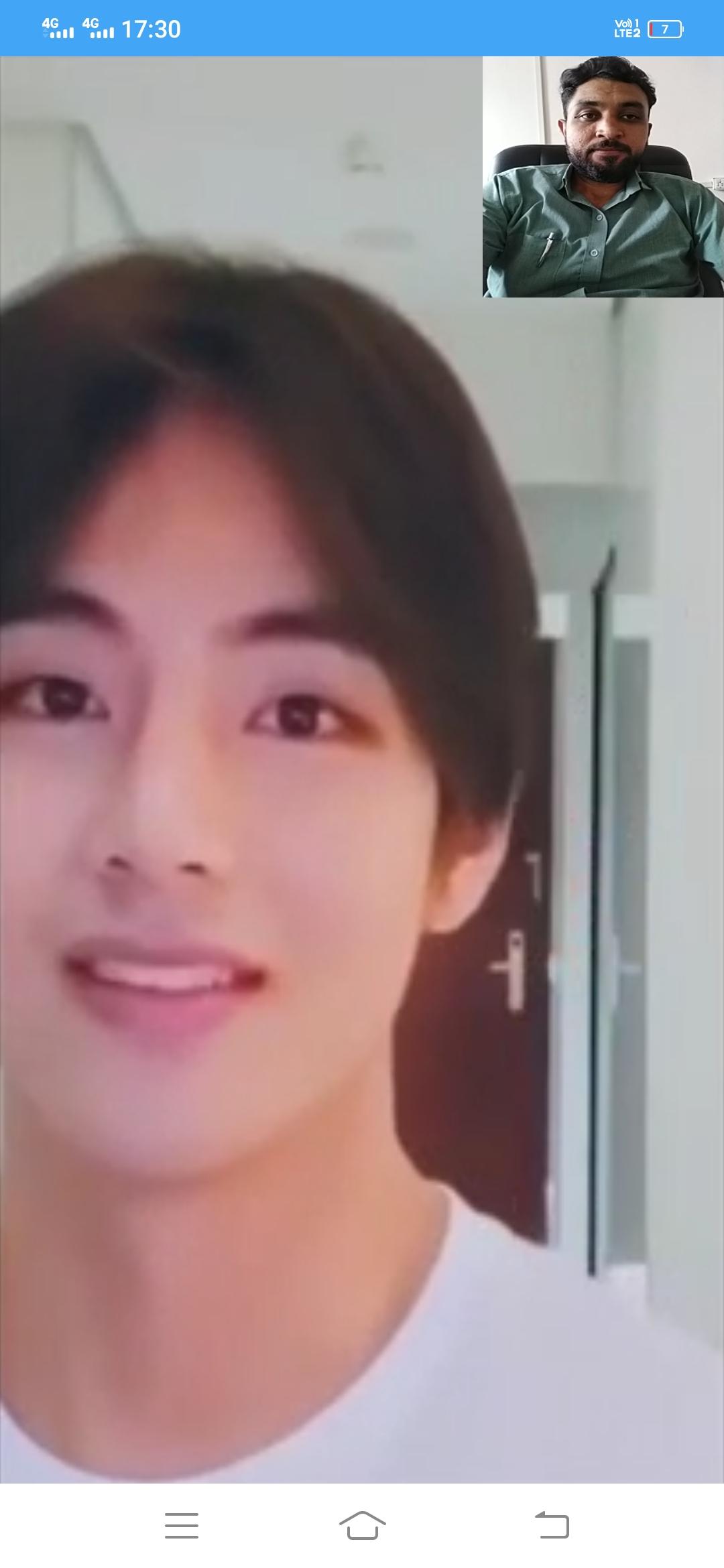
BTS Video Call and chat app is a Simulate a fake BTS video call to make your friends feeling surprised that member of Best Band in the world BTS Calling you. BTS is one of the best Band in the world.
BTS Video Call & Chat Usage
1) BTS video call (BTS Fake Call) (Prank call by BTS).
2) BTS Chat (BTS Fake Chat) (Prank Chat by BTS).
3) BTS Audio call (Prank).
How to use:
1. Open BTS Video Call and Chat app (Prank Video call by BTS App)
2. Choose your beloved idol photo of BTS Member
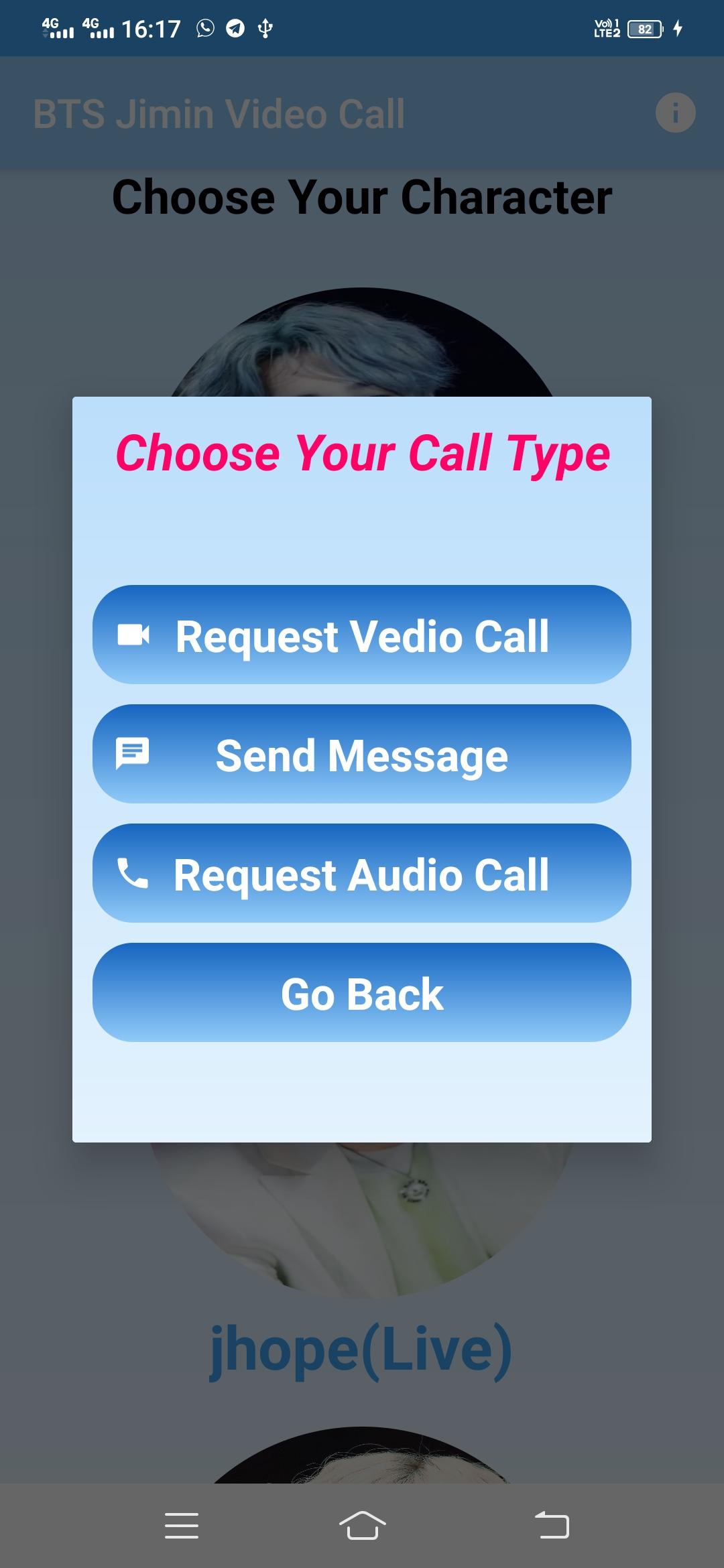
3. Choose voice or video call BTS Member
4. Choose WhatsApp, Facebook, or telegram video call display
5. Choose the time to run
6. Wait for a second, a call is being made
7. Then press the “answer” button to start the app
8. Enjoy the magic and feel happy when you see BTS Member on your smartphone
Download this BTS Video Call Game app and prank your friends by making BTS live video call like a real. Even you can screenshot during video call and then share them on your social media.
If you want to get closer with your favorite celebrity, BTS then, this BTS Video Call Game application is suitable for you. Through this BTS Video Call Game application, you can receive a fake call and video call prank with BTS member in his real voice. Don’t worry this app is an offline app, very easy to use, and completely free.
BTS Video Call & Chat Features :
* Fake Vidio call with BTS Jimin.
* Enjoy also Video Call with Jin from BTS.
* Having fun with a video call or chat with J-Hope BTS.
* Receive Fake call from Jungkook BTS.
* Prank Call and chat with RM BTS.
* Fake video chat with V from BTS army.
* Live Chat and Messages with Suga BTS.
DISCLAIMER: This app is made for BTS Fans. BTS Video Call Game application is intended for entertainment purposes only. This is not an official app and it is 100% fake. Images & Videos in this app are collected from the web. All copyrights and trademarks are owned by their respective owners. If you find any video/image that violates the copyright of their respective owner let us know and we will remove it from our app as soon as possible.
Preview
Tags
EntertainmentInformation
Developer
AppZube
Latest Version
333
Last Updated
2022-10-14
Category
Entertainment
Available on
Google Play
Show More
How to play BTS Video Call and Chat Prank with GameLoop on PC
1. Download GameLoop from the official website, then run the exe file to install GameLoop
2. Open GameLoop and search for “BTS Video Call and Chat Prank” , find BTS Video Call and Chat Prank in the search results and click “Install”
3. Enjoy playing BTS Video Call and Chat Prank on GameLoop
Minimum requirements
OS
Windows 8.1 64-bit or Windows 10 64-bit
GPU
GTX 1050
CPU
i3-8300
Memory
8GB RAM
Storage
1GB available space
Recommended requirements
OS
Windows 8.1 64-bit or Windows 10 64-bit
GPU
GTX 1050
CPU
i3-9320
Memory
16GB RAM
Storage
1GB available space