
Boxy Boo Mod For Minecraft PC
Matina Mods
Download Boxy Boo Mod For Minecraft on PC With GameLoop Emulator
Boxy Boo Mod For Minecraft on PC
Boxy Boo Mod For Minecraft, coming from the developer Matina Mods, is running on Android systerm in the past.
Now, You can play Boxy Boo Mod For Minecraft on PC with GameLoop smoothly.
Download it in the GameLoop library or search results. No more eyeing the battery or frustrating calls at the wrong time any more.
Just enjoy Boxy Boo Mod For Minecraft PC on the large screen for free!
Boxy Boo Mod For Minecraft Introduction
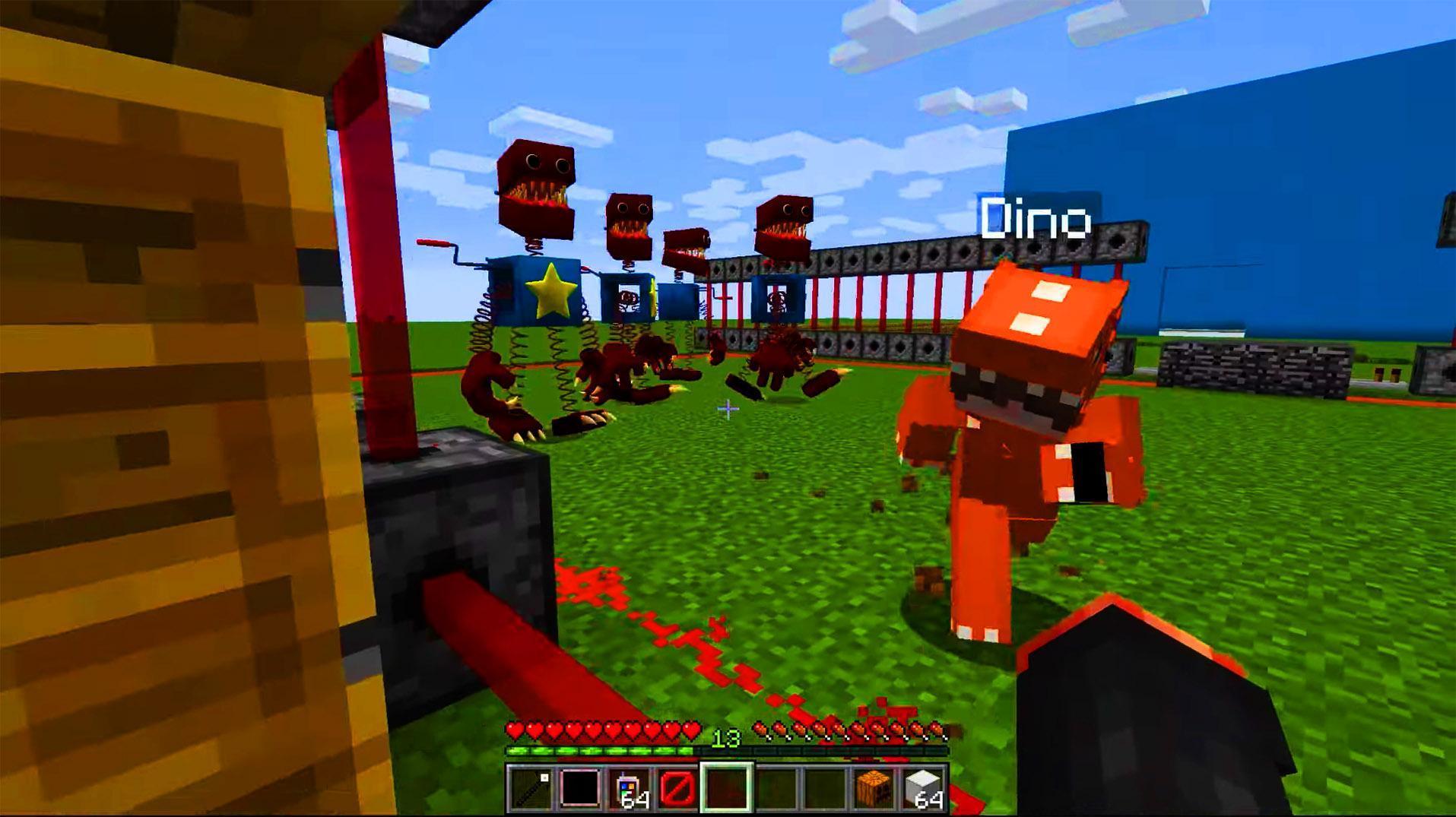
Boxy Boo Mod For Minecraft game mod for minecraft free is a user-created modification or extension to the game that adds new features, gameplay mechanics, and other enhancements. These mods are often created by players and can be downloaded and installed to the game to enhance the player's experience. Some popular mods include mods that add new weapons, armor, and items, as well as mods that change the game's graphics and visuals.
About Minecraft:
Minecraft is a popular video game that was created by Markus Persson and released in 2011. It is a sandbox game that allows players to build and explore virtual worlds made up of blocks. In Minecraft, players can mine for resources, craft items, and build structures, as well as fight enemies and explore a vast, randomly generated world. It is available on a variety of platforms, including PC, console, and mobile devices.
Minecraft mods Features :
✅New items, weapons, and armor: Mods can add a wide variety of new items to minecraft, including weapons, armor, tools, and other items that can be used by the player to survive and explore in minecraft free world.
✅New gameplay mechanics: Mods can add new mechanics and minecraft gameplay elements to minecraft mods, such as new types of biomes, creatures, and structures that can be discovered and interacted with.
✅New graphics and visuals: Mods can change the way minecraft looks and feels, adding new textures, lighting effects, and other visual improvements that enhance the game's overall aesthetic.
✅Improved performance and stability: Mods can also improve minecrafts performance and stability, fixing bugs and issues that may affect the minecraft's performance.
✅Customization options: Mods can also provide players with a wide range of customization options, allowing them to tailor minecraft free to their preferences and playstyle.
Disclaimer:
A statement that the Minecraft name and any other trademarks or copyrights used in your mod belong to their respective owners.
A statement that you are using the Minecraft name in your mod under the fair use doctrine, which allows for the use of copyrighted material for the purpose of commentary, criticism, or news reporting.
Preview

Tags
EntertainmentInformation
Developer
Matina Mods
Latest Version
1.0
Last Updated
2022-12-09
Category
Entertainment
Available on
Google Play
Show More
How to play Boxy Boo Mod For Minecraft with GameLoop on PC
1. Download GameLoop from the official website, then run the exe file to install GameLoop
2. Open GameLoop and search for “Boxy Boo Mod For Minecraft” , find Boxy Boo Mod For Minecraft in the search results and click “Install”
3. Enjoy playing Boxy Boo Mod For Minecraft on GameLoop
Minimum requirements
OS
Windows 8.1 64-bit or Windows 10 64-bit
GPU
GTX 1050
CPU
i3-8300
Memory
8GB RAM
Storage
1GB available space
Recommended requirements
OS
Windows 8.1 64-bit or Windows 10 64-bit
GPU
GTX 1050
CPU
i3-9320
Memory
16GB RAM
Storage
1GB available space