
AWM PC
Asian World Media
Download AWM on PC With GameLoop Emulator
AWM on PC
AWM, coming from the developer Asian World Media, is running on Android systerm in the past.
Now, You can play AWM on PC with GameLoop smoothly.
Download it in the GameLoop library or search results. No more eyeing the battery or frustrating calls at the wrong time any more.
Just enjoy AWM PC on the large screen for free!
AWM Introduction
ABOUT US
Asian World Media is created by the talented and passionate team to deliver high-quality entertainments for Vietnamese community throughout the world.
"The impressions you need at an impression value"
OUR HISTORY
Asian World Media is one of the leading Vietnamese entertainment companies in the production, development, marketing of entertainment, updates, and information to a global audience.
Asian World Media owns and runs a portfolio of broadcasting networks, and operates in leading Vietnamese productions. You can see us on several operators, including Direct TV 2023 and KVMD 57.15.
"Target Win. And Win again."
OUR MISSION
Our mission at AWM is to create a platform to preserve the Vietnamese culture while bridging one generation to the next. We accomplish this through our passion for establishing unparalleled contents and delivering in a unity atmosphere across the Vietnamese community.
We are your one-stop entertainment center to feel at home without being at home. We believe in everything we do, and everything we make must be the best possible.
"Reach the audience you want."
Preview
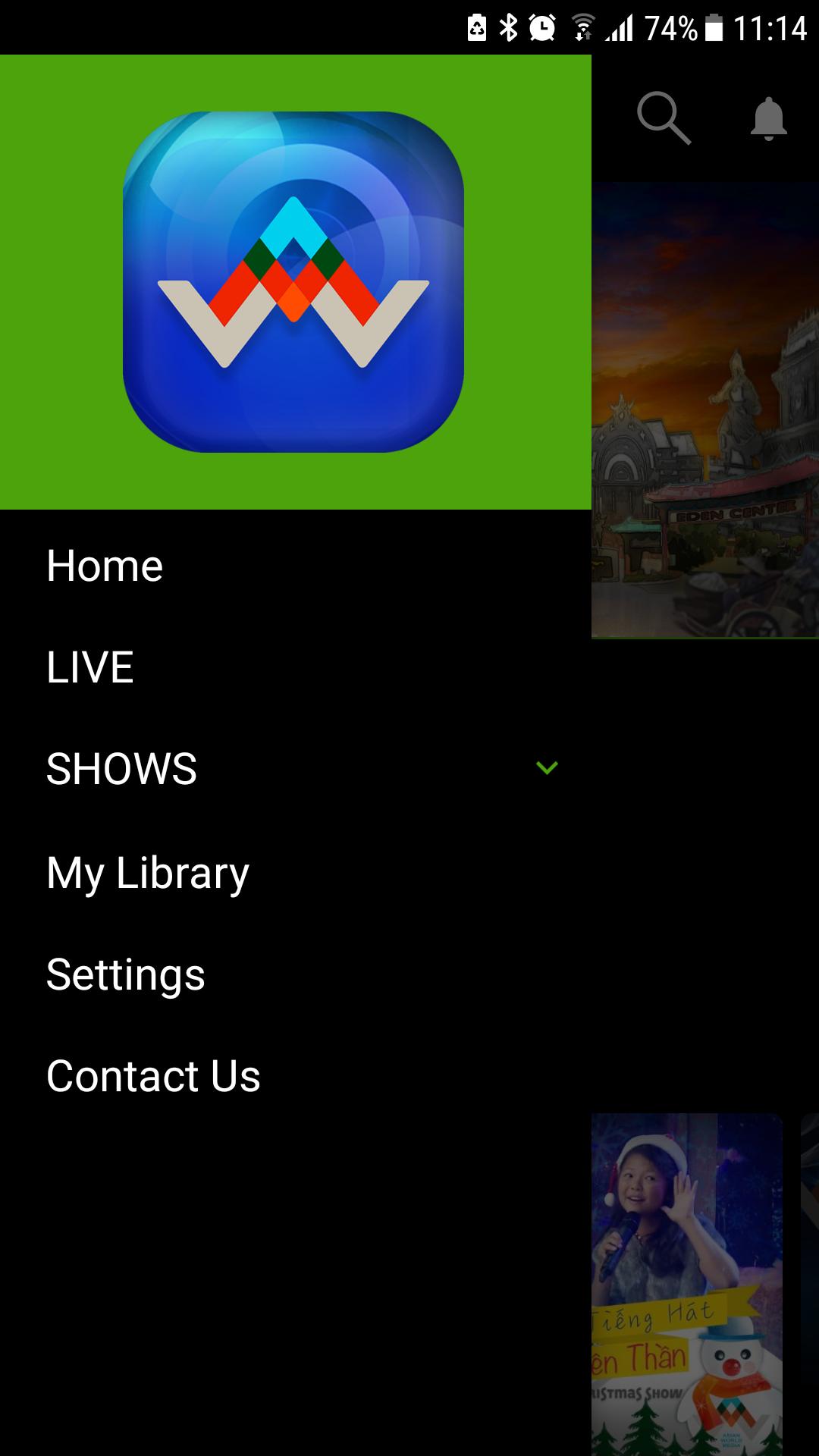
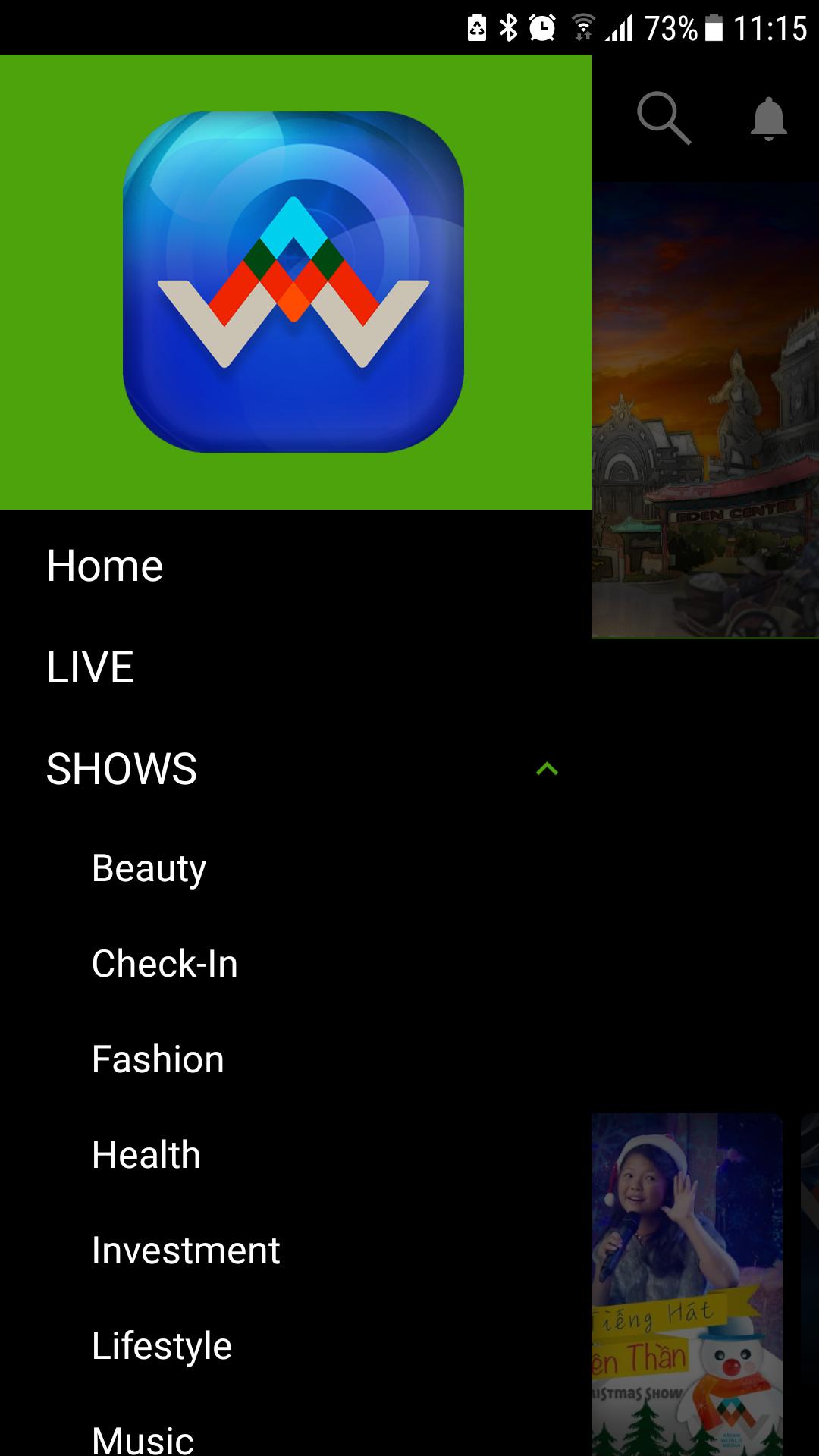
Tags
EntertainmentInformation
Developer
Asian World Media
Latest Version
2.0.1
Last Updated
2020-01-24
Category
Entertainment
Available on
Google Play
Show More
How to play AWM with GameLoop on PC
1. Download GameLoop from the official website, then run the exe file to install GameLoop
2. Open GameLoop and search for “AWM” , find AWM in the search results and click “Install”
3. Enjoy playing AWM on GameLoop
Minimum requirements
OS
Windows 8.1 64-bit or Windows 10 64-bit
GPU
GTX 1050
CPU
i3-8300
Memory
8GB RAM
Storage
1GB available space
Recommended requirements
OS
Windows 8.1 64-bit or Windows 10 64-bit
GPU
GTX 1050
CPU
i3-9320
Memory
16GB RAM
Storage
1GB available space