
실시간티비 - 온에어 TV 방송 PC
JUNGENT
Download 실시간티비 - 온에어 TV 방송 on PC With GameLoop Emulator
실시간티비 - 온에어 TV 방송 on PC
실시간티비 - 온에어 TV 방송, coming from the developer JUNGENT, is running on Android systerm in the past.
Now, You can play 실시간티비 - 온에어 TV 방송 on PC with GameLoop smoothly.
Download it in the GameLoop library or search results. No more eyeing the battery or frustrating calls at the wrong time any more.
Just enjoy 실시간티비 - 온에어 TV 방송 PC on the large screen for free!
실시간티비 - 온에어 TV 방송 Introduction
When you want to watch TV on your computer or mobile instead of on TV, the hassle of finding and subscribing to a station is no more!
Free live TV in my hand!
You can watch real-time TV quickly and easily with a few touches without unnecessary membership registration and login.
※ How to use the app
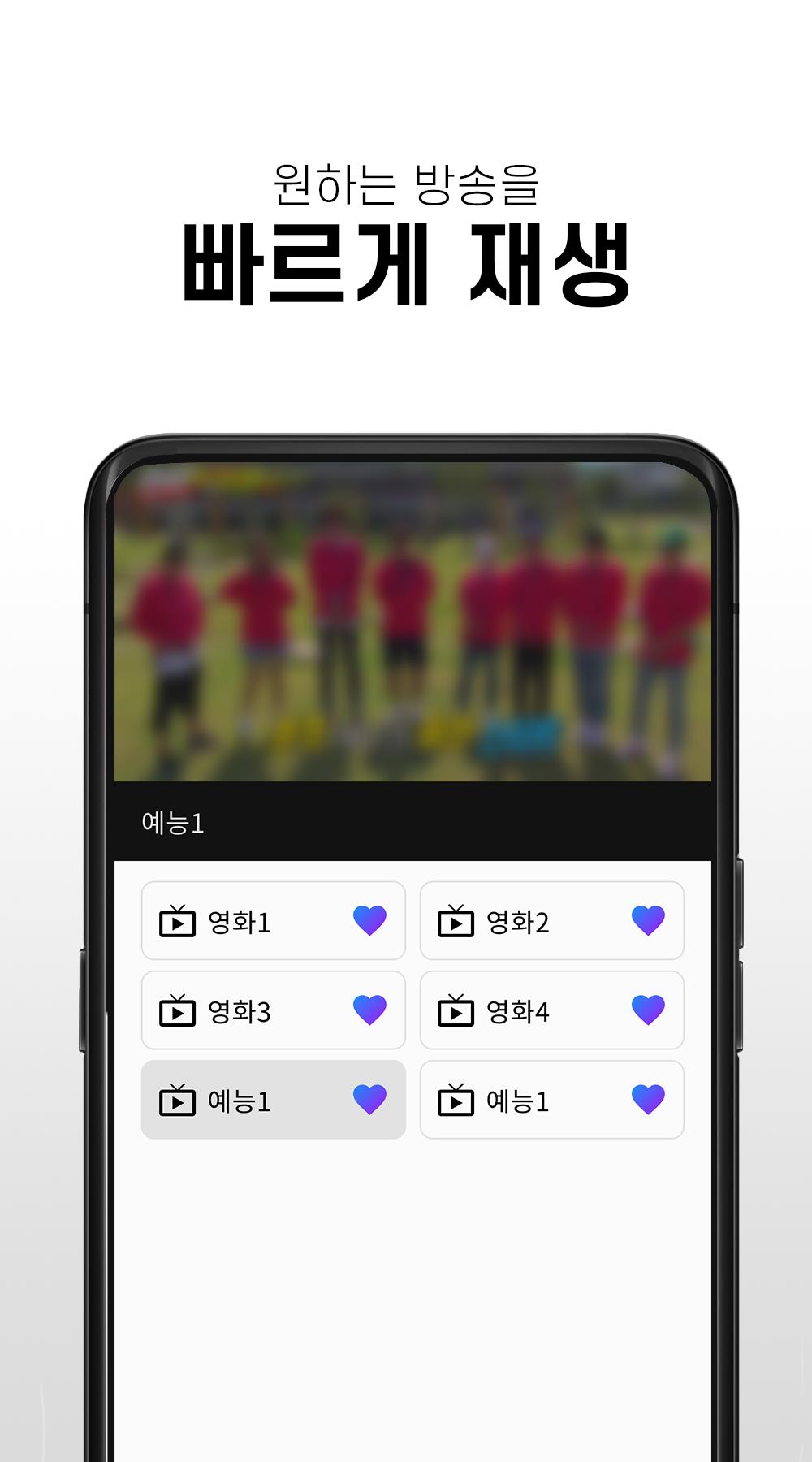
- After running the free real-time TV app, you can watch the broadcast by selecting the desired station.
- You can enjoy various broadcasts from real-time TV to movies, entertainment shows, and anime.
※ main function
- You can watch channels for free without registration
- Various terrestrial, general, and cable channels available
- You can create your own favorite channels
- Can watch channels in full screen mode
- Volume and screen brightness can be adjusted with left and right gestures
※ Channel List
- KBS, KBS, MBC, EBS, Channel A, TVN, YTN, Yonhap News, MBN, Screen Golf Zone, FTV, EBS KIDS, Children's TV, Movie & Entertainment Channels, etc.
※ Precautions
- Depending on network conditions, some channels may be temporarily unavailable, and we are supporting smooth service in the shortest possible time.
- This app is recommended to be used in a WIFI environment if it is not an unlimited data plan. When using 3G/LTE/5G, data charges may apply depending on the subscription plan.
Preview

Tags
EntertainmentInformation
Developer
JUNGENT
Latest Version
1.0.1
Last Updated
2022-09-21
Category
Entertainment
Available on
Google Play
Show More
How to play 실시간티비 - 온에어 TV 방송 with GameLoop on PC
1. Download GameLoop from the official website, then run the exe file to install GameLoop
2. Open GameLoop and search for “실시간티비 - 온에어 TV 방송” , find 실시간티비 - 온에어 TV 방송 in the search results and click “Install”
3. Enjoy playing 실시간티비 - 온에어 TV 방송 on GameLoop
Minimum requirements
OS
Windows 8.1 64-bit or Windows 10 64-bit
GPU
GTX 1050
CPU
i3-8300
Memory
8GB RAM
Storage
1GB available space
Recommended requirements
OS
Windows 8.1 64-bit or Windows 10 64-bit
GPU
GTX 1050
CPU
i3-9320
Memory
16GB RAM
Storage
1GB available space