Turning Red - Coloring Books PC
Cevaxon Apps
Download Turning Red - Coloring Books on PC With GameLoop Emulator
Turning Red - Coloring Books on PC
Turning Red - Coloring Books, coming from the developer Cevaxon Apps, is running on Android systerm in the past.
Now, You can play Turning Red - Coloring Books on PC with GameLoop smoothly.
Download it in the GameLoop library or search results. No more eyeing the battery or frustrating calls at the wrong time any more.
Just enjoy Turning Red - Coloring Books PC on the large screen for free!
Turning Red - Coloring Books Introduction
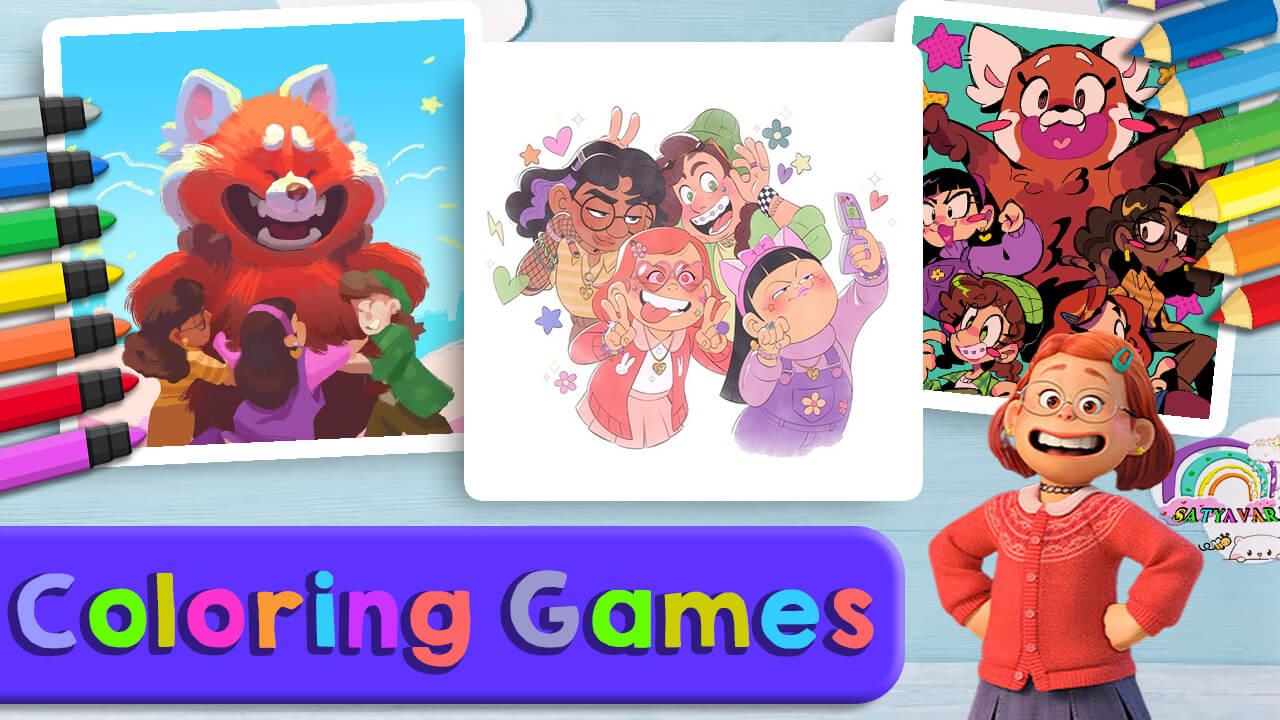
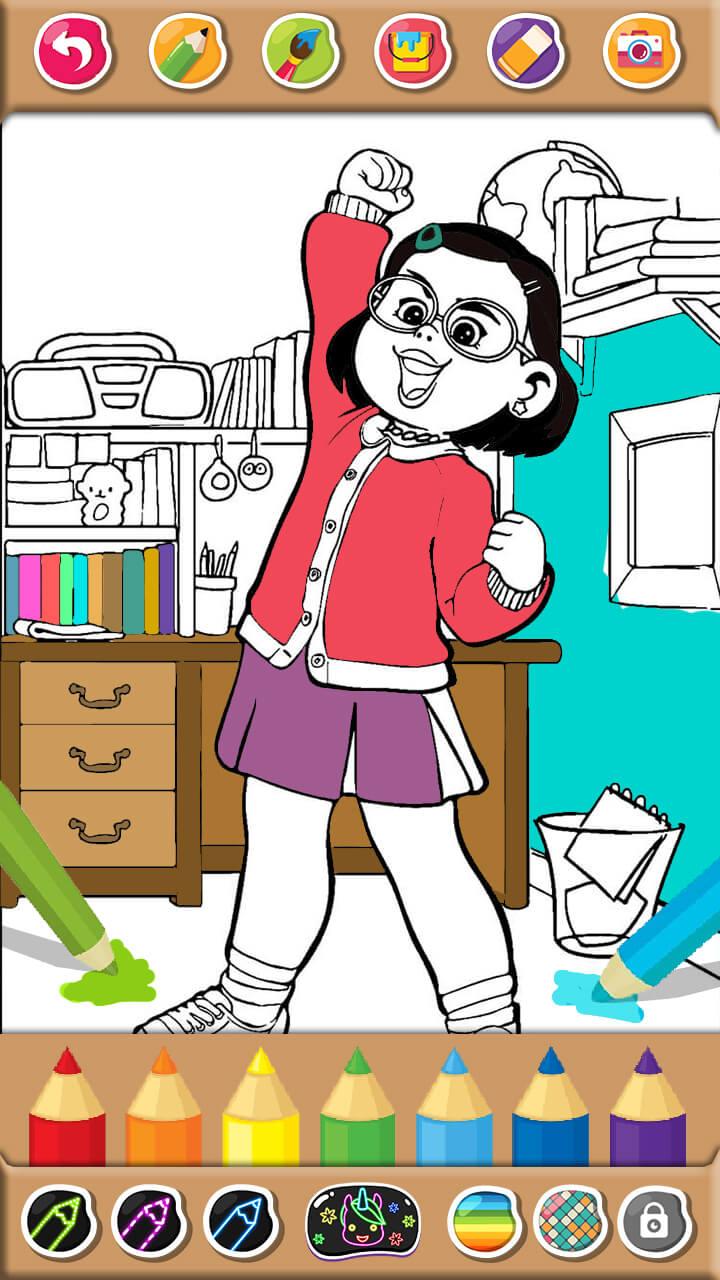
This Turning Red Game coloring book is one of the best free coloring and drawing games Turning Red, it's a fun game for all ages that lets you dress up princesses, learn music, play piano, challenge your memory, paint and color. Real shapes, such as on paper or books, use different options for drawing such as brushes, crayons or pencils.
This free coloring game will develop your imaginative creativity and drawing skills. Coloring Turning Red is fun to learn and helps shape, color and draw animals in a glowing doodle with colorful brushes, crayons, stickers, glitter and patterns. Our drawing games are full of fun coloring pages and are early learning apps that can keep anyone busy for hours and make them learn to color fast.
These are Coloring Turning Red Pages suitable for all ages, they can select the provided image then choose the color, and start dividing the different parts of the image. This Coloring Book game also trains children's creativity to reveal beautiful pictures.
Changing Coloring Book Red, also known as coloring app, edit coloring, painting book, is the best way to relieve your stress! Find lots of free Turning red coloring pages to make your own art now. Relax and happy coloring!
Don't know much about painting? Everything can be done in an easy and fun way, tap the color you like and adjust it to the column in the area to be colored.
Feature :
- Color Turning Red wallpaper images easily
- No pencil and paper needed, no special skills needed
- Color and recolor Change the picture Red whenever you want and wherever you are
- Various Red Panda coloring pages
- Save and collect all your work
- Share your creations on all major social networks
DISCLAIMER
This Turning Red Coloring Book app is made by Turning Red Movie fans, and it is unofficial. The content in this application is not affiliated with, endorsed, sponsored, or specifically approved by any company. This app is mainly for entertainment and for all fans to enjoy this Coloring Game Turn Red in best quality. Thank You!
Preview
Tags
EducationalInformation
Developer
Cevaxon Apps
Latest Version
2.0
Last Updated
2022-08-04
Category
Educational
Available on
Google Play
Show More
How to play Turning Red - Coloring Books with GameLoop on PC
1. Download GameLoop from the official website, then run the exe file to install GameLoop
2. Open GameLoop and search for “Turning Red - Coloring Books” , find Turning Red - Coloring Books in the search results and click “Install”
3. Enjoy playing Turning Red - Coloring Books on GameLoop
Minimum requirements
OS
Windows 8.1 64-bit or Windows 10 64-bit
GPU
GTX 1050
CPU
i3-8300
Memory
8GB RAM
Storage
1GB available space
Recommended requirements
OS
Windows 8.1 64-bit or Windows 10 64-bit
GPU
GTX 1050
CPU
i3-9320
Memory
16GB RAM
Storage
1GB available space