
Sight Words Candy PC
Sierra Vista Software
Download Sight Words Candy on PC With GameLoop Emulator
Sight Words Candy on PC
Sight Words Candy, coming from the developer Sierra Vista Software, is running on Android systerm in the past.
Now, You can play Sight Words Candy on PC with GameLoop smoothly.
Download it in the GameLoop library or search results. No more eyeing the battery or frustrating calls at the wrong time any more.
Just enjoy Sight Words Candy PC on the large screen for free!
Sight Words Candy Introduction
Sight Words are critical to achieving functional literacy for both children and adults. The list of most popular Sight Words contains only 220 words, but they make up the majority (50 to 70 percent) of all the words in any general, non-technical text.
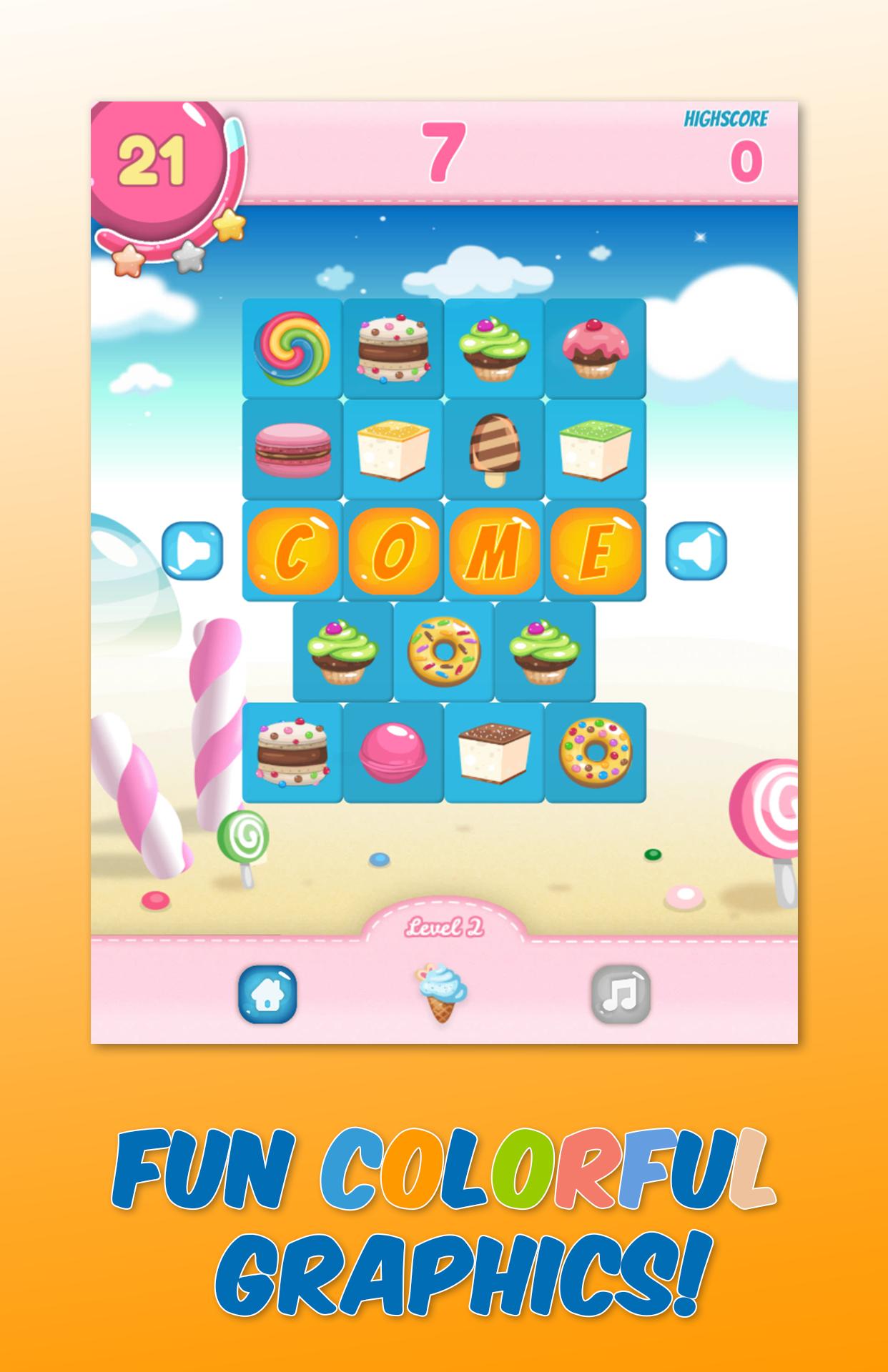
This game teaches the spelling of Dolch Sight Words in a fun and entertaining way. The goal of the game is to unscramble all the Sight Words in every level. The game is very easy to learn and is guaranteed to keep your children busy while learning one of the most important life skills: reading.
If you like this app, please rate it. Your support makes it possible for us to continue adding more exciting features.
If you have any questions or suggestions, please feel free to contact us via email. We read all our emails and replay within one business day.
Features:
- No Ads
- Teaches Dolch Sight Words the fun way
- Visual and auditory feedback
- Fun sounds, colorful graphics and animations
- Better than flash cards. Practice Sight Words anywhere!
Preview

Tags
EducationalInformation
Developer
Sierra Vista Software
Latest Version
1.5
Last Updated
2021-11-12
Category
Educational
Available on
Google Play
Show More
How to play Sight Words Candy with GameLoop on PC
1. Download GameLoop from the official website, then run the exe file to install GameLoop
2. Open GameLoop and search for “Sight Words Candy” , find Sight Words Candy in the search results and click “Install”
3. Enjoy playing Sight Words Candy on GameLoop
Minimum requirements
OS
Windows 8.1 64-bit or Windows 10 64-bit
GPU
GTX 1050
CPU
i3-8300
Memory
8GB RAM
Storage
1GB available space
Recommended requirements
OS
Windows 8.1 64-bit or Windows 10 64-bit
GPU
GTX 1050
CPU
i3-9320
Memory
16GB RAM
Storage
1GB available space