Math Teacher PC
Mrmelmi
Download Math Teacher on PC With GameLoop Emulator
Math Teacher on PC
Math Teacher, coming from the developer Mrmelmi, is running on Android systerm in the past.
Now, You can play Math Teacher on PC with GameLoop smoothly.
Download it in the GameLoop library or search results. No more eyeing the battery or frustrating calls at the wrong time any more.
Just enjoy Math Teacher PC on the large screen for free!
Math Teacher Introduction
Math Teacher app allows you to practice unlimited maths in addition, subtraction, multiplication, division, square, square root, cube, cube root, factorial and many more maths.
Practising maths makes you perfect
Perfect for anyone above the age of 13 to learn math facts and take the tasks again and again. Offline and online. Math teacher will help you develop skills in adding numbers, on square root, cube root and factorial.
The maths teacher app will teach you about why maths is so important in everyday life and will improve your skills in maths. Therefore with the Maths Teacher app, learning maths will never be hard for anyone who invests time to practice.
The math teacher app will help you learn maths and will reinforce what you already know from school at the same time will improve your maths skills. The Math Teacher app will be available 24/7 once you download it and can be played offline or online.
The Math Teacher App will remind you of any tasks you complete so you can continue where you left. It is a perfect companion for the journey of anyone who is over 13 to learning maths and it comes in several languages.
You will be able to easily figure out numbers and find it very useful this app since Math Teacher has basic and advanced mathematical contents. In every subject of maths, this Math Teacher app has easy tasks and advanced mathematical problems to solve but before any subject, we have practical and teaching mathematical sections that will teach and show you how to solve them.
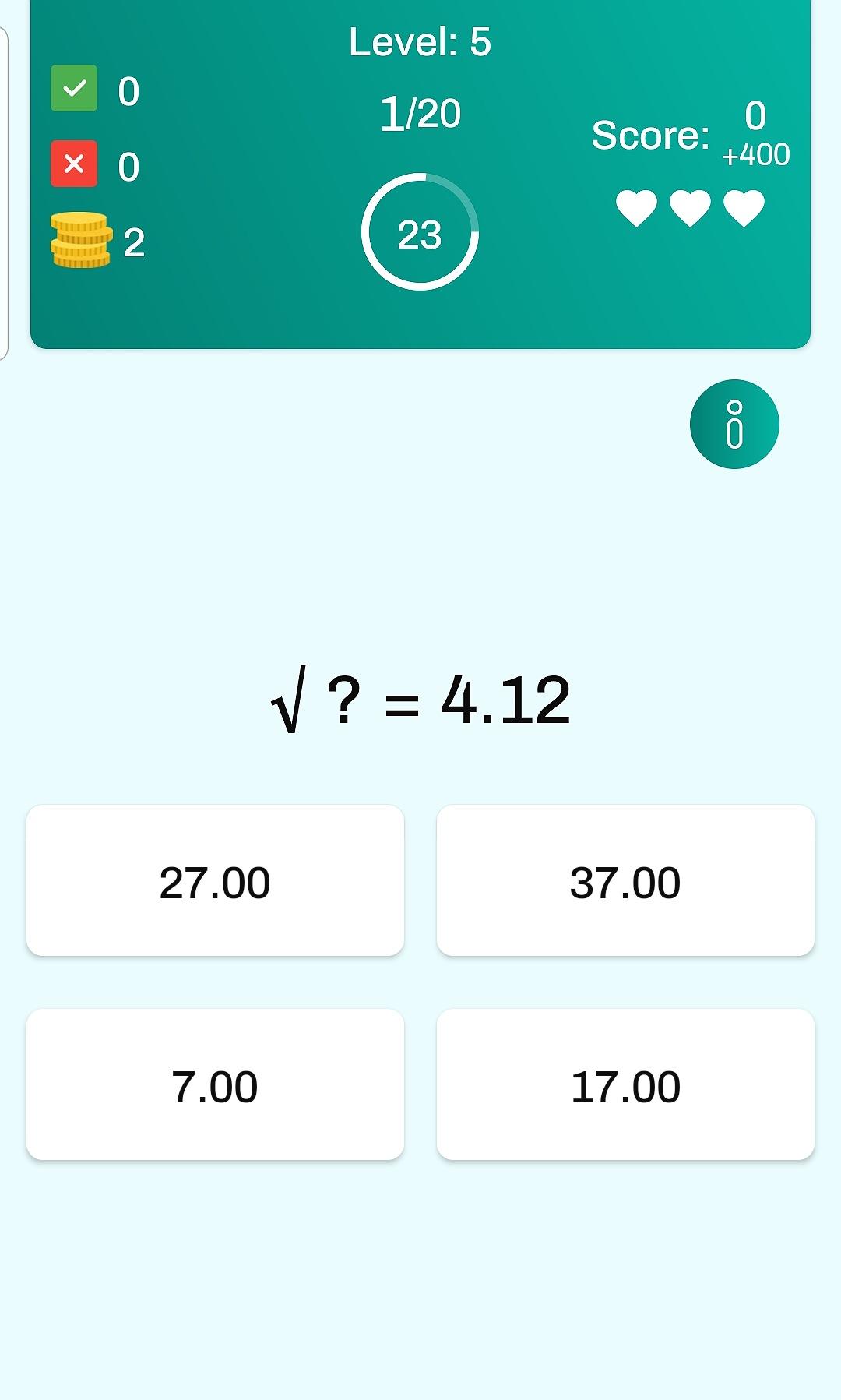
When you are practising or taking tests, the Math Teacher will time you in every section of the app. You will have 30 seconds to answer each question and in some cases, you will be presented with possible choices where you have to choose the correct answer.
Features of the Math Teacher app include
Addition
Subtraction
Multiplication
Division
Square
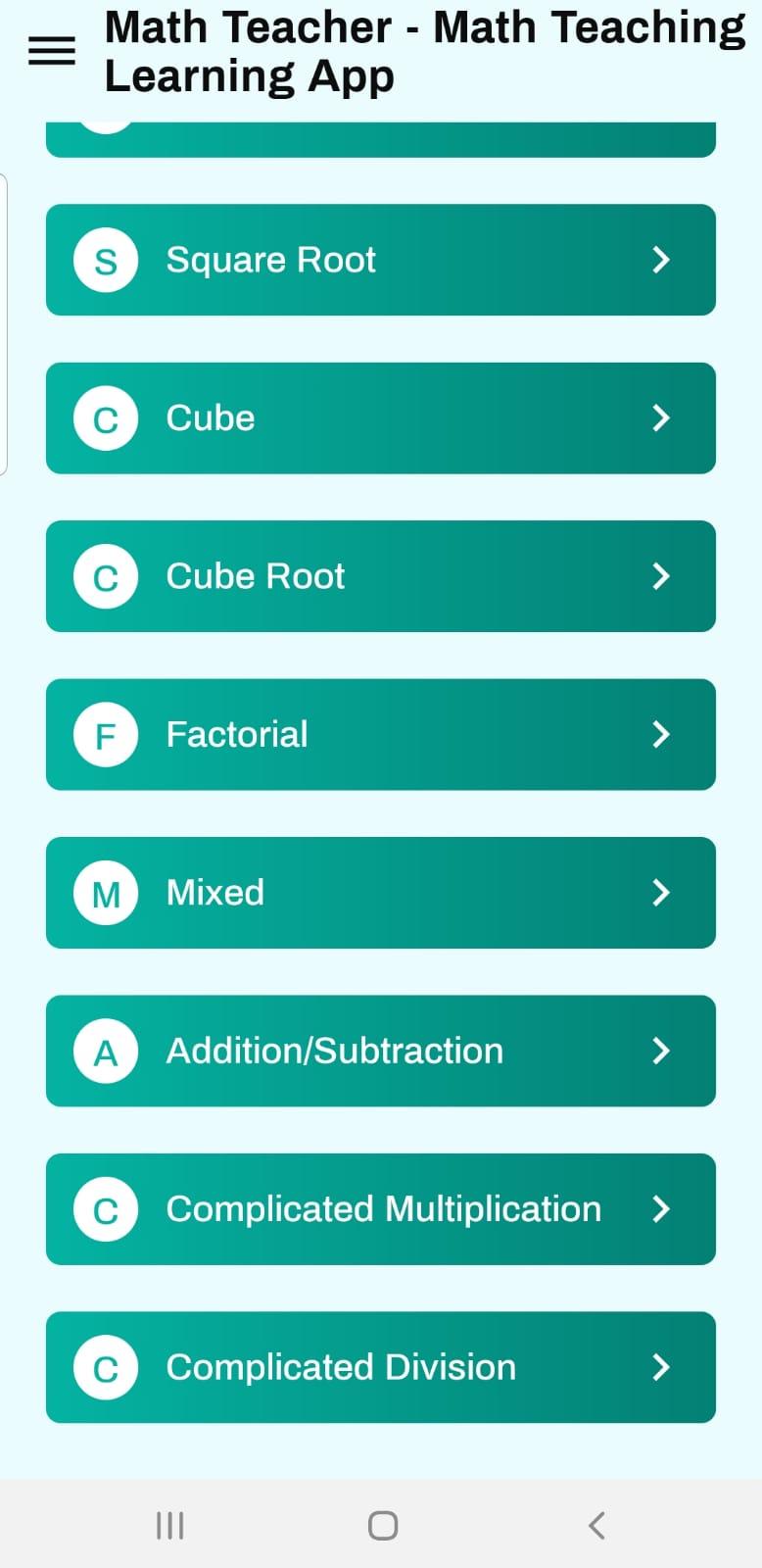
Square Root
Cube
Cube Root
Factorial
Mixed
Addition Subtraction
Complicated Multiplications
Complicated Division
To start with, the Math Teacher was translated into 7 major languages that will hopefully cover half of the world population including English, Mandarin, Arabic, Hindi, Spanish, French, Malay, Russian, Marathi and Gujarati. More languages to come.
The Math Teacher is available in every country around the globe and can be downloaded for free from the Play store. Please download and enjoy it. Best wishes.
Should you have any questions, advice or any type of feedback, we would like to hear from you, please contact us at educationgames114@gmail.com
Preview
Tags
EducationalInformation
Developer
Mrmelmi
Latest Version
2.4
Last Updated
2021-03-10
Category
Educational
Available on
Google Play
Show More
How to play Math Teacher with GameLoop on PC
1. Download GameLoop from the official website, then run the exe file to install GameLoop
2. Open GameLoop and search for “Math Teacher” , find Math Teacher in the search results and click “Install”
3. Enjoy playing Math Teacher on GameLoop
Minimum requirements
OS
Windows 8.1 64-bit or Windows 10 64-bit
GPU
GTX 1050
CPU
i3-8300
Memory
8GB RAM
Storage
1GB available space
Recommended requirements
OS
Windows 8.1 64-bit or Windows 10 64-bit
GPU
GTX 1050
CPU
i3-9320
Memory
16GB RAM
Storage
1GB available space