Lecto+ PC
Santillana España
Download Lecto+ on PC With GameLoop Emulator
Lecto+ on PC
Lecto+, coming from the developer Santillana España, is running on Android systerm in the past.
Now, You can play Lecto+ on PC with GameLoop smoothly.
Download it in the GameLoop library or search results. No more eyeing the battery or frustrating calls at the wrong time any more.
Just enjoy Lecto+ PC on the large screen for free!
Lecto+ Introduction
Lecto + is a project for the teaching of literacy by Santillana Educación S. L. It has a mixed methodology that starts from visual and auditory discrimination, moving on to the exercise of writing and reading comprehension. Without forgetting the application of learning to the different textual typologies. The project is organized from 5 content blocks: visual discrimination, auditory discrimination, graphomotor skills, writing and reading comprehension.
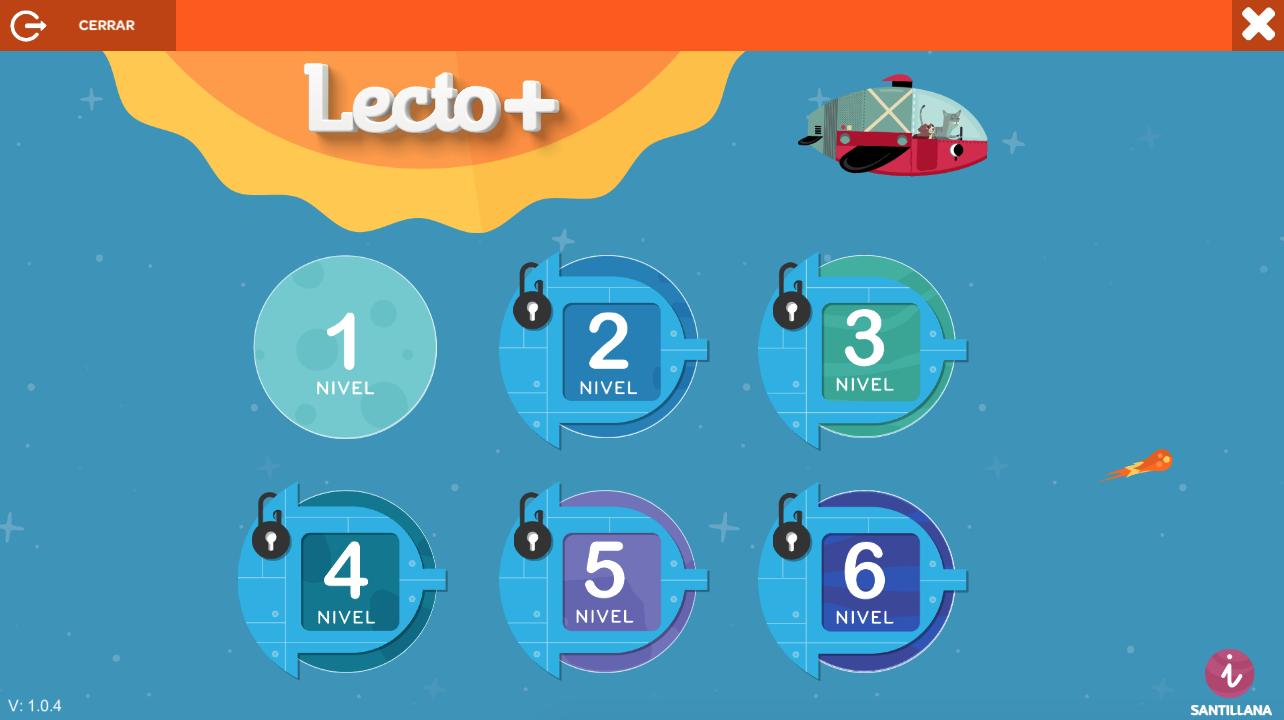
The Lecto + app is divided into 6 levels. Its objectives are to motivate, reinforce and extend literacy learning in a dynamic way. It includes:
• Card by card. Turning the worksheets.
• Games. Motivating interactive activities that reinforce the content of literacy learning.
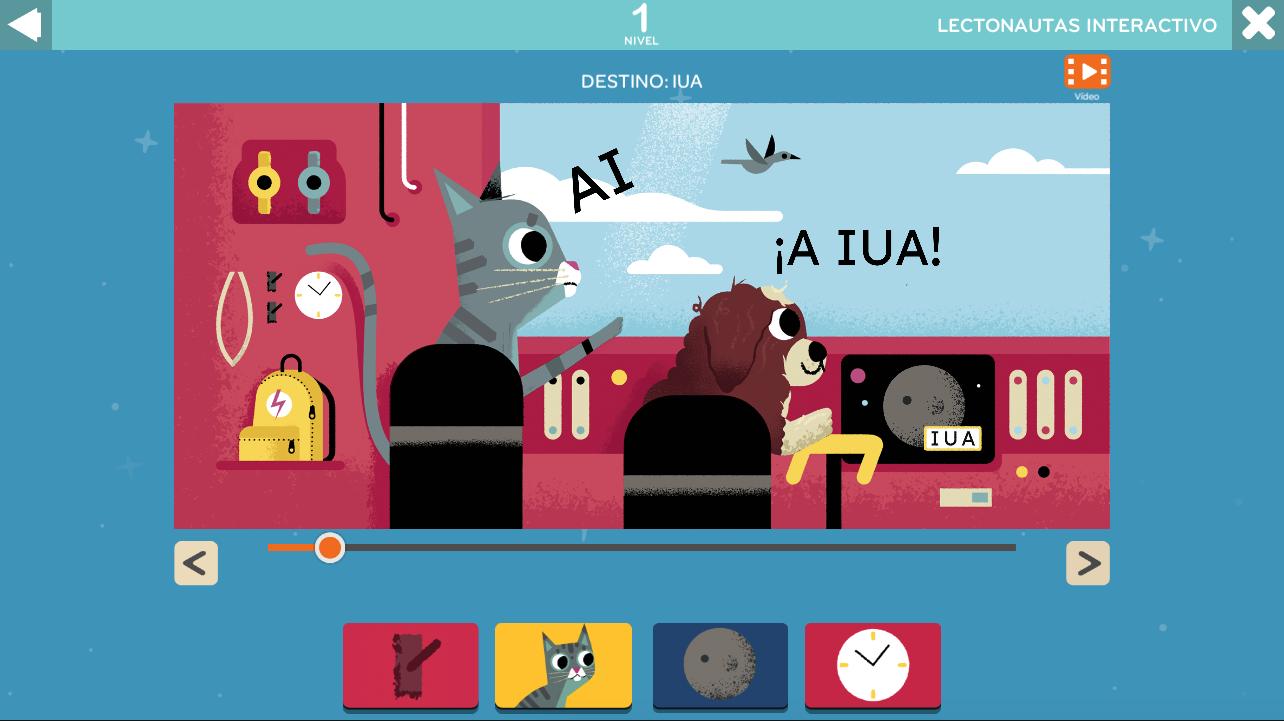
• Lectonauts. Reading and video flipping of the adventures of Oli and Sila. Available in interactive version on level 1.
• Animated gestures. Animated facial and articulation exercises.
• Letter strokes. Animated letter by letter strokes to practice and internalize them. Available in levels 1 to 5.
• Phonological awareness. Resource to work syllabic rhythms and sounds. Available on levels 1, 2 and 3.
• Micro-stories. Mobile book to invent stories. Available on levels 4 and 5.
Preview
Tags
EducationalInformation
Developer
Santillana España
Latest Version
1.1.3
Last Updated
2025-10-17
Category
Educational
Available on
Google Play
Show More
How to play Lecto+ with GameLoop on PC
1. Download GameLoop from the official website, then run the exe file to install GameLoop
2. Open GameLoop and search for “Lecto+” , find Lecto+ in the search results and click “Install”
3. Enjoy playing Lecto+ on GameLoop
Minimum requirements
OS
Windows 8.1 64-bit or Windows 10 64-bit
GPU
GTX 1050
CPU
i3-8300
Memory
8GB RAM
Storage
1GB available space
Recommended requirements
OS
Windows 8.1 64-bit or Windows 10 64-bit
GPU
GTX 1050
CPU
i3-9320
Memory
16GB RAM
Storage
1GB available space