Learning English Spelling Game PC
Play2Learn Dev.
Download Learning English Spelling Game on PC With GameLoop Emulator
Learning English Spelling Game on PC
Learning English Spelling Game, coming from the developer Play2Learn Dev., is running on Android systerm in the past.
Now, You can play Learning English Spelling Game on PC with GameLoop smoothly.
Download it in the GameLoop library or search results. No more eyeing the battery or frustrating calls at the wrong time any more.
Just enjoy Learning English Spelling Game PC on the large screen for free!
Learning English Spelling Game Introduction
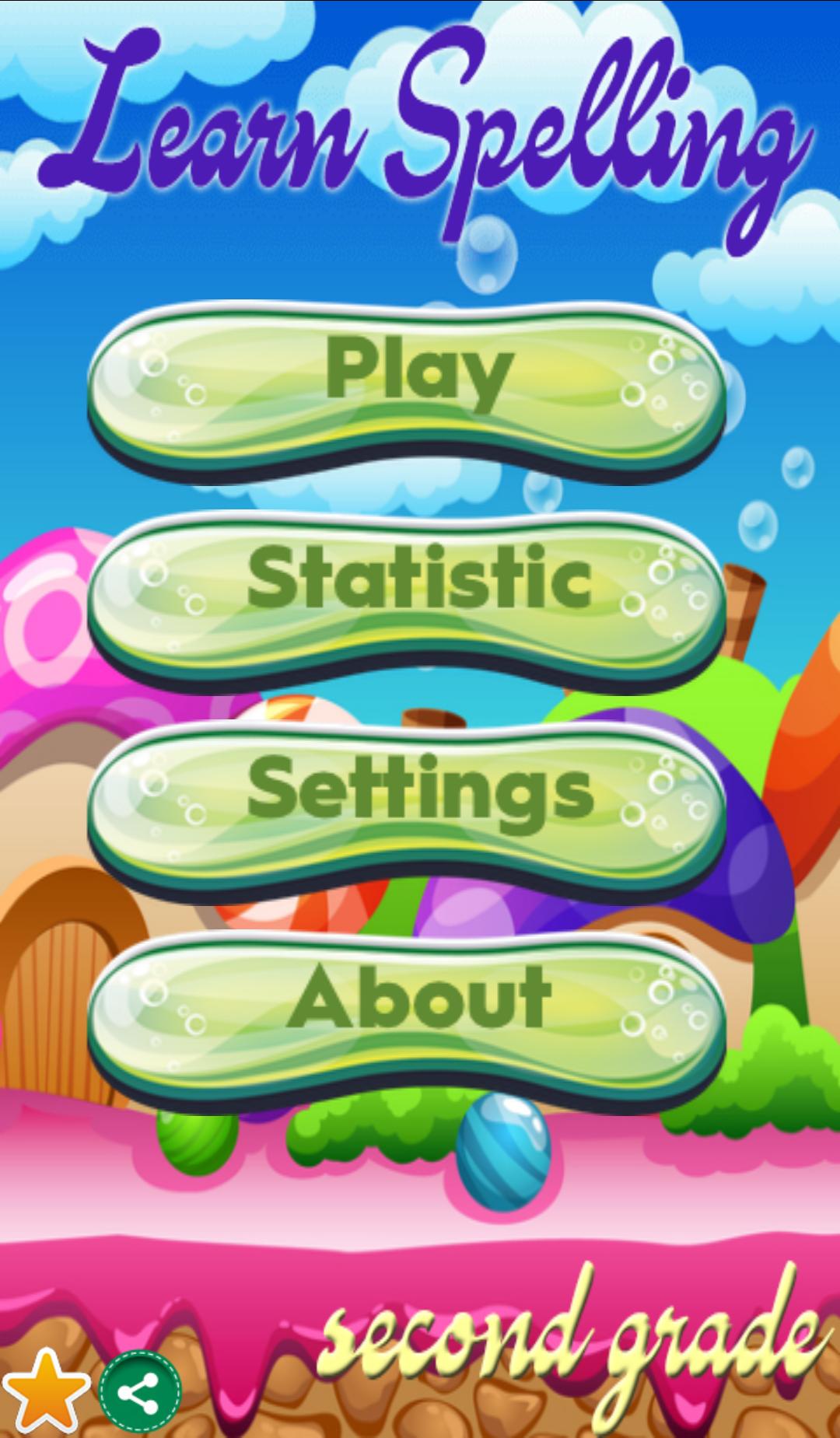
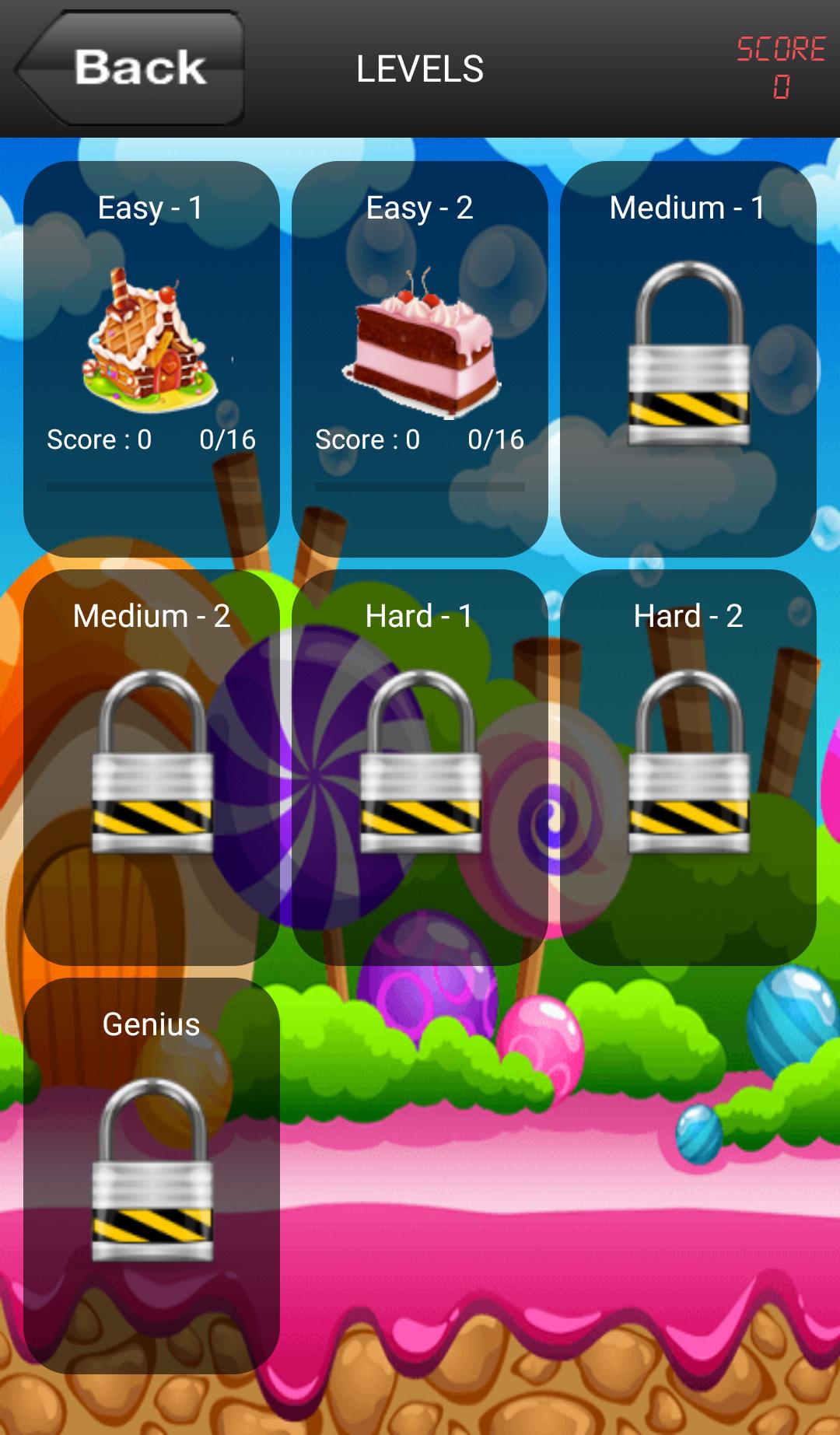
How to Improve Spelling and Pronunciation for Your Kids? Children learn better spelling and developing reading ability by using visual and motoric skill. Learning English Spelling Game for 2nd Grade App will help your kids to improve spelling and pronunciation. The words used in this app contains more than 100 frequently-used words that 2nd graders should know. This FREE game has several different level based on the words difficulty. Each level will be unlocked once your kid finish previous level.
Learning English Spelling Game for 2nd Grade will contains vocabulary lists that align with 2nd grade language arts curriculum.
How to Play:
1. You will see a sentence in a board with a blank word.
2. Listen the complete sentence by tapping the board.
3. Spell the missing word by choosing from random letters
4. You can use HINT to remove some random letters or show a letter.
Have fun and let your kids practice their spelling in a fun way.
Second grade spelling worksheets.
Technopreneurship Project
TIF - UMC 2018 Group 1
Preview
Tags
EducationalInformation
Developer
Play2Learn Dev.
Latest Version
1.3
Last Updated
2018-06-06
Category
Educational
Available on
Google Play
Show More
How to play Learning English Spelling Game with GameLoop on PC
1. Download GameLoop from the official website, then run the exe file to install GameLoop
2. Open GameLoop and search for “Learning English Spelling Game” , find Learning English Spelling Game in the search results and click “Install”
3. Enjoy playing Learning English Spelling Game on GameLoop
Minimum requirements
OS
Windows 8.1 64-bit or Windows 10 64-bit
GPU
GTX 1050
CPU
i3-8300
Memory
8GB RAM
Storage
1GB available space
Recommended requirements
OS
Windows 8.1 64-bit or Windows 10 64-bit
GPU
GTX 1050
CPU
i3-9320
Memory
16GB RAM
Storage
1GB available space