Kid-E-Cats: Mini Games PC
Hippo Kids Games
Download Kid-E-Cats: Mini Games on PC With GameLoop Emulator
Kid-E-Cats: Mini Games on PC
Kid-E-Cats: Mini Games, coming from the developer Hippo Kids Games, is running on Android systerm in the past.
Now, You can play Kid-E-Cats: Mini Games on PC with GameLoop smoothly.
Download it in the GameLoop library or search results. No more eyeing the battery or frustrating calls at the wrong time any more.
Just enjoy Kid-E-Cats: Mini Games PC on the large screen for free!
Kid-E-Cats: Mini Games Introduction
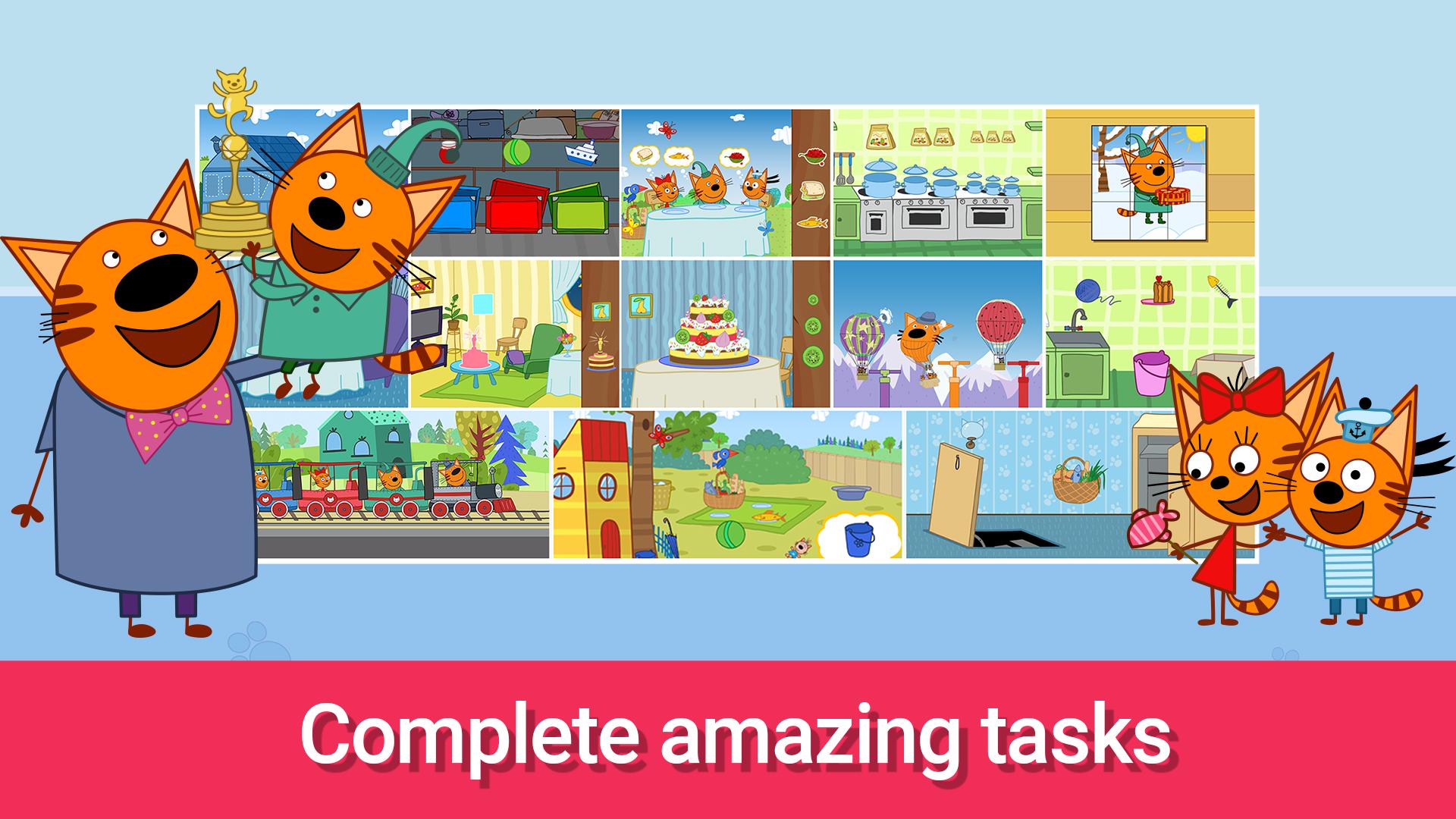
25 new mini games for toddlers and children of preschool age! 👦👧 Boys and girls will have fun playing exciting adventures with cats. All kids adore Kid-E-Cats and, especially, Cookie, Pudding and Candy. Educational games for toddlers will teach a lot of new things. Learn with favorite cartoon characters! 😻
There are different exciting tasks for kids:
- to blow balloons
- to cook and decorate a festive cake
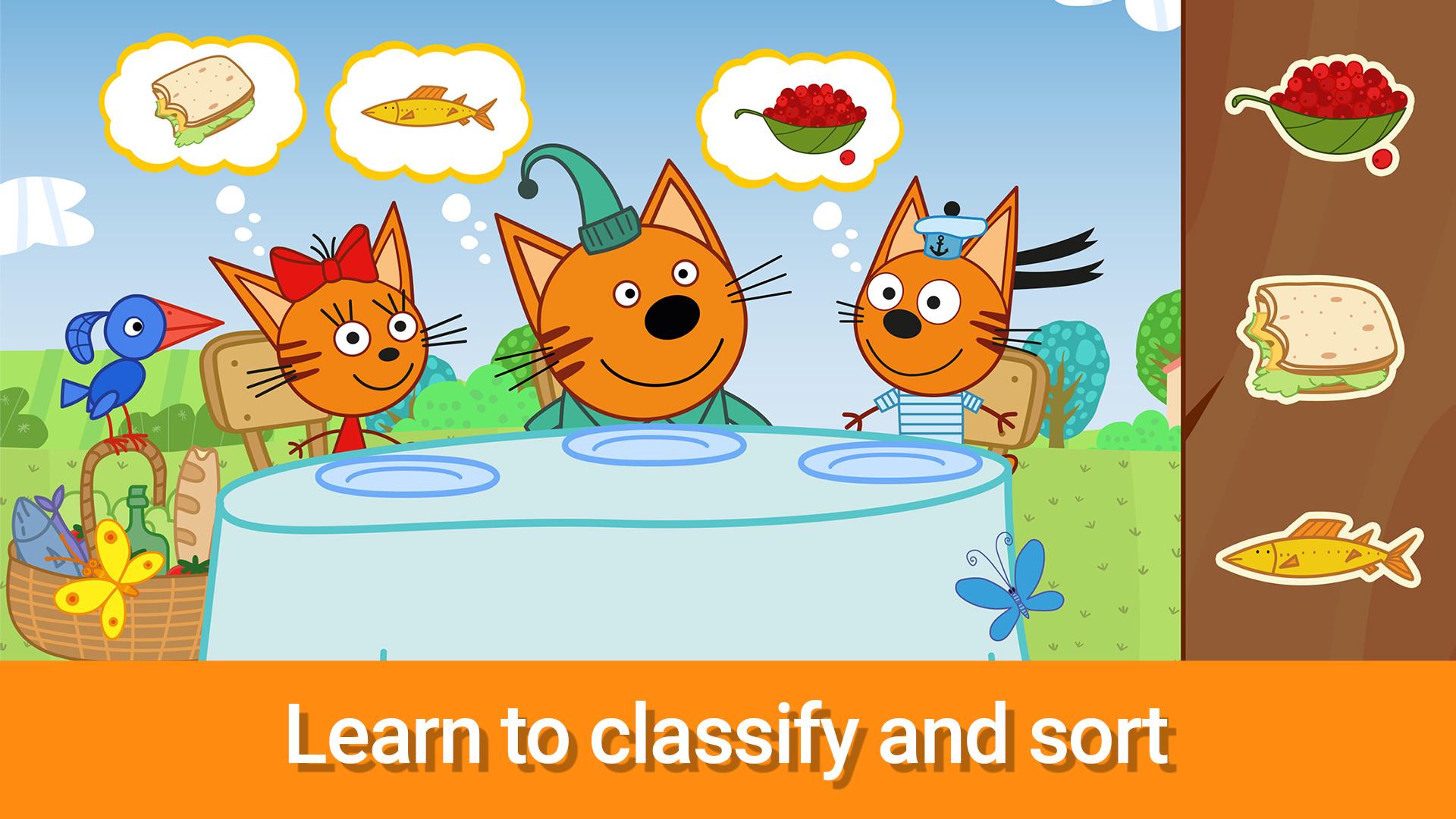
- to feed kittens from cartoon with their favorite food
- to gather puzzles
- to pair objects by form
- to pair objects by color
🐱🐱🐱 Kid-E-Cats are waiting for you!
All boys and girls will like wide variety of funny games with Kid-E-Cats. Everybody could find their favorite task. These kids games are not only for fun, but they teach a lot of useful information. Players will learn colors, look for logical regularities, finish new levels and just have fun. 🥳
We have different tasks for toddlers that develop speed of movements, agility, memory, math and logic skills. Our app Kid-E-Cats: Mini games is perfect for kids of 2, 3, 4 and 5 years old as well. You can download these educational games for free and play them without Internet. Parents have nothing to worry about, their kids will spend their time usefully! 👪
The peculiarities of the Kid-E-Cats app:
🐈 Favorite cartoon characters
🎶 Animation and funny sounds
📱 Simple and intuitive interface
📝 It stimulates imagination and inspires kids art
👌 Trains agility
Preview
Tags
EducationalInformation
Developer
Hippo Kids Games
Latest Version
1.0.35
Last Updated
2024-07-09
Category
Educational
Available on
Google Play
Show More
How to play Kid-E-Cats: Mini Games with GameLoop on PC
1. Download GameLoop from the official website, then run the exe file to install GameLoop
2. Open GameLoop and search for “Kid-E-Cats: Mini Games” , find Kid-E-Cats: Mini Games in the search results and click “Install”
3. Enjoy playing Kid-E-Cats: Mini Games on GameLoop
Minimum requirements
OS
Windows 8.1 64-bit or Windows 10 64-bit
GPU
GTX 1050
CPU
i3-8300
Memory
8GB RAM
Storage
1GB available space
Recommended requirements
OS
Windows 8.1 64-bit or Windows 10 64-bit
GPU
GTX 1050
CPU
i3-9320
Memory
16GB RAM
Storage
1GB available space