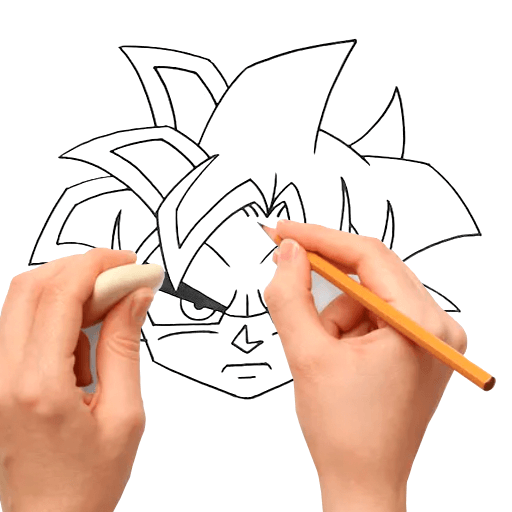
How To draw Gocu PC
nikitashik
Download How To draw Gocu on PC With GameLoop Emulator
How To draw Gocu on PC
How To draw Gocu, coming from the developer nikitashik, is running on Android systerm in the past.
Now, You can play How To draw Gocu on PC with GameLoop smoothly.
Download it in the GameLoop library or search results. No more eyeing the battery or frustrating calls at the wrong time any more.
Just enjoy How To draw Gocu PC on the large screen for free!
How To draw Gocu Introduction
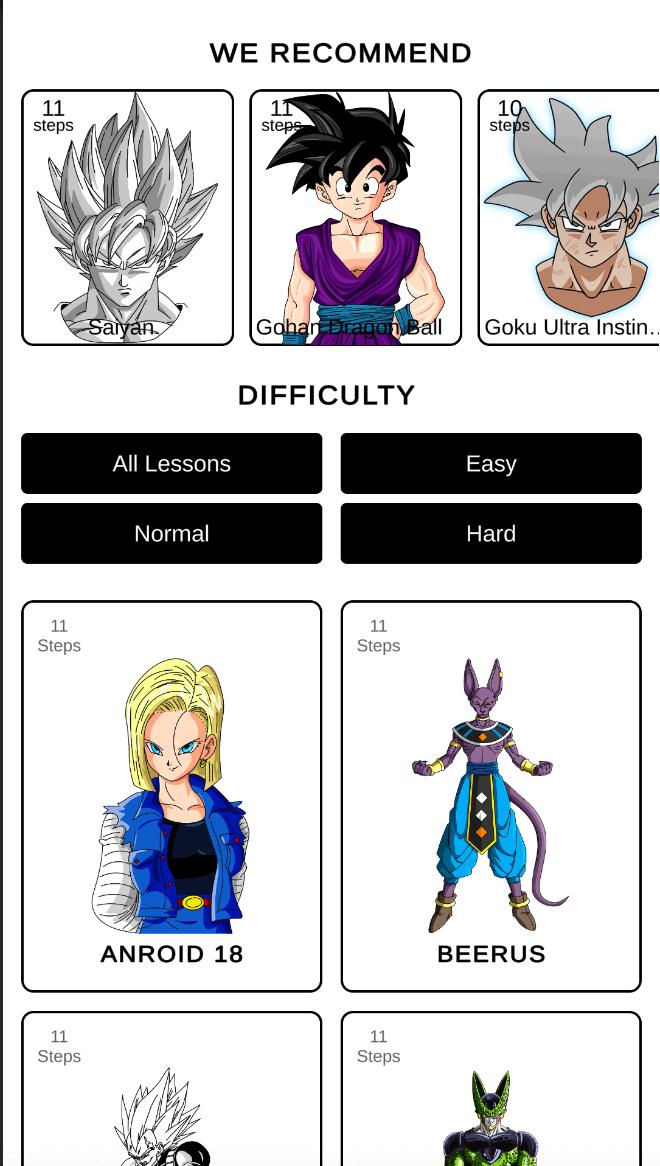
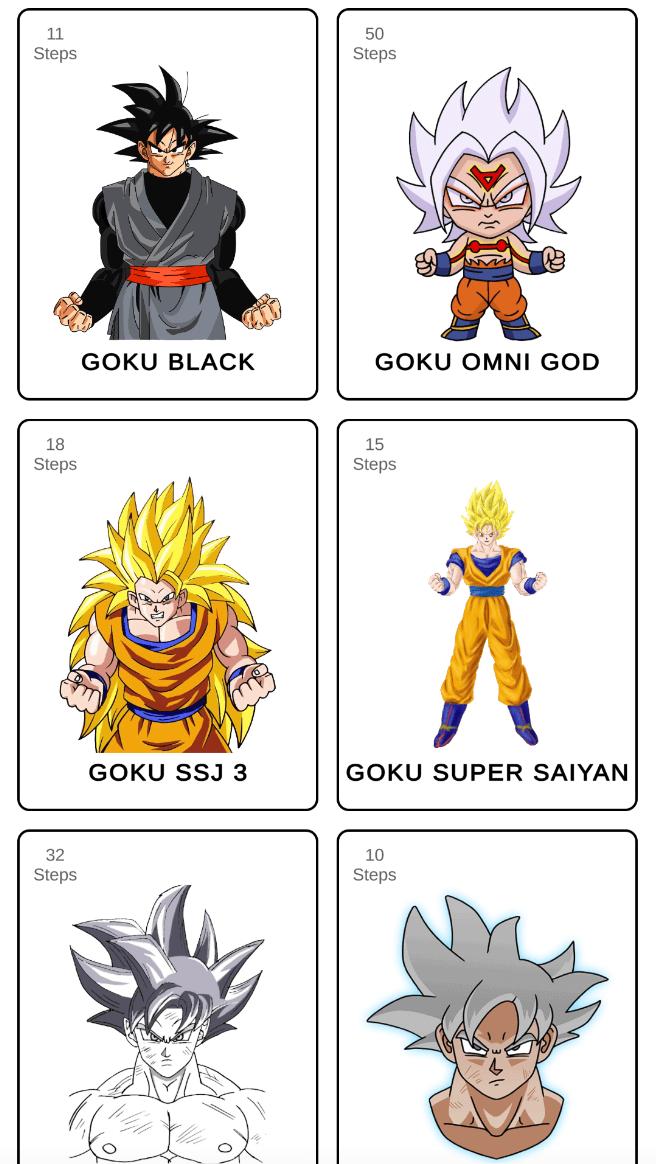
How To Draw Gocu is a free learning app that lets you draw your favorite and familiar characters on paper. With it, you can easily draw various characters of the cartoon familiar to everyone! The application HoHow to draw Gocu and Kakarotty has a very simple and clear control, you will understand it without any problems.
What to do in the application? First, choose the character you would like to draw. Before that, do not forget to take a piece of paper, a pencil and laundry. After choosing a hero, start the lesson! Repeat all the steps that are given in the lesson, and you will draw the selected character without any problems. Believe me, you do not need experience and skills in drawing. Everything will work out! Step by step follow the lessons of the application How to draw Gocu and Kakarotty and the result will not be long in coming!
Drawing with the educational application How to draw Gocu and Kakarotty you can not only relax, but also improve your skills. Draw! Feel like an artist!
We hope you enjoy How to draw Gocu .
Preview
Tags
DrawingInformation
Developer
nikitashik
Latest Version
3.1
Last Updated
2024-12-18
Category
Educational
Available on
Google Play
Show More
How to play How To draw Gocu with GameLoop on PC
1. Download GameLoop from the official website, then run the exe file to install GameLoop
2. Open GameLoop and search for “How To draw Gocu” , find How To draw Gocu in the search results and click “Install”
3. Enjoy playing How To draw Gocu on GameLoop
Minimum requirements
OS
Windows 8.1 64-bit or Windows 10 64-bit
GPU
GTX 1050
CPU
i3-8300
Memory
8GB RAM
Storage
1GB available space
Recommended requirements
OS
Windows 8.1 64-bit or Windows 10 64-bit
GPU
GTX 1050
CPU
i3-9320
Memory
16GB RAM
Storage
1GB available space