Fun Preschool Game EduBirthday PC
Cubic Frog® Apps-Learning Games for Kids
Download Fun Preschool Game EduBirthday on PC With GameLoop Emulator
Fun Preschool Game EduBirthday on PC
Fun Preschool Game EduBirthday, coming from the developer Cubic Frog® Apps-Learning Games for Kids, is running on Android systerm in the past.
Now, You can play Fun Preschool Game EduBirthday on PC with GameLoop smoothly.
Download it in the GameLoop library or search results. No more eyeing the battery or frustrating calls at the wrong time any more.
Just enjoy Fun Preschool Game EduBirthday PC on the large screen for free!
Fun Preschool Game EduBirthday Introduction
EduBirthday kindergarten learning app invites kindergartners and preschool learners to a fun birthday party and teaches them early childhood concepts through fun preschool learning games.
EduBirthday learning app features 18 colorful mini-games focusing on educational concepts which simulate kids' enthusiasm for learning and guides them for independent play. Kindergarten learners will enjoy playing every game and parents & teachers will enjoy watching them learn and grow. At the end of each game preschoolers will be rewarded with a surprise birthday gift!
-----------------------------------------------
Edubirthday Features Fun Kids Games:
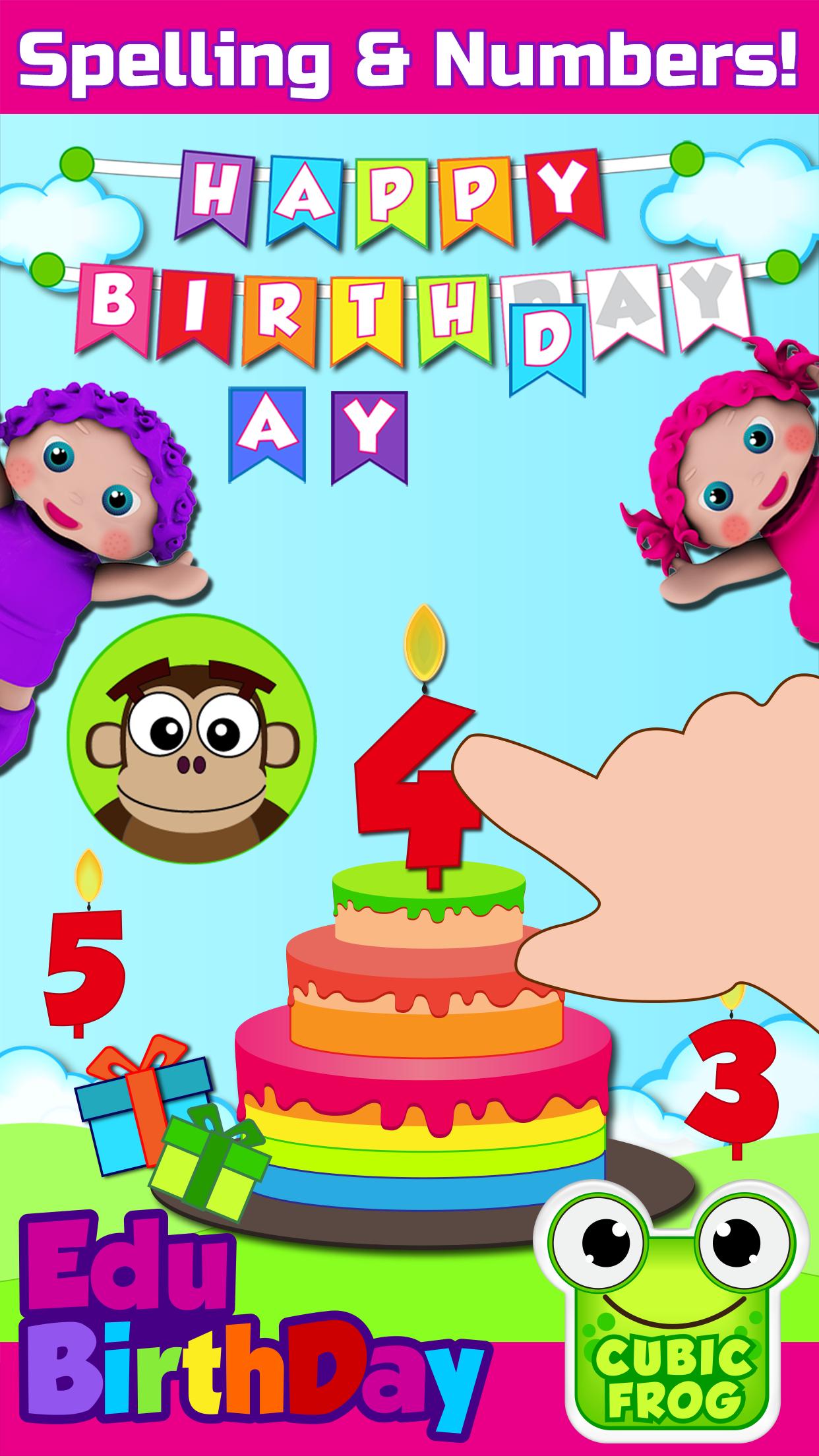
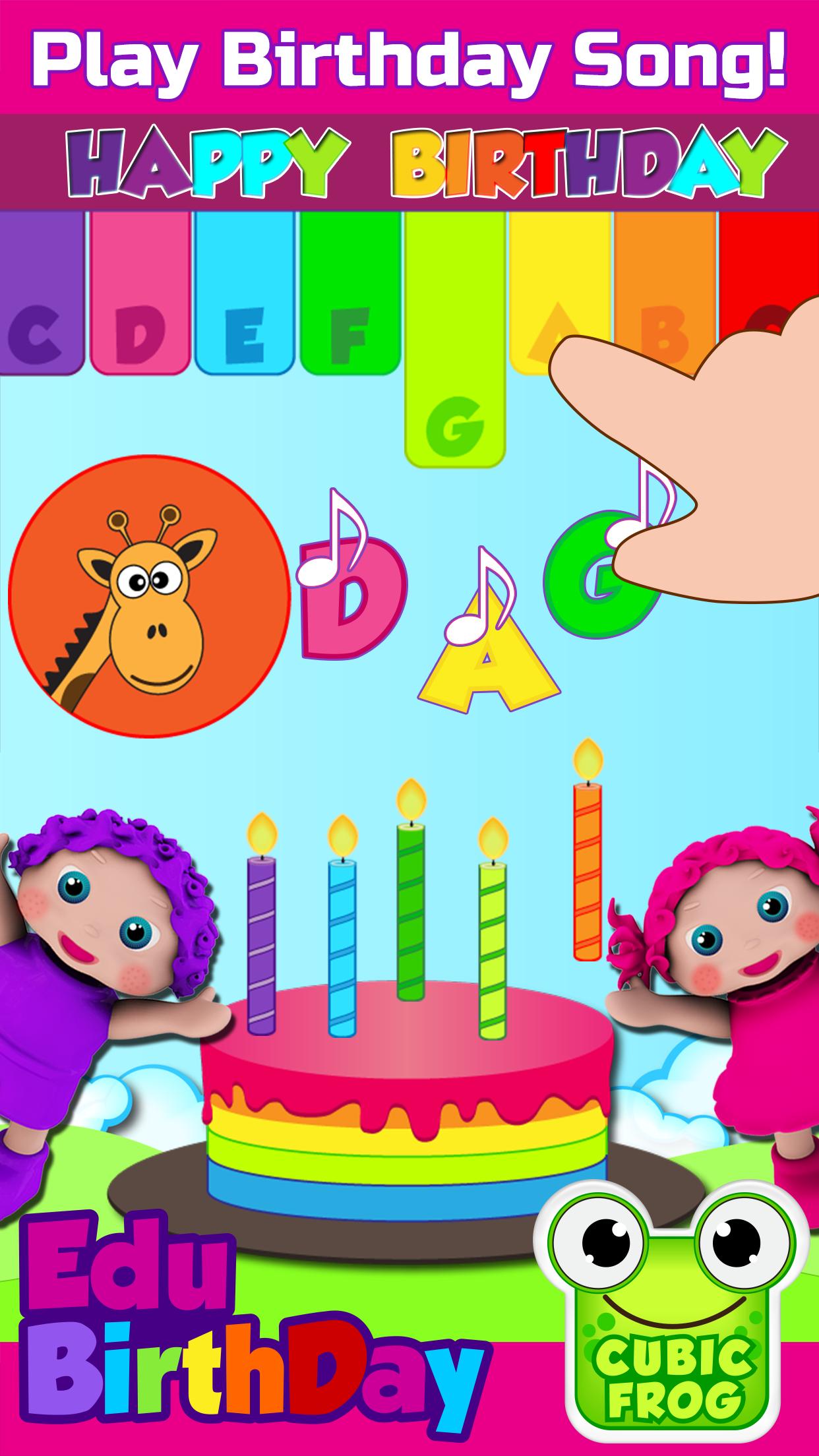
• Birthday Game - preschool learning game that teaches children to spell “Happy Birthday” and upon completion rewards them with a magical birthday song
• Photo Fun - preschoolers will learn left & right by taking fun birthday photos. Say cheese!
• Fruit Snacks - children will learn to sort fruits for the party guests and enhance their cognitive skills
• Birthday Ninja - in this kids learning game children will practice their fine motor skills by cutting the bouncing fruits
• Birthday Goodies - fun learning games for kindergartners that focuses on teaching them matching skills with colorful birthday goodies
• Colorful Balloons - kindergartners learn colors by blowing colorful balloons
• Birthday Gift - in this game kindergarten kids will learn about sizes while comparing birthday gifts
• Birthday Candles - preschool children will learn to count colorful hats and birthday candles
• Birthday Song - girls and boys will practice to play the birthday song on the Xylophone
• Find the Twins - Kindergarten learners have to identify twins while improving their matching skills
-----------------------------------------------
Edu Features:
• EduBirthday is a fun educational app that parents can use to teach their little learners early preschool concepts such as colors, numbers, alphabet letters, spelling and much more
• Kids games for girls and boys aged 3-5!
• Problem-solving
• Brain Development
• Fine Motor Skills
• Free of third party advertisement
• Autism spectrum and special needs children can also take educational benefits
• Prefect app for children with needs of speech therapy
• Preschool teachers can also use this educational app in their classrooms
• Unlimited access to a complete collection of birthday games in a toddler-friendly app
• Unlimited play and innovative rewards system
• Free without WiFi
• Customizable for parents to adjust settings based on children’s learning pace
----------------------------------------------
Purchasing, Rules & Regulations:
EduBirthday is a one-time purchase app and not a subscription-based app.
Rules & Regulations:
(Cubic Frog®) respects the privacy of all its users.
Privacy Policy: http://www.cubicfrog.com/privacy
Terms & Conditions :http://www.cubicfrog.com/terms
(Cubic Frog®) is proud to be a global and multilingual kids educational company with apps offering 12 different language options: English, Spanish, Arabic, Russian, Persian, French, German, Chinese, Korean, Japanese, Portuguese. Learn a new language or improve on another!
Toddler-friendly interface helps preschoolers in their early learning education. All Cubic Frog® toddler apps have voice commands which help little learners listen and follow instructions. EduBirthday is inspired by Montessori educational curriculum which is highly recommended for kids with autism and is a good option for speech therapy. Let’s celebrate together!
Preview
Tags
EducationalInformation
Developer
Cubic Frog® Apps-Learning Games for Kids
Latest Version
9.2
Last Updated
2022-06-04
Category
Educational
Available on
Google Play
Show More
How to play Fun Preschool Game EduBirthday with GameLoop on PC
1. Download GameLoop from the official website, then run the exe file to install GameLoop
2. Open GameLoop and search for “Fun Preschool Game EduBirthday” , find Fun Preschool Game EduBirthday in the search results and click “Install”
3. Enjoy playing Fun Preschool Game EduBirthday on GameLoop
Minimum requirements
OS
Windows 8.1 64-bit or Windows 10 64-bit
GPU
GTX 1050
CPU
i3-8300
Memory
8GB RAM
Storage
1GB available space
Recommended requirements
OS
Windows 8.1 64-bit or Windows 10 64-bit
GPU
GTX 1050
CPU
i3-9320
Memory
16GB RAM
Storage
1GB available space