Fruits Cooking - Juice Maker PC
Candybots Kids Learning Game
Download Fruits Cooking - Juice Maker on PC With GameLoop Emulator
Fruits Cooking - Juice Maker on PC
Fruits Cooking - Juice Maker, coming from the developer Candybots Kids Learning Game, is running on Android systerm in the past.
Now, You can play Fruits Cooking - Juice Maker on PC with GameLoop smoothly.
Download it in the GameLoop library or search results. No more eyeing the battery or frustrating calls at the wrong time any more.
Just enjoy Fruits Cooking - Juice Maker PC on the large screen for free!
Fruits Cooking - Juice Maker Introduction
FANTASTIC FRESH FUN JUICY FRUITS FOOD FRIENDS! LEARNING FRUIT!
Puzzle learning game for make the watermelon fruit, cook the grapes, drink the orange juice, taste of berries ice cream and eat the apple cake, Kids Toddlers!
Fruits Cooking - Juice Maker for Toddlers Puzzle Game is a funny babies food - making game with 9 types of colorful fruits in garden farm for little girls and little boys!
With Fruits Cooking Juice, your kids children can learn about their fun fruit benefits, how to cook fruits like juice or jam, ice-cream or cake and watch funny Fruits slice cartoon movies!
Making fruit food is fun and easy with Fruits Friends, BABIES!
CandyBots Fruits is the perfect cooking game for kids, baby, toddlers, preschoolers!
🍸 PICK A JUICE & DRINK! FRUITS PUZZLE BABY GAME 🍸
- 9 types of funny fruits: pick, cook and serve 9 types of juice fruits! Apple, Strawberry, Cherry are free to cook!
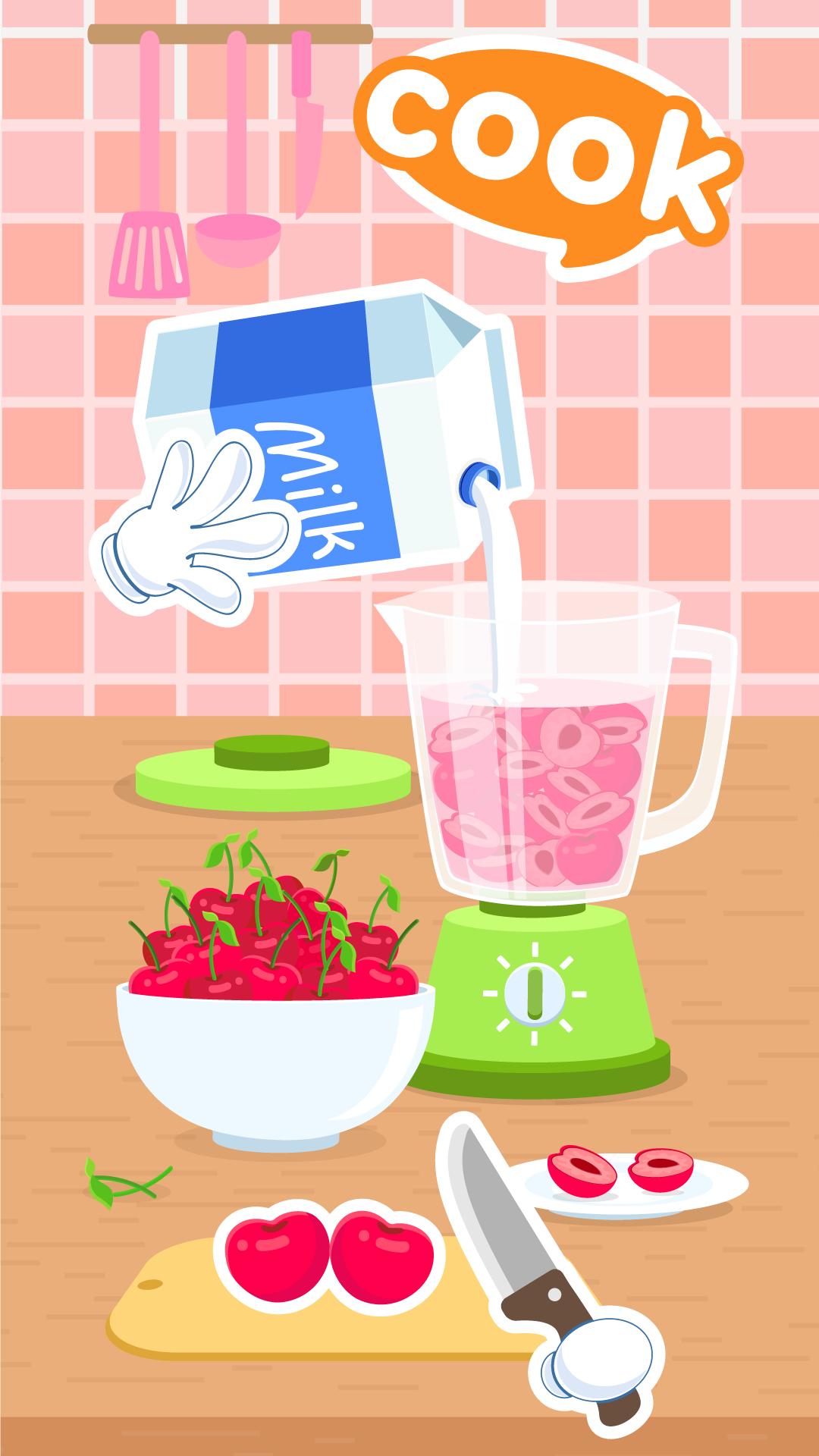
- Play and learn cooking from fruits: Drag-and-drop mini puzzle games will let toddlers learn to create yummy snacks and juice like ice-cream and smoothies from all types of fruits. No guidance needed!
- Fun educational story clips: Relax with cartoon movies showing off funny fruits in action!
- Pronounce fruit names with phonics: Clear, exact English voice-overs help babies reading the names of all the fruits like a pro!
- No ads!
Best fruit game for kids. Puzzle for children. Safe app for Preschool.
< b>MORE CANDYBOTS APPS
• Candybots Kids- World ABC 123
• Candybots Coloring Learning
• Candybots Animals Friends
• CandyBots ABC Alphabets Phonics
• CandyBots Numbers 123 Counting
CANDY FRIENDS
🔸 Shie the stylish marshmallow
🔷 Choco the champion chocolate bar
🔶 Poppy the lollipop genius
🔷 B'gum the dozy gummy bear
🔸 Cob the playful candy corn
Tips: Find more Candybots apps and games by entering “Candybots” in the search bar.
ABOUT CANDYBOTS
We are a small studio that makes beautiful educational experiences for 2-8 years old children, which are fun and encourage kids to learn about the world through playing.
TO PARENTS
Dear moms and dads, among us are parents and we make games for our children as well as children around the world. Our goal is to educate and entertain every child near and far. We deeply appreciate your support by rating us on Apple store.
PRIVACY POLICY
We at Candybots take data privacy very seriously. To know more of how we deal with this, please read our privacy policy at candybots.com/privacy.
If you need help, have questions, or want to say ‘hi’, get in touch at hello@candybots.com
----------------------------------------------------------------------------------------------------------
• Visit website online at: www.candybots.com
• Become a fan on Facebook: www.facebook.com/Candybots
• Follow on Twitter at: www.twitter.com/candybotsgames
• On Instagram: www.instagram.com/candybotsgames
• Subscribe to our Youtube Channel: goo.gl/nZxmsv
Preview

Tags
CasualSingle playerStylizedCartoonOfflineLanguageInformation
Developer
Candybots Kids Learning Game
Latest Version
2.0
Last Updated
2020-05-05
Category
Educational
Available on
Google Play
Show More
How to play Fruits Cooking - Juice Maker with GameLoop on PC
1. Download GameLoop from the official website, then run the exe file to install GameLoop
2. Open GameLoop and search for “Fruits Cooking - Juice Maker” , find Fruits Cooking - Juice Maker in the search results and click “Install”
3. Enjoy playing Fruits Cooking - Juice Maker on GameLoop
Minimum requirements
OS
Windows 8.1 64-bit or Windows 10 64-bit
GPU
GTX 1050
CPU
i3-8300
Memory
8GB RAM
Storage
1GB available space
Recommended requirements
OS
Windows 8.1 64-bit or Windows 10 64-bit
GPU
GTX 1050
CPU
i3-9320
Memory
16GB RAM
Storage
1GB available space