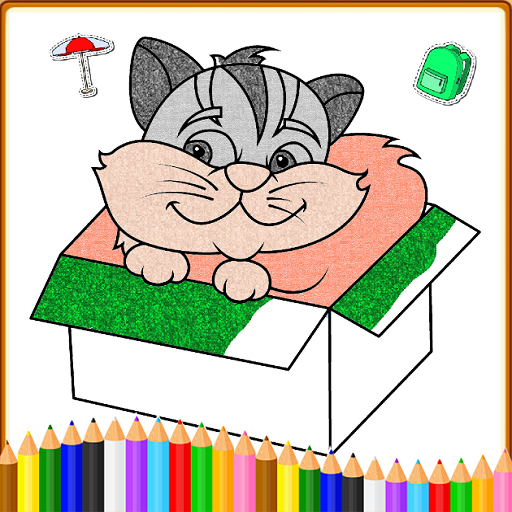
Coloring Games: Color & Paint PC
Gaming World Studio
Download Coloring Games: Color & Paint on PC With GameLoop Emulator
Coloring Games: Color & Paint on PC
Coloring Games: Color & Paint, coming from the developer Gaming World Studio, is running on Android systerm in the past.
Now, You can play Coloring Games: Color & Paint on PC with GameLoop smoothly.
Download it in the GameLoop library or search results. No more eyeing the battery or frustrating calls at the wrong time any more.
Just enjoy Coloring Games: Color & Paint PC on the large screen for free!
Coloring Games: Color & Paint Introduction
Kids love fun coloring games, and this Coloring Game is one of the best free coloring book and painting apps for children!
Kids Coloring Book: Painting, Coloring Games for Kids is collection of 170+ colouring book pages for kids, toddlers, and preschool and kindergarten kids
Coloring Games is filled with fun, colorful, and creative drawing and painting tools that help kids of all ages enjoy creating art on your mobile device. There are multiple modes the whole family can enjoy, including paint by numbers, color by numbers, doodling modes, and free coloring books of all types. Whether your kid is a toddler or a preschooler, they're bound to have fun with this free coloring game!
Basis concept of Kids coloring book is to provide a drawing and painting game for kids that contain coloring pages of different categories that helps kids color, paint and draw and have fun at the same time
Coloring Games was built specifically for children. It has an easy to understand interface kids as young as one year old can use. They'll have fun using the drawing, painting, and learning games at their disposal, while parents can watch the looks of joy on their faces as they color in the pages with a wide variety of paints.
There are a ton of coloring mini-games to play in Coloring Games, including:
1. Fun Paint - Tap to fill in the blank coloring book pages with a dozen bright and fun colors!
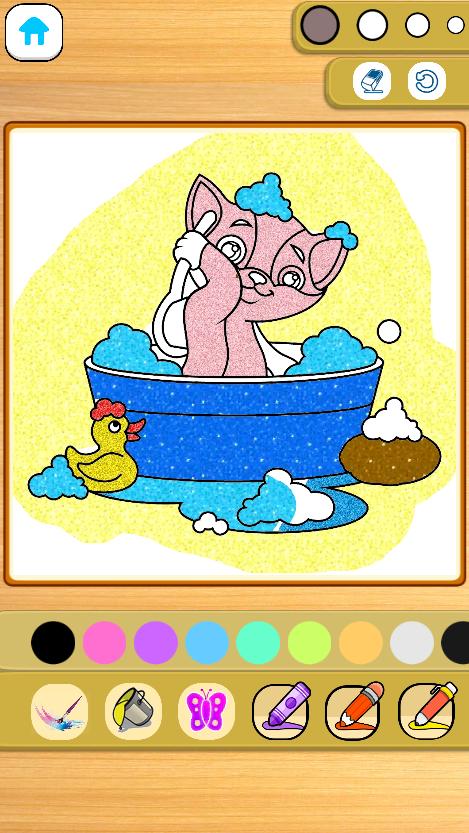
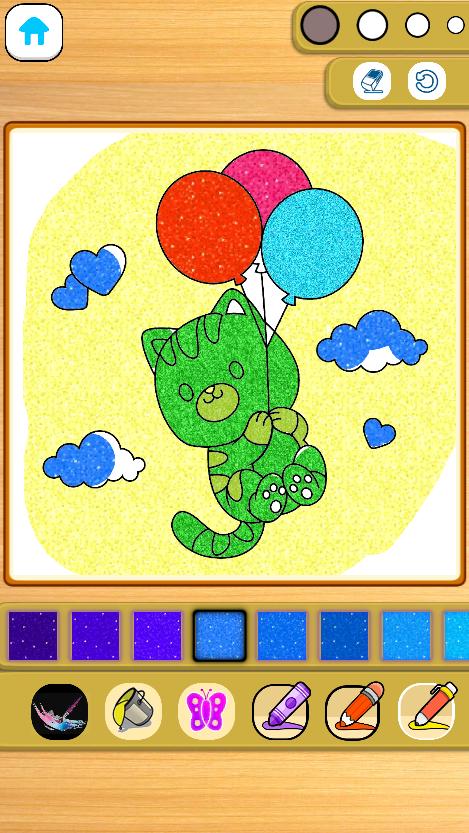
2. Color Fill - Use a wider variety of colors and options to paint the pictures, including stickers, glitter, crayons, and cute patterns.
3. Drawing - Draw on a blank slate with a full palette of colors ready to go.
4. Glow Pen - Paint with neon colors on a dark background. A fun way to create unique artwork!
Coloring Games comes with a number of features that help adults monitor their child's progress.Best of all, the coloring game is completely FREE to play. There is no in-app purchases, and no paywalls to fight with, just tons of safe, educational fun for kids.
Preschoolers, toddlers, families, and boys and girls of all ages will love the simple but engaging fun of Coloring Games. It's easy to start coloring with just a few taps on the screen, and maybe your child will create a miniature masterpiece!
Coloring Games is completely free. You won't find any in-app purchases, just a great coloring book app you can play with your children.
Preview
Tags
EducationalInformation
Developer
Gaming World Studio
Latest Version
1.0.1
Last Updated
2022-12-01
Category
Educational
Available on
Google Play
Show More
How to play Coloring Games: Color & Paint with GameLoop on PC
1. Download GameLoop from the official website, then run the exe file to install GameLoop
2. Open GameLoop and search for “Coloring Games: Color & Paint” , find Coloring Games: Color & Paint in the search results and click “Install”
3. Enjoy playing Coloring Games: Color & Paint on GameLoop
Minimum requirements
OS
Windows 8.1 64-bit or Windows 10 64-bit
GPU
GTX 1050
CPU
i3-8300
Memory
8GB RAM
Storage
1GB available space
Recommended requirements
OS
Windows 8.1 64-bit or Windows 10 64-bit
GPU
GTX 1050
CPU
i3-9320
Memory
16GB RAM
Storage
1GB available space