Caterpillar Game : School Game PC
MDS ESL
Download Caterpillar Game : School Game on PC With GameLoop Emulator
Caterpillar Game : School Game on PC
Caterpillar Game : School Game, coming from the developer MDS ESL, is running on Android systerm in the past.
Now, You can play Caterpillar Game : School Game on PC with GameLoop smoothly.
Download it in the GameLoop library or search results. No more eyeing the battery or frustrating calls at the wrong time any more.
Just enjoy Caterpillar Game : School Game PC on the large screen for free!
Caterpillar Game : School Game Introduction
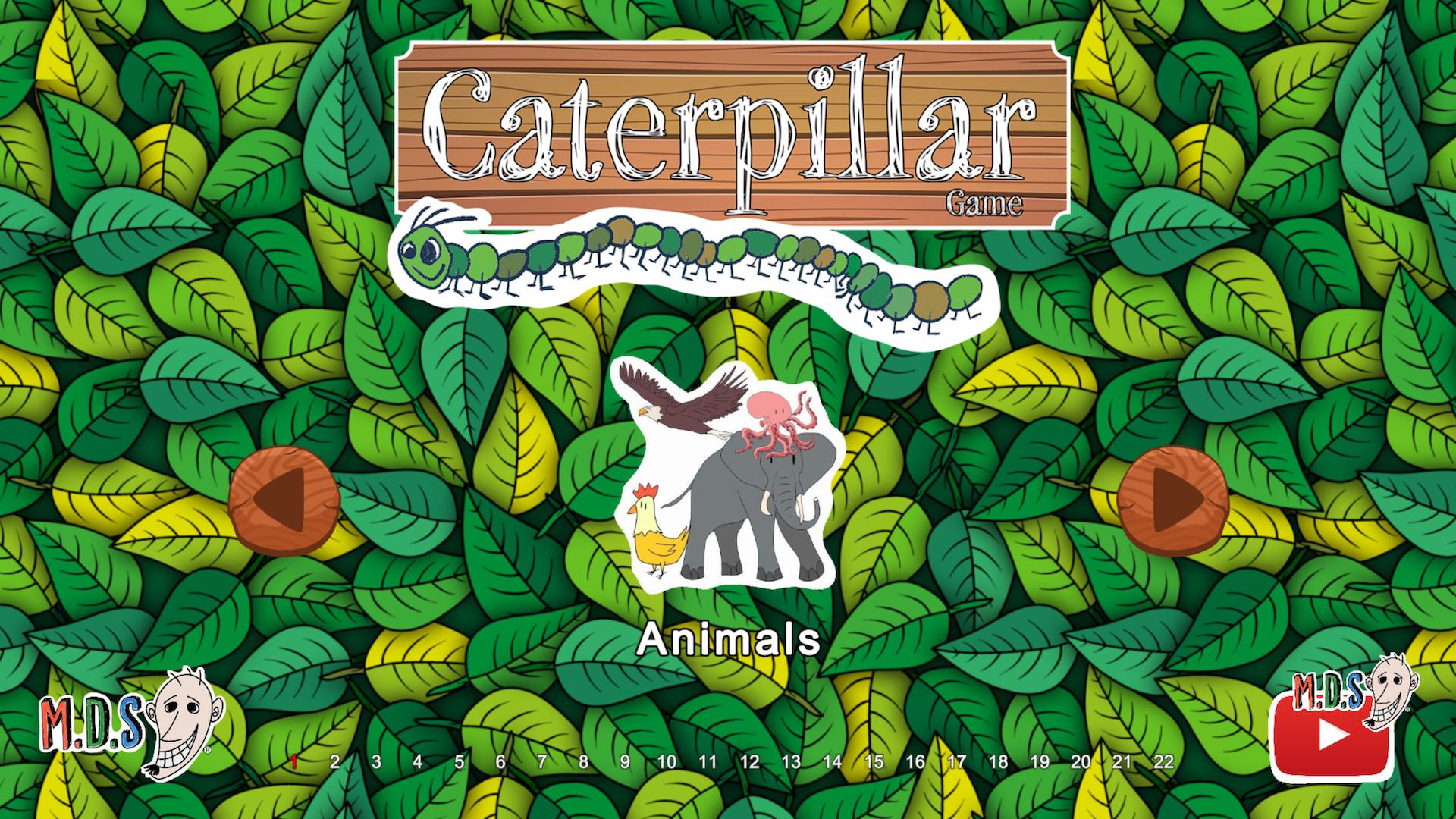
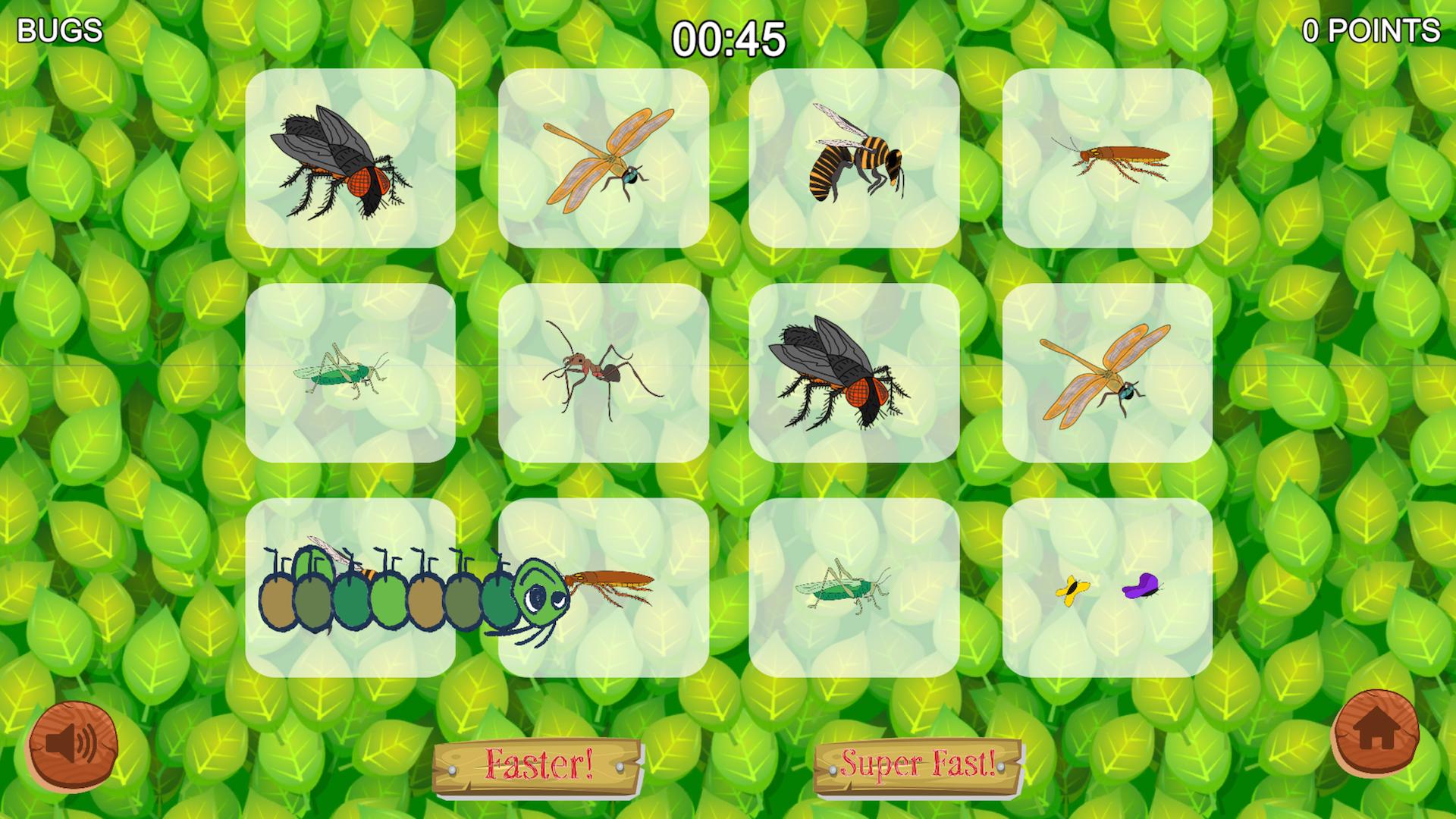
Do you know where butterflies come from? You are a tiny hungry caterpillar that needs to eat everything on your way! The more you eat, bigger you become. Can you turn into a beautiful butterfly?
All MDS ESL games and apps are designed not to be addictive to kids because we believe that despite the usage of technology is necessary kids are supposed to spend the least time on screens possible and interact more with the real world. Check out other fun ESL materials designed with the same purpose on our website. Hope you all like it as our students in Japan have for the last 15 years.
Preview
Tags
EducationalInformation
Developer
MDS ESL
Latest Version
1.2
Last Updated
2021-09-07
Category
Educational
Available on
Google Play
Show More
How to play Caterpillar Game : School Game with GameLoop on PC
1. Download GameLoop from the official website, then run the exe file to install GameLoop
2. Open GameLoop and search for “Caterpillar Game : School Game” , find Caterpillar Game : School Game in the search results and click “Install”
3. Enjoy playing Caterpillar Game : School Game on GameLoop
Minimum requirements
OS
Windows 8.1 64-bit or Windows 10 64-bit
GPU
GTX 1050
CPU
i3-8300
Memory
8GB RAM
Storage
1GB available space
Recommended requirements
OS
Windows 8.1 64-bit or Windows 10 64-bit
GPU
GTX 1050
CPU
i3-9320
Memory
16GB RAM
Storage
1GB available space