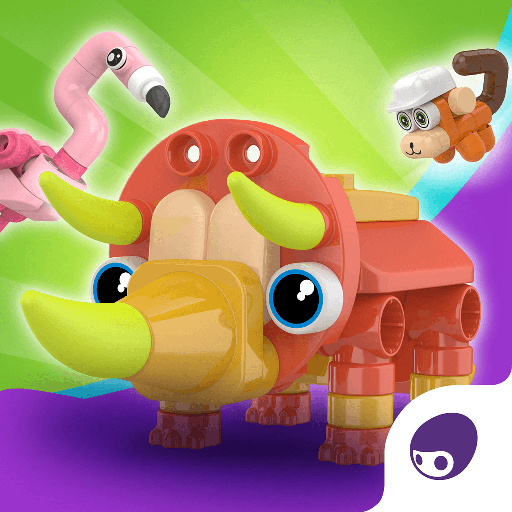
Blokees - Botzees Junior PC
Shanghai Putao Technology Co., Ltd.
Download Blokees - Botzees Junior on PC With GameLoop Emulator
Blokees - Botzees Junior on PC
Blokees - Botzees Junior, coming from the developer Shanghai Putao Technology Co., Ltd., is running on Android systerm in the past.
Now, You can play Blokees - Botzees Junior on PC with GameLoop smoothly.
Download it in the GameLoop library or search results. No more eyeing the battery or frustrating calls at the wrong time any more.
Just enjoy Blokees - Botzees Junior PC on the large screen for free!
Blokees - Botzees Junior Introduction
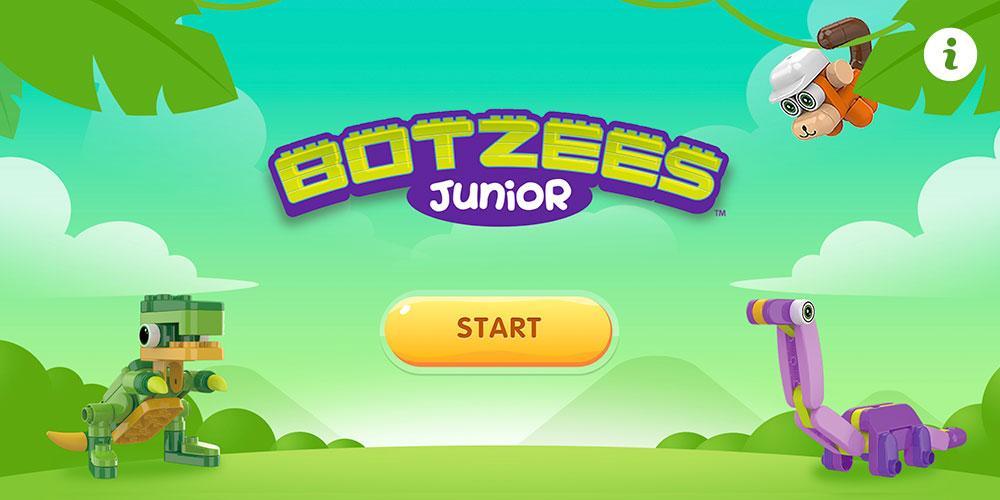
Pai Technology presents Botzees JuniorTM, an innovative twist on construction and building play!
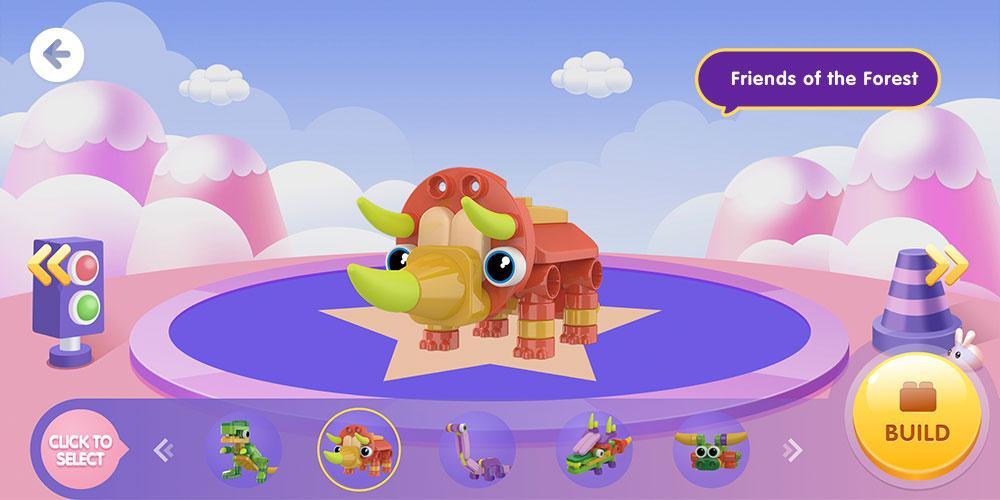
Designed for children age 3 years+, Botzees JuniorTM combines traditional construction and digital play via a FREE, easy-to-follow app. Along with large, rounded, colorful blocks, Botzees JuniorTM introduces soft, silicone-based blocks that allow children to construct in an entirely new way! With additional tutorials and fun facts available via scannable QR codes, Botzees JuniorTM allows early learners to build, learn, and play!
***HOW TO PLAY***
1.Search for and download the Blokees - Botzees Junior App.
2. When prompted, scan this QR code to unlock the pack features.
3. Follow the easy visual step-by-step directions.
4. Use the play mat and stickers to create your own stories!
5. Scan the QR code under each sticker to learn about pre-historic times!
Privacy policy:
https://botzeestoys.com/policies/privacy-policy
Preview
Tags
EducationalInformation
Developer
Shanghai Putao Technology Co., Ltd.
Latest Version
2.1.3
Last Updated
2024-01-05
Category
Educational
Available on
Google Play
Show More
How to play Blokees - Botzees Junior with GameLoop on PC
1. Download GameLoop from the official website, then run the exe file to install GameLoop
2. Open GameLoop and search for “Blokees - Botzees Junior” , find Blokees - Botzees Junior in the search results and click “Install”
3. Enjoy playing Blokees - Botzees Junior on GameLoop
Minimum requirements
OS
Windows 8.1 64-bit or Windows 10 64-bit
GPU
GTX 1050
CPU
i3-8300
Memory
8GB RAM
Storage
1GB available space
Recommended requirements
OS
Windows 8.1 64-bit or Windows 10 64-bit
GPU
GTX 1050
CPU
i3-9320
Memory
16GB RAM
Storage
1GB available space