Baby Games for Kids - All in 1 PC
Vina Kids
Download Baby Games for Kids - All in 1 on PC With GameLoop Emulator
Baby Games for Kids - All in 1 on PC
Baby Games for Kids - All in 1, coming from the developer Vina Kids, is running on Android systerm in the past.
Now, You can play Baby Games for Kids - All in 1 on PC with GameLoop smoothly.
Download it in the GameLoop library or search results. No more eyeing the battery or frustrating calls at the wrong time any more.
Just enjoy Baby Games for Kids - All in 1 PC on the large screen for free!
Baby Games for Kids - All in 1 Introduction
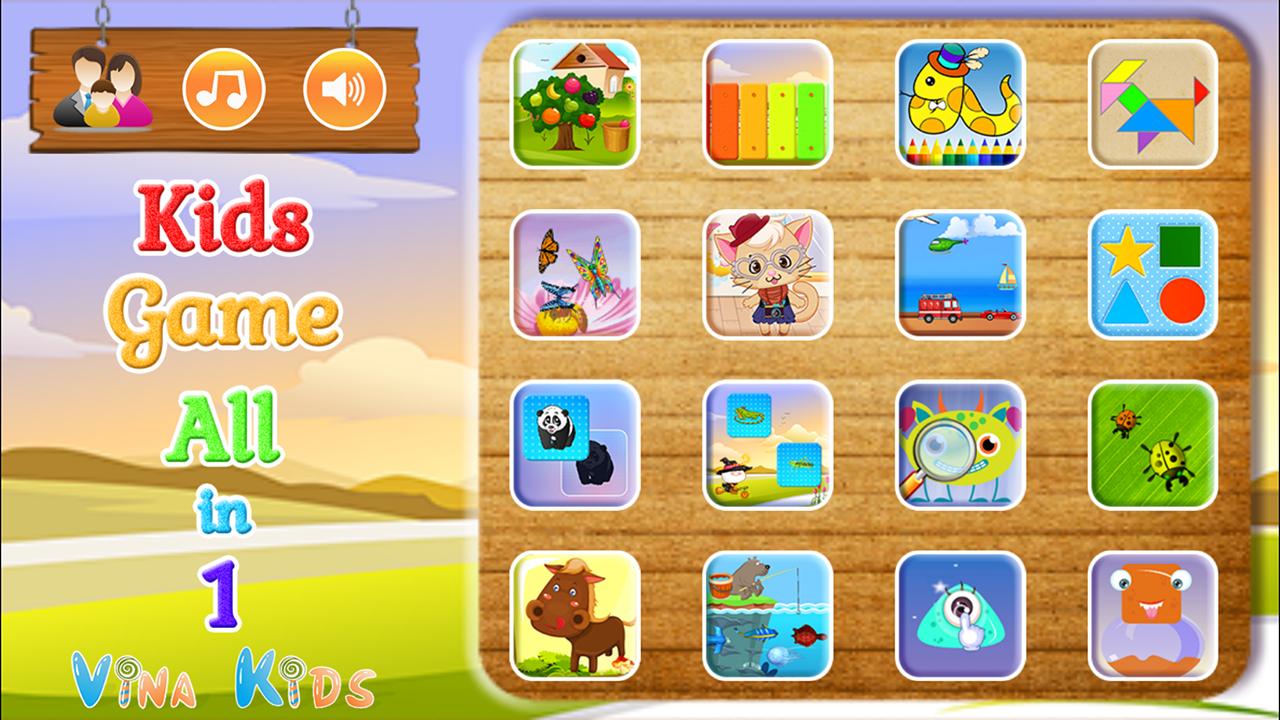
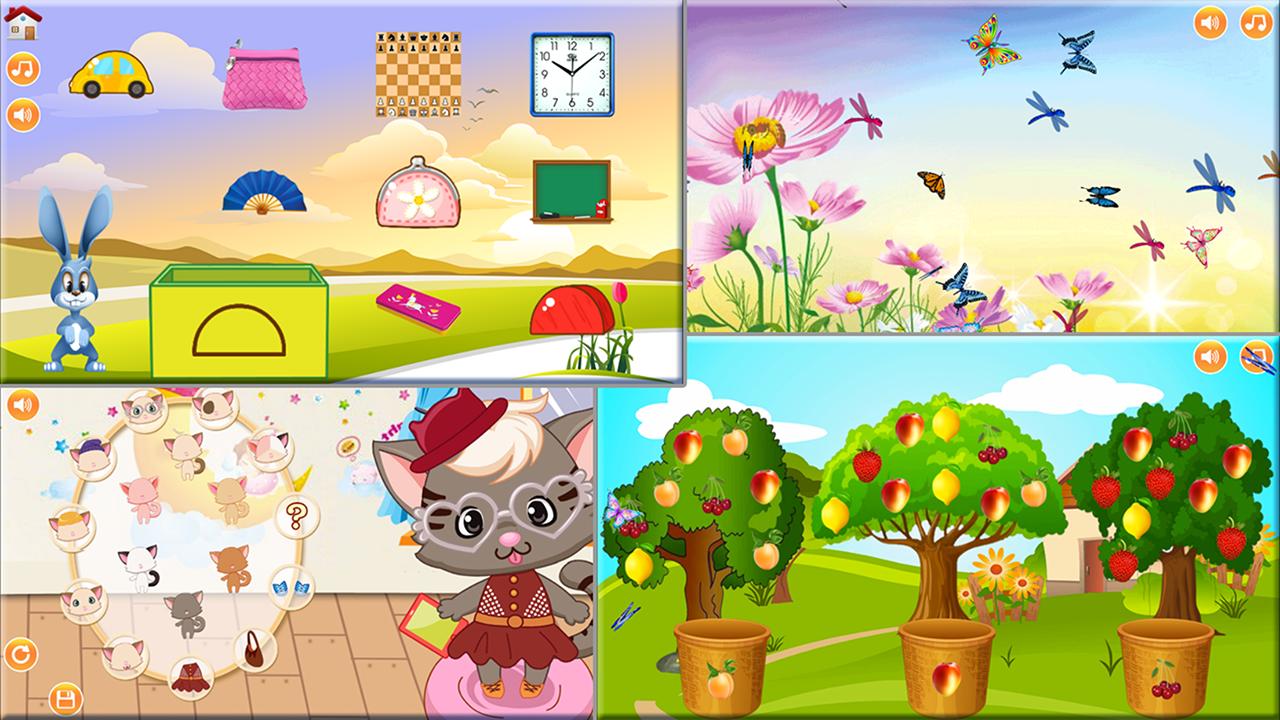
Kids Game All in 1 is the best educational games for children. This is an application contains 16 games was designed for children.
This game will help your child learning something! Teach them reading, spelling, logic, reactive, compound words, and more!
This is a perfect learning game for your kids aged 3-6.
These games children will learn:
+ Find animal: learning animal name, spelling, and animal sound.
+ Find the different image: Your child will learn the different about color, shape...
+ Learning color.
+ Logic game: Match an image with shadow.
+ Quiz: Choose the correct picture on demand
+ Spot difference between 2 picture - your child will be training observation skills.
+ Traffic game - help your child identify vehicles.
+ Learning shape - learning shape and recognizing objects with similar shape
+ Piano game with piano, flute, harp, violin, music box, guitar sound.
+ Tap the bug.
+ Fishing game.
+ Cat dress up.
+ Coloring book.
+ Tangram with number.
+ Kids touch.
Perfect for kids and toddler who need a fun and educational game to play.
Please feel free to contact us for any questions, to add a specific sound, to fix a bug or any other improvements you think will help this making a great app.
How to contact us:
- Website: http://vinakids.org
- Facebook: https://goo.gl/hLmuYk
- Google+: https://goo.gl/7GbUAu
- Youtube: https://goo.gl/RtbB1y
- Twitter: https://twitter.com/KidsVina
- Email: vinakidsgame@gmail.com
Preview
Information
Developer
Vina Kids
Latest Version
1.0
Last Updated
2016-09-30
Category
Educational
Available on
Google Play
Show More
How to play Baby Games for Kids - All in 1 with GameLoop on PC
1. Download GameLoop from the official website, then run the exe file to install GameLoop
2. Open GameLoop and search for “Baby Games for Kids - All in 1” , find Baby Games for Kids - All in 1 in the search results and click “Install”
3. Enjoy playing Baby Games for Kids - All in 1 on GameLoop
Minimum requirements
OS
Windows 8.1 64-bit or Windows 10 64-bit
GPU
GTX 1050
CPU
i3-8300
Memory
8GB RAM
Storage
1GB available space
Recommended requirements
OS
Windows 8.1 64-bit or Windows 10 64-bit
GPU
GTX 1050
CPU
i3-9320
Memory
16GB RAM
Storage
1GB available space