Bé học tiếng Việt PC
EN Kids Games
Download Bé học tiếng Việt on PC With GameLoop Emulator
Bé học tiếng Việt on PC
Bé học tiếng Việt, coming from the developer EN Kids Games, is running on Android systerm in the past.
Now, You can play Bé học tiếng Việt on PC with GameLoop smoothly.
Download it in the GameLoop library or search results. No more eyeing the battery or frustrating calls at the wrong time any more.
Just enjoy Bé học tiếng Việt PC on the large screen for free!
Bé học tiếng Việt Introduction
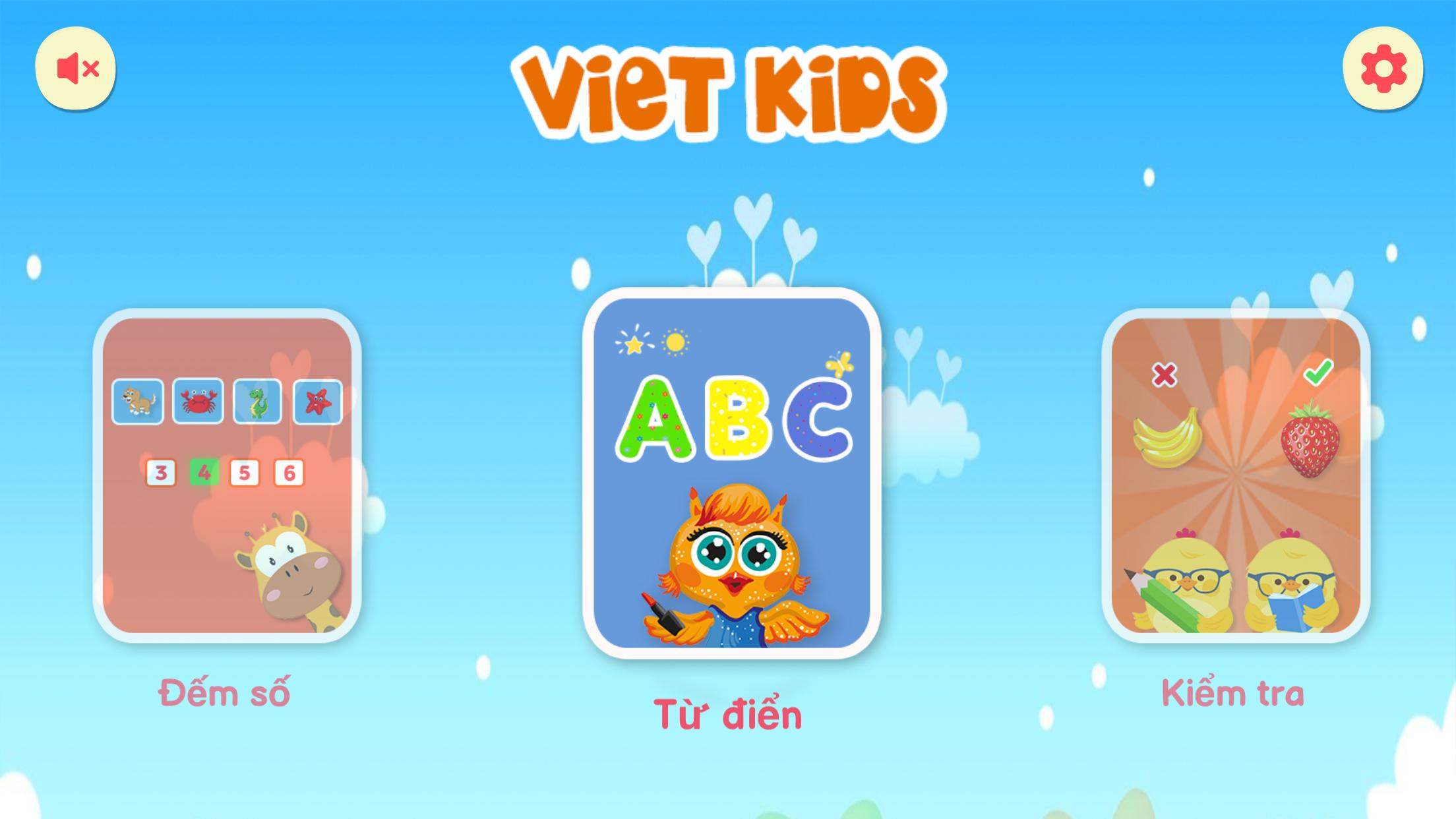
Children learn Vietnamese is a game that teaches children from 1 to 5 years old to become familiar with Vietnamese letters, numbers, animals, things, objects, geometry... in Vietnamese through Vietnamese characters. Pictures and games are extremely interesting.
The game is like a mini dictionary to help your child learn and recognize the objects around.
The game is an interactive application that helps children learn while playing easily.
In addition, the game also includes mini games such as Matching words, counting numbers, memorizing, flipping cards...
The game has the following main features:
- Learn 29 letters of the Vietnamese alphabet, each letter will have 6 clear example pictures.
- Teach your child to be familiar with the first 20 numbers in the alphabet.
- In each lesson, there will be games to help children review the words they have learned.
- There are 3 games for children to practice:
+ Memory game find the same picture, help children practice memory better
+ The game of matching words in the blank
+ Number counting game, objects will appear with random numbers, Please count and choose the correct answer.
+ Clear, expressive sound and voice.
We look forward to receiving feedback from parents to make the game more and more perfect.
Preview

Tags
EducationalInformation
Developer
EN Kids Games
Latest Version
1.0
Last Updated
2021-12-15
Category
Educational
Available on
Google Play
Show More
How to play Bé học tiếng Việt with GameLoop on PC
1. Download GameLoop from the official website, then run the exe file to install GameLoop
2. Open GameLoop and search for “Bé học tiếng Việt” , find Bé học tiếng Việt in the search results and click “Install”
3. Enjoy playing Bé học tiếng Việt on GameLoop
Minimum requirements
OS
Windows 8.1 64-bit or Windows 10 64-bit
GPU
GTX 1050
CPU
i3-8300
Memory
8GB RAM
Storage
1GB available space
Recommended requirements
OS
Windows 8.1 64-bit or Windows 10 64-bit
GPU
GTX 1050
CPU
i3-9320
Memory
16GB RAM
Storage
1GB available space