
Write Urdu Alphabets PC
Sathish Shanmugam
Download Write Urdu Alphabets on PC With GameLoop Emulator
Write Urdu Alphabets on PC
Write Urdu Alphabets, coming from the developer Sathish Shanmugam, is running on Android systerm in the past.
Now, You can play Write Urdu Alphabets on PC with GameLoop smoothly.
Download it in the GameLoop library or search results. No more eyeing the battery or frustrating calls at the wrong time any more.
Just enjoy Write Urdu Alphabets PC on the large screen for free!
Write Urdu Alphabets Introduction
Write Urdu Alphabets – Learn to Write & Speak Urdu (Offline Supported)
Learn to read, write, and pronounce Urdu – the complete offline learning app.
Write Urdu Alphabets is a free app who want to master Urdu script and pronunciation at their own pace. Whether you're starting fresh or revisiting your roots, this app provides an intuitive way to practice Urdu letters — all offline and at no cost.
No internet required after installation.
What You’ll Learn:
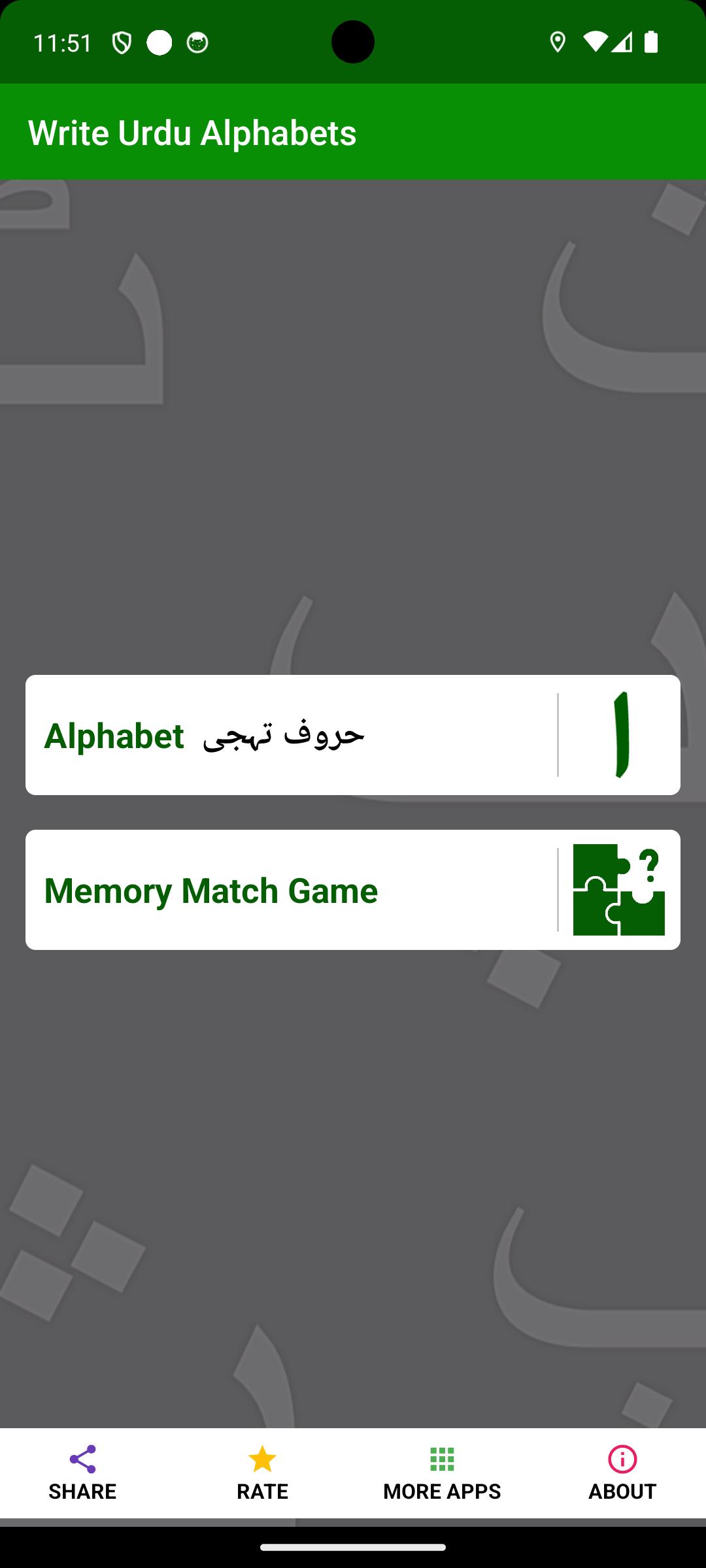
1. Urdu Alphabets.
2. Remember and Match Game – Practice through interactive learning.
Key Features:
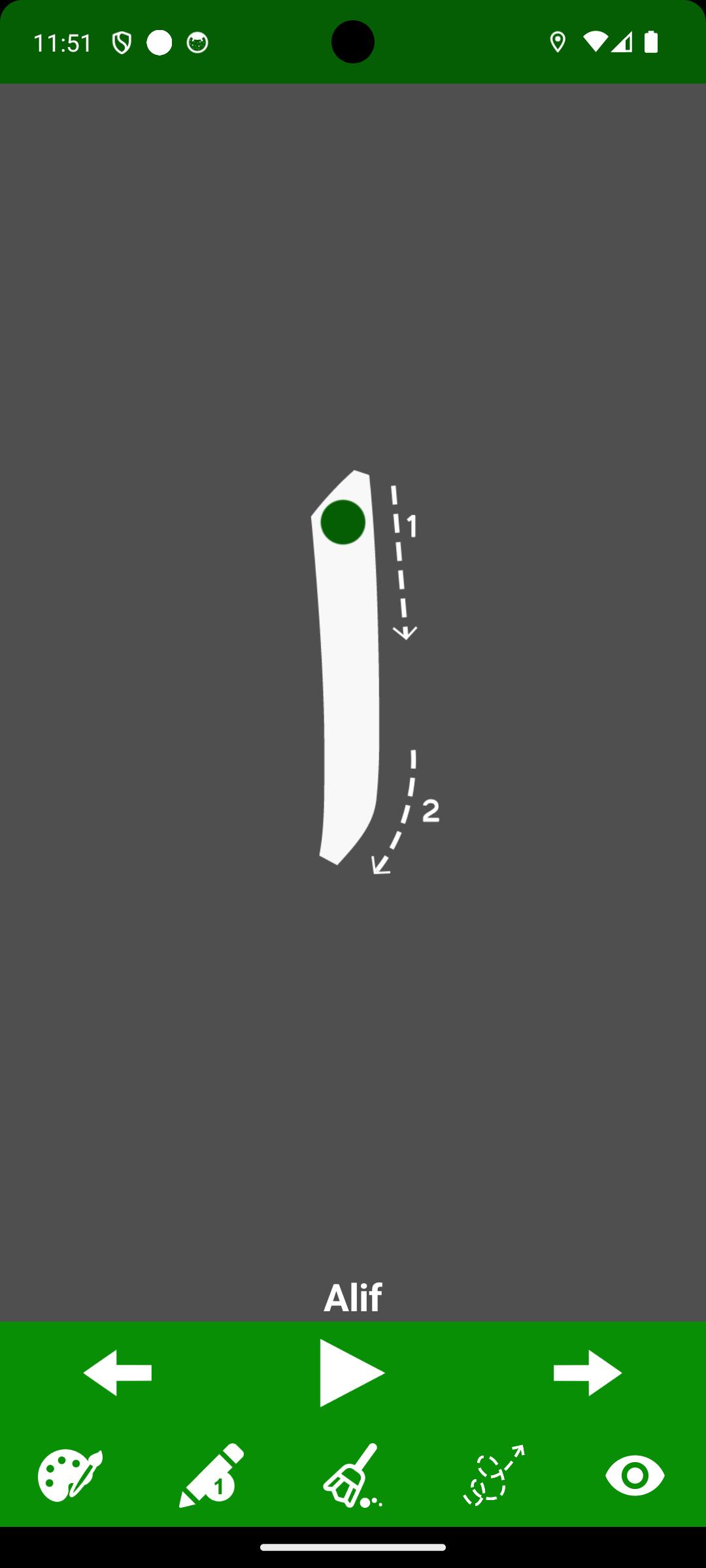
- Trace and practice writing each Urdu letter.
- Audio support for correct pronunciation of all letters.
- Choose your favorite color and from 5 pencil sizes.
- Easy-to-use erase tool for corrections.
- Tap Play to hear the pronunciation of any letter.
- Use Next / Previous buttons for quick navigation.
- Fully usable offline after first install — no data needed.
Who Is It For?
- Learners seeking to read and write Urdu.
- Learners who prefer offline, self-paced education.
Learn Urdu easily — anytime, anywhere. No internet required!
Preview
Tags
EducationInformation
Developer
Sathish Shanmugam
Latest Version
2.3
Last Updated
2025-09-18
Category
Education
Available on
Google Play
Show More
How to play Write Urdu Alphabets with GameLoop on PC
1. Download GameLoop from the official website, then run the exe file to install GameLoop
2. Open GameLoop and search for “Write Urdu Alphabets” , find Write Urdu Alphabets in the search results and click “Install”
3. Enjoy playing Write Urdu Alphabets on GameLoop
Minimum requirements
OS
Windows 8.1 64-bit or Windows 10 64-bit
GPU
GTX 1050
CPU
i3-8300
Memory
8GB RAM
Storage
1GB available space
Recommended requirements
OS
Windows 8.1 64-bit or Windows 10 64-bit
GPU
GTX 1050
CPU
i3-9320
Memory
16GB RAM
Storage
1GB available space