
The University of Chicago ISAC PC
Encurate Mobile Technology LLC
Download The University of Chicago ISAC on PC With GameLoop Emulator
The University of Chicago ISAC on PC
The University of Chicago ISAC, coming from the developer Encurate Mobile Technology LLC, is running on Android systerm in the past.
Now, You can play The University of Chicago ISAC on PC with GameLoop smoothly.
Download it in the GameLoop library or search results. No more eyeing the battery or frustrating calls at the wrong time any more.
Just enjoy The University of Chicago ISAC PC on the large screen for free!
The University of Chicago ISAC Introduction
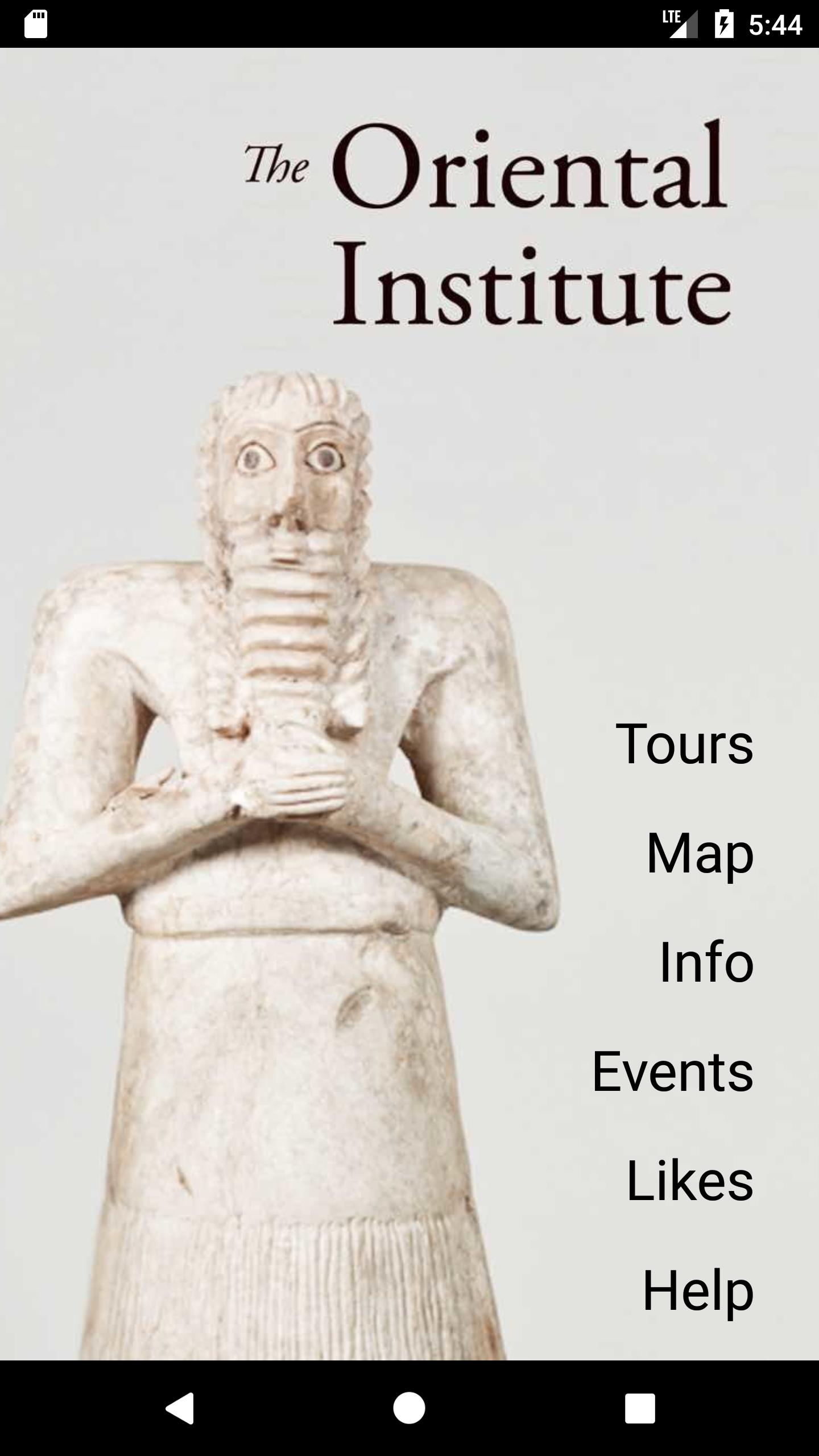
The Oriental Institute Museum of the University of Chicago is excited to offer the museum's first interactive mobile app!
This custom app powered by Encurate Mobile Technology allows you to choose personalized tours, utilize an interactive map, and more, all while enjoying the museum at your own pace. As you walk around the museum simply keep your smartphone where you can feel it vibrate and this app will alert you of artifacts and spaces that match your interests!
The Oriental Institute Museum's mobile app features:
-Personalized Tour Content: choose your own areas of interest. Want to know more about the collection's highlights or take an audio tour? Just choose what you’re most excited about and the app will deliver the details!
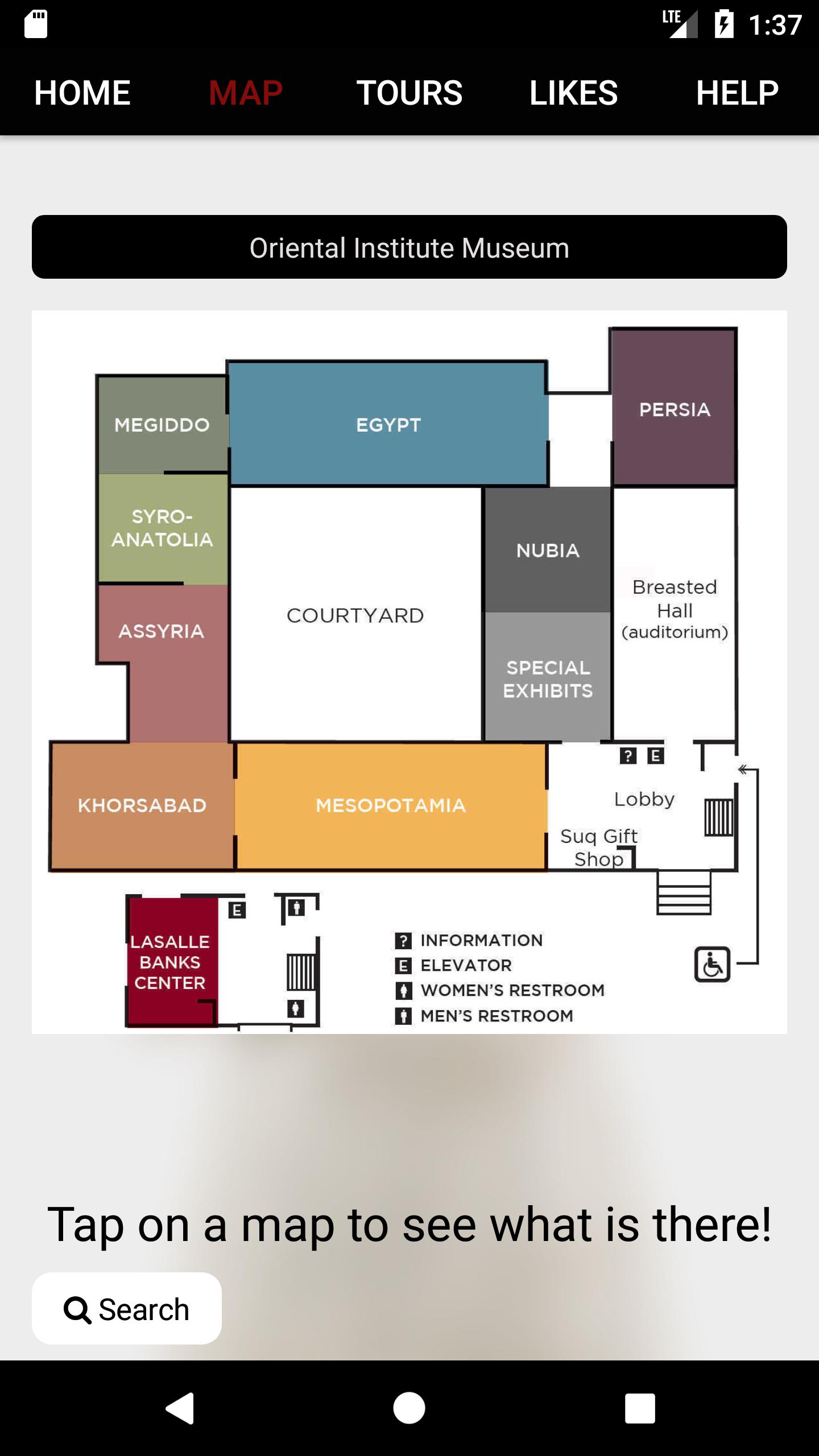
-Interactive Map: with the interactive map, easily find out practical information like the location of restrooms and exits simply by tapping: “Where is the…?”. The location-aware map will show you your location and where you want to go. Locate the artifacts you’re interested in and add them to your ‘Likes’ page to review and explore later!
-An app exclusive audio tour: take an audio tour of our docent's talking about their favorite objects in the collection! This tour is available only in the mobile application!
Preview
Tags
EducationInformation
Developer
Encurate Mobile Technology LLC
Latest Version
1.10
Last Updated
2023-01-19
Category
Education
Available on
Google Play
Show More
How to play The University of Chicago ISAC with GameLoop on PC
1. Download GameLoop from the official website, then run the exe file to install GameLoop
2. Open GameLoop and search for “The University of Chicago ISAC” , find The University of Chicago ISAC in the search results and click “Install”
3. Enjoy playing The University of Chicago ISAC on GameLoop
Minimum requirements
OS
Windows 8.1 64-bit or Windows 10 64-bit
GPU
GTX 1050
CPU
i3-8300
Memory
8GB RAM
Storage
1GB available space
Recommended requirements
OS
Windows 8.1 64-bit or Windows 10 64-bit
GPU
GTX 1050
CPU
i3-9320
Memory
16GB RAM
Storage
1GB available space