
Rune writer 2 PC
PB Softworks
Download Rune writer 2 on PC With GameLoop Emulator
Rune writer 2 on PC
Rune writer 2, coming from the developer PB Softworks, is running on Android systerm in the past.
Now, You can play Rune writer 2 on PC with GameLoop smoothly.
Download it in the GameLoop library or search results. No more eyeing the battery or frustrating calls at the wrong time any more.
Just enjoy Rune writer 2 PC on the large screen for free!
Rune writer 2 Introduction
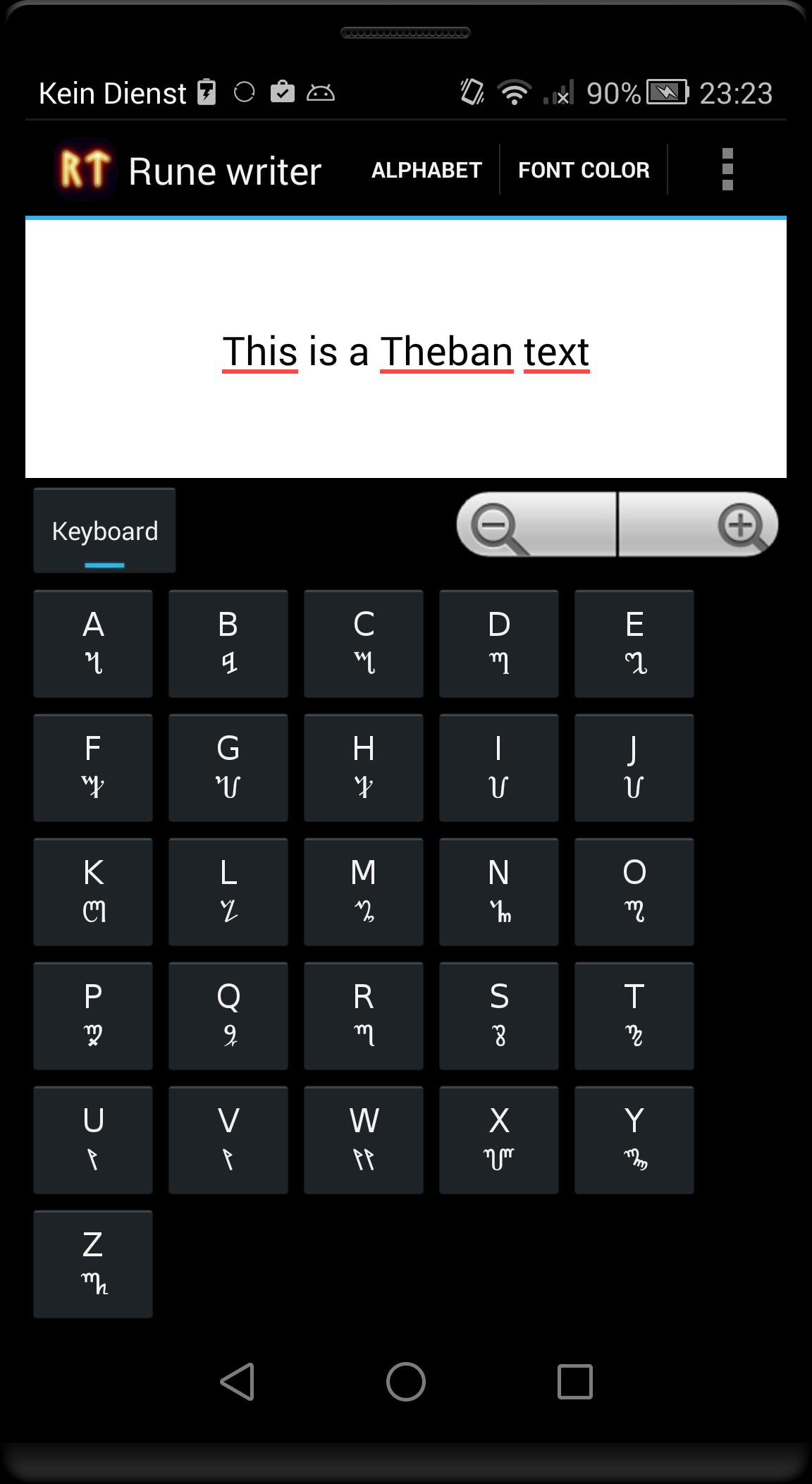
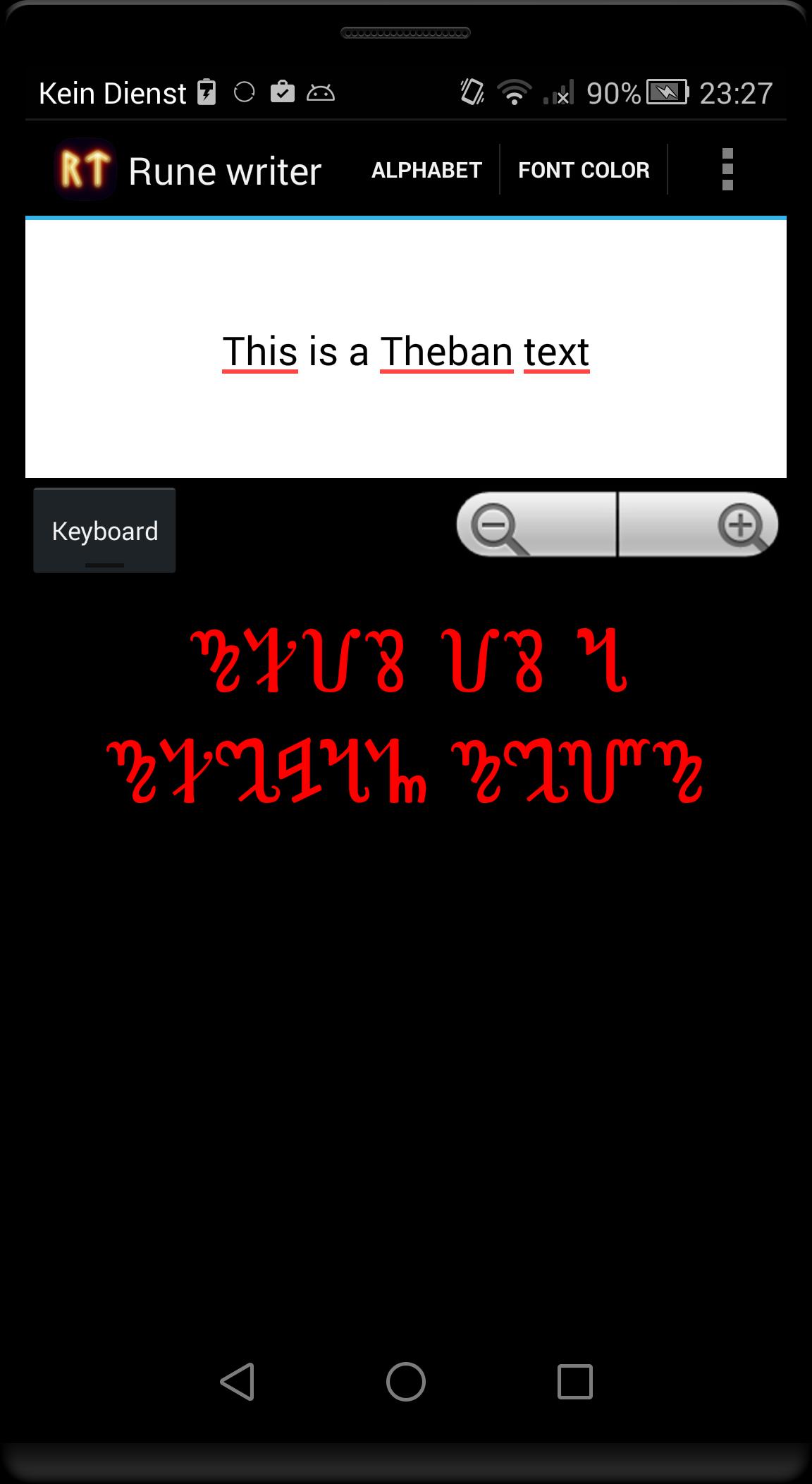
This program translates Latin letters in some ancient or fictional alphabets. Write and post runic messages as pictures directly on Facebook or Google+ or use the pictures as your logo or background for your home screen.
Alphabets included in the free version
- Elder Futhark Proto-Norse runes (1th–9th centuries AD).
- Gothic alphabet (4th–7th centuries AD).
In the full version these alphabets are available:
- Elder Futhark Proto-Norse runes (1th–9th centuries AD).
- Theban Witches' alphabet used in modern Wicca (from 16th century).
- Danish younger Futhark runes from viking age (9th-10th centuries AD).
- Swedish-Norwegian Rök runes from viking age (9th-10th centuries AD).
- Anglo-Saxon runes (4th–10th centuries AD).
- Medieval runes (1100-1500 AD).
- Aryan Armanic runes.
- Old Turkic script: also known as Göktürk script, Orkhon script, Orhun Yazıtları (8th-10th centuries AD).
- Gothic alphabet (4th–7th centuries AD).
- Celtic Ogham alphabet (4th–10th centuries AD).
- Klingon pIqaD (fictional from 'Star Trek').
- Etruscan alphabet (8th–1st centuries BC).
- Ugaritic cuneiform (from around 1400 BCE).
- Phoenician alphabet (from 1050 BCE).
- Slavic Glagolitic alphabet (from 863 AD)
Translated text can be exported as PNG image.
You can change the background color and font color and size.
Output text is UTF encoded. Please note that not all programs can display the translated text copied from 'Rune Writer', because not all apps have the needed fonts installed. You see then only question marks or empty squares.
Not all Latin characters can be translated directly into ancient alphabets, as appropriate characters are missing (eg all or some vowels in Ugaritic cuneiform and Phoenician alphabet). If you see a not translated characters, then it is no error - the target alphabet is missing the required letter.
Let me know if you needed some other translations or features.
Preview
Tags
EducationInformation
Developer
PB Softworks
Latest Version
3.1
Last Updated
2015-09-19
Category
Education
Available on
Google Play
Show More
How to play Rune writer 2 with GameLoop on PC
1. Download GameLoop from the official website, then run the exe file to install GameLoop
2. Open GameLoop and search for “Rune writer 2” , find Rune writer 2 in the search results and click “Install”
3. Enjoy playing Rune writer 2 on GameLoop
Minimum requirements
OS
Windows 8.1 64-bit or Windows 10 64-bit
GPU
GTX 1050
CPU
i3-8300
Memory
8GB RAM
Storage
1GB available space
Recommended requirements
OS
Windows 8.1 64-bit or Windows 10 64-bit
GPU
GTX 1050
CPU
i3-9320
Memory
16GB RAM
Storage
1GB available space