RS Aggarwal Class 8 Solution PC
CBSE Path
Download RS Aggarwal Class 8 Solution on PC With GameLoop Emulator
RS Aggarwal Class 8 Solution on PC
RS Aggarwal Class 8 Solution, coming from the developer CBSE Path, is running on Android systerm in the past.
Now, You can play RS Aggarwal Class 8 Solution on PC with GameLoop smoothly.
Download it in the GameLoop library or search results. No more eyeing the battery or frustrating calls at the wrong time any more.
Just enjoy RS Aggarwal Class 8 Solution PC on the large screen for free!
RS Aggarwal Class 8 Solution Introduction
In this app, you will get the solutions to all the questions in RS Aggarwal's class 8 math book.
All the questions are solved in easy language with a logical flow that helps you to understand the concepts easily and clear all your doubts.
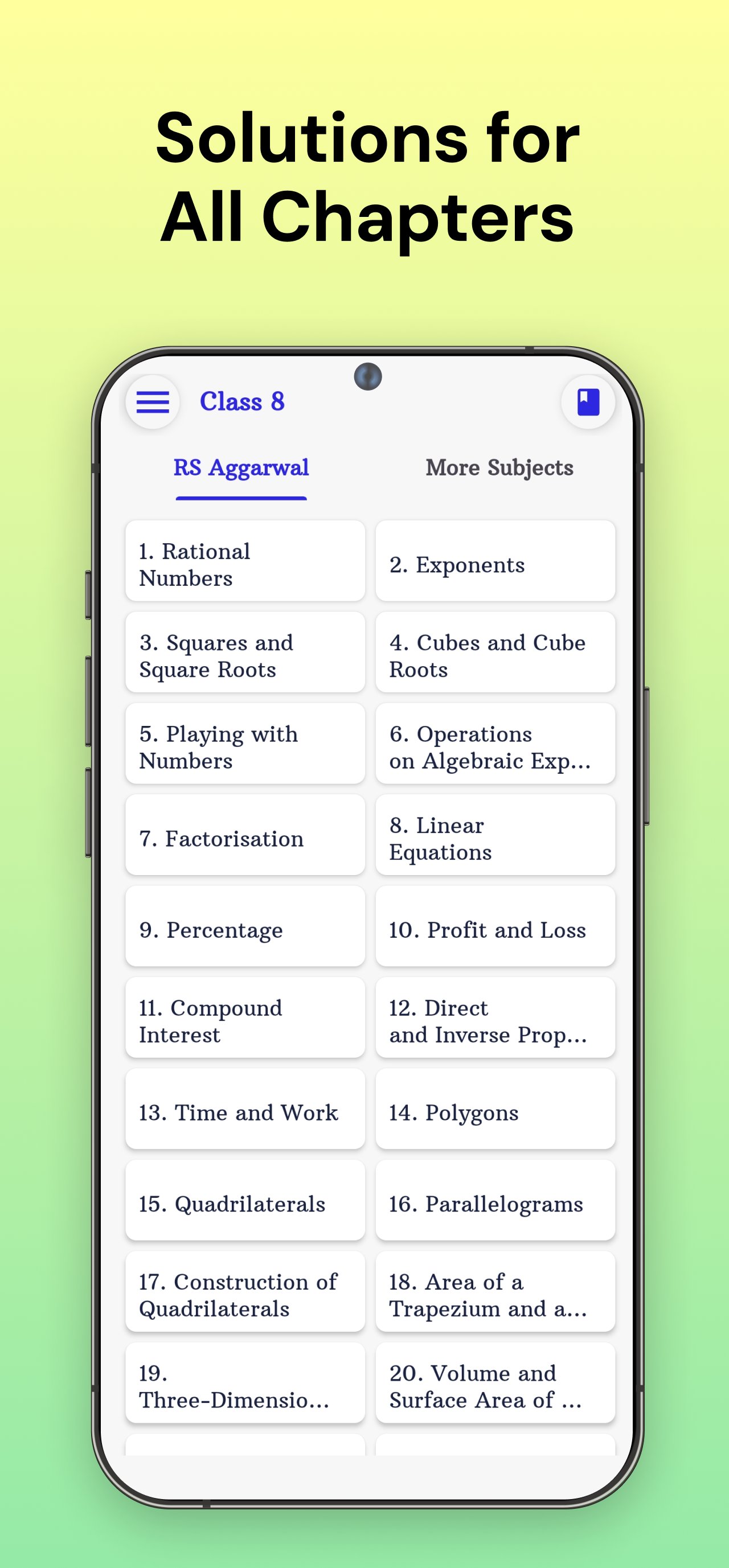
List of Chapters:
Chapter 1: Rational Numbers
Chapter 2: Exponents
Chapter 3: Squares and Square Roots
Chapter 4: Cubes and Cube Roots
Chapter 5: Playing with Numbers
Chapter 6: Operations on Algebraic Expressions
Chapter 7: Factorisation
Chapter 8: Linear Equations
Chapter 9: Percentage
Chapter 10: Profit and Loss
Chapter 11: Compound Interest
Chapter 12: Direct and Inverse Proportions
Chapter 13: Time and Work
Chapter 14: Polygons
Chapter 15: Quadrilaterals
Chapter 16: Parallelograms
Chapter 17: Construction of Quadrilaterals
Chapter 18: Area of a Trapezium and a Polygon
Chapter 19: Three-Dimensional Figures
Chapter 20: Volume and Surface Area of Solids
Chapter 21: Data Handling
Chapter 22: Introduction to Coordinate Geometry
Chapter 23: Line Graphs and Linear Graphs
Chapter 24: Pie Charts
Chapter 25: Probability
Preview
Tags
EducationInformation
Developer
CBSE Path
Latest Version
12.03.25
Last Updated
2025-11-10
Category
Education
Available on
Google Play
Show More
How to play RS Aggarwal Class 8 Solution with GameLoop on PC
1. Download GameLoop from the official website, then run the exe file to install GameLoop
2. Open GameLoop and search for “RS Aggarwal Class 8 Solution” , find RS Aggarwal Class 8 Solution in the search results and click “Install”
3. Enjoy playing RS Aggarwal Class 8 Solution on GameLoop
Minimum requirements
OS
Windows 8.1 64-bit or Windows 10 64-bit
GPU
GTX 1050
CPU
i3-8300
Memory
8GB RAM
Storage
1GB available space
Recommended requirements
OS
Windows 8.1 64-bit or Windows 10 64-bit
GPU
GTX 1050
CPU
i3-9320
Memory
16GB RAM
Storage
1GB available space